
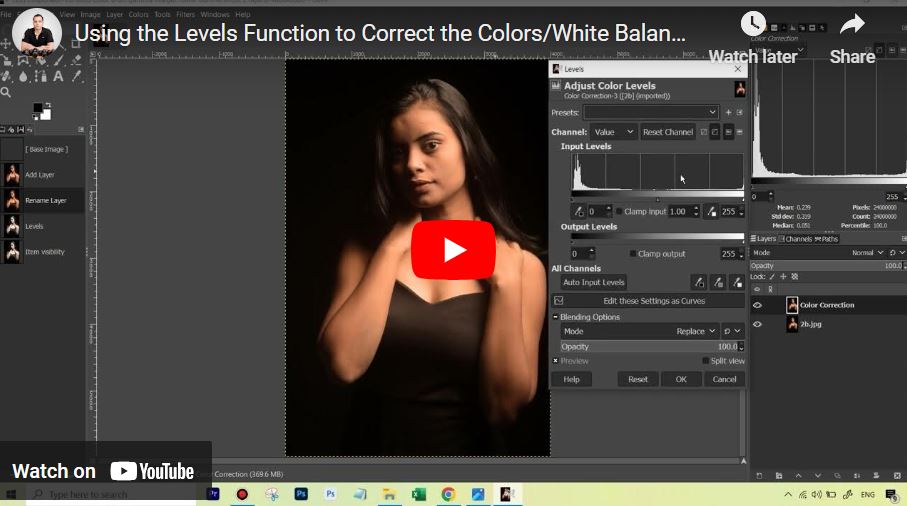
How to Use Levels Setting in GIMP for Color Correction?
Welcome to our video series on How to Use the Levels Setting in GIMP for Color Correction! Whether you’re looking to enhance colors, fix exposure, or bring out details in your images, Levels is a powerful tool that can make a huge difference. In this series, we’ll break down how Levels works, explore its features, and guide you step-by-step to achieve professional-looking results in your edits. Let’s dive in and get started!
These videos are from our GIMP Photo Editing Course.
Part 1
The lesson begins with a warning against using the Auto White Balance feature, which often strips too much color from portraits. Instead, the instructor introduces the Levels tool and its three eye-droppers (Black, Gray, and White). He explains that by clicking a reference point in the image—something that should be neutral gray or white—you give the software a “mathematical anchor” to recalibrate all other colors. He also addresses the histogram of a “low-key” photo, explaining that a heavy cluster of data on the left is correct for moody, dark-background photography.
Part 2
The instructor tests the White, Gray, and Black eye-droppers to find a mathematical color reference. He discovers that while the “White” picker (using the catchlight in the eye) and the Auto Input Levels button successfully remove the unpleasant red color cast, they make the image too bright. To solve this, he changes the tool’s blending mode to LCH Color. This tells GIMP to apply the color correction while ignoring the lightness changes, preserving the original moody “low-key” exposure. The result is a clean, neutralized base that is ready for manual fine-tuning.



