How to Create a Photography Logo for Free
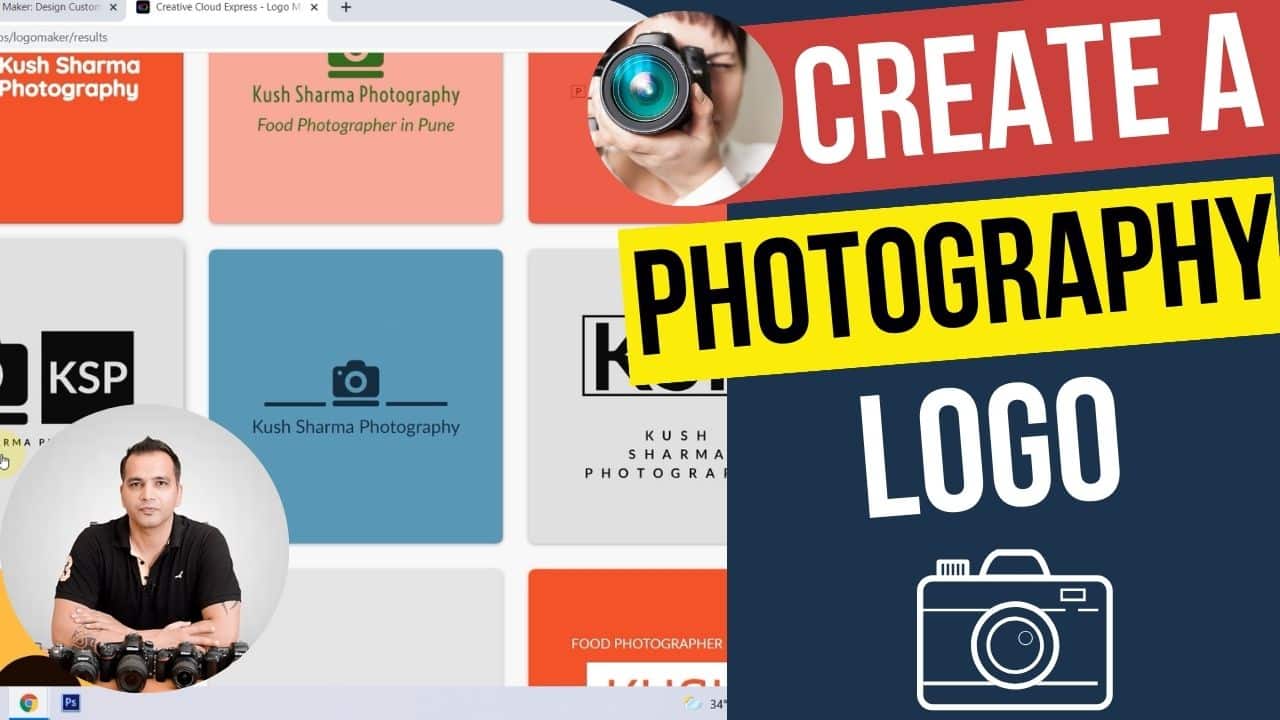
In this video we will be learning how to create a photography logo for free using a really cool online tool called Free Logo Maker, which is a feature in Adobe Express. You can use this logo for both your photography website or as a watermark. Here’s the video:
Video Summary
This video provides a step-by-step guide on how to create a professional photography logo for free using Adobe’s online logo maker and a few other digital tools.
Key Steps to Create Your Logo:
- Using Adobe’s Free Logo Maker [01:11]:
- Enter your business name and an optional slogan/tagline [02:04].
- Select a style (e.g., Modern, Elegant, or Minimalist) [02:53].
- Choose an icon that represents your brand, such as a camera or lens [03:26].
- The tool generates multiple variations, allowing you to pick one that includes both your name and tagline for a professional look [04:47].
- Understanding File Formats [06:54]:
- The tool provides the logo in PNG format, which is essential for websites because it has a transparent background. This prevents an ugly white or colored box from appearing around your logo when placed over images or dark website headers [07:05].
- It also provides black, white, and colored versions of your logo to suit different background needs [06:34].
- Post-Processing Your Logo [08:46]:
- Cropping: Online tools often leave extra space around the logo. The video demonstrates using Photopea (a free, web-based Photoshop alternative) to crop the image closely around the text and icon [09:28].
- Resizing: Before uploading to a website, check the dimensions of the existing site logo to ensure your new logo fits the layout perfectly without being too small or excessively large [12:12].
Important Links
This video is from our Photography Website Creation course, which has 29 videos and 4 hours of content. You can access the full course via Udemy, using the link below:
Photography Website Creation course