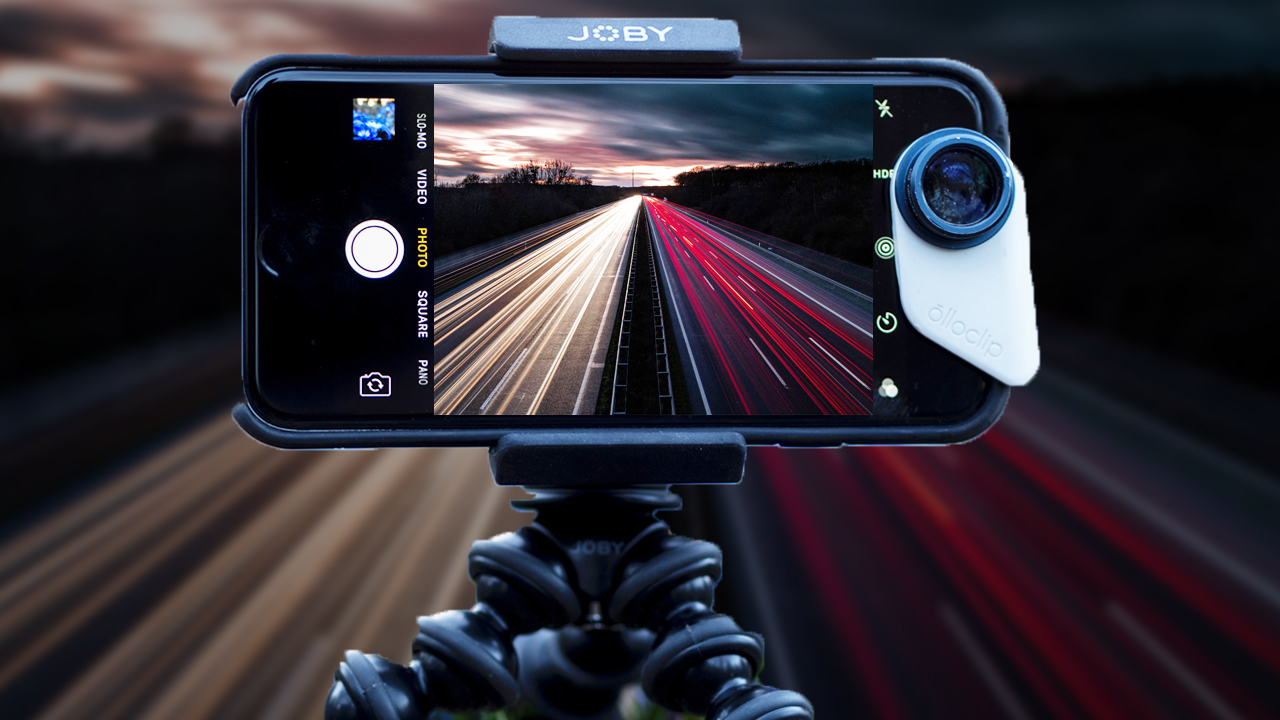
Light Trails Photography Using Mobile or Smartphone – Settings and Shutter Speed to Use (PRO MODE)
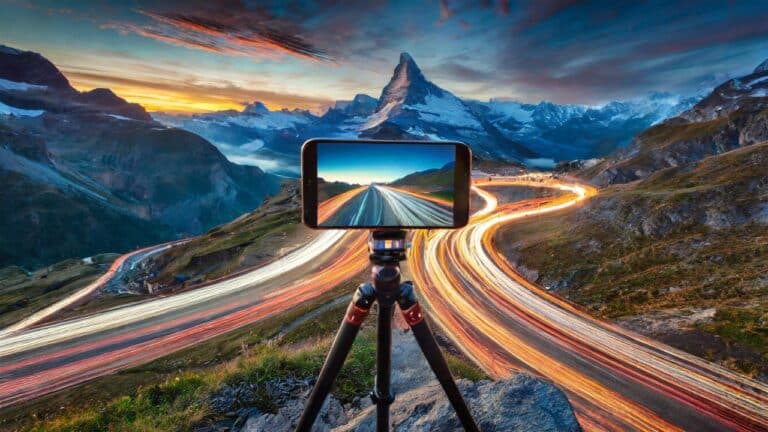
In this video we will be learning how to shoot light trails using a mobile or Smartphone. This comes under the category of long exposure photography using mobile or Smartphone.
We will be looking at the settings to be used in your mobile or smartphone to get those nice streaks of lights left by the cars.
This will involve the usage of the PRO mode on your phone since that will allow you to change the shutter speed.
This video is from our Mobile Photography Course, which has 40 videos and almost 6 hours of content. FULL COURSE available via Udemy.com. Use the link below:
Mobile Photography for Beginners
Video Summary
This tutorial from Creative Pad Media explains how to capture professional-looking light trails using a smartphone by utilizing “Pro Mode” for manual control.
Essential Settings (Pro Mode)
To capture the movement of car lights as long, flowing streaks, you must manually control the light entering the sensor:
- ISO: Set this to the lowest possible value (usually ISO 50 or 100). This reduces digital noise and helps prevent the image from becoming too bright [02:41, 06:10].
- Shutter Speed: This is the most critical setting. The photographer experiments with 4 seconds, 8 seconds, and 10 seconds [02:36, 04:46].
- Tip: Longer speeds (10s) capture more movement but are more likely to overexpose the image.
- Focus: You can use Auto Focus if there is enough light, but the photographer recommends focusing in “Photo Mode” first and then switching back to “Pro Mode” to lock it in [02:18, 02:24].
The Setup
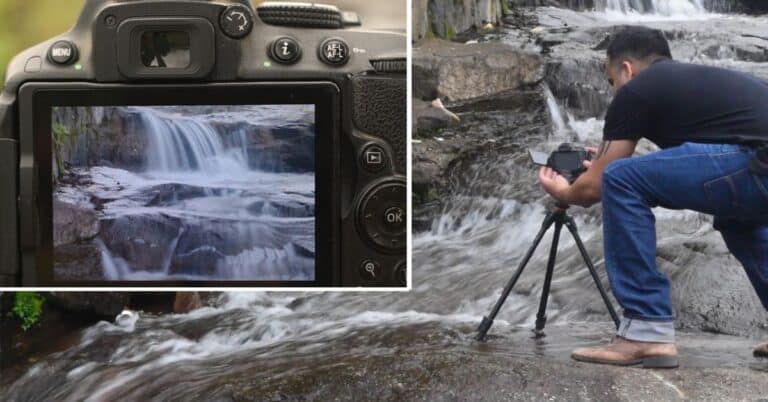
- Tripod is Mandatory: Because the shutter is open for several seconds, any hand movement will blur the entire photo. Use a tripod or a stable surface [01:30].
- Self-Timer: Set a 10-second timer before the shot begins. This ensures that the vibration from your finger touching the screen has stopped before the camera starts recording [03:03, 03:09].
Smartphone Limitations & Strategy
The instructor notes that smartphones have smaller sensors than DSLRs, which leads to “Highlight Clipping”—where bright lights turn into pure white clusters with no detail [07:30, 07:52].
- Timing: The instructor intentionally avoids the “Blue Hour” (rush hour) because too many cars would create too much light, causing excessive clipping on a phone sensor. He suggests shooting when traffic is lighter [08:31, 09:05].
- Location: Choose an area where cars are moving but aren’t grouped too tightly together to get cleaner, more defined trails [09:52].