Evoto AI Review – One Click Portrait Retouching Software
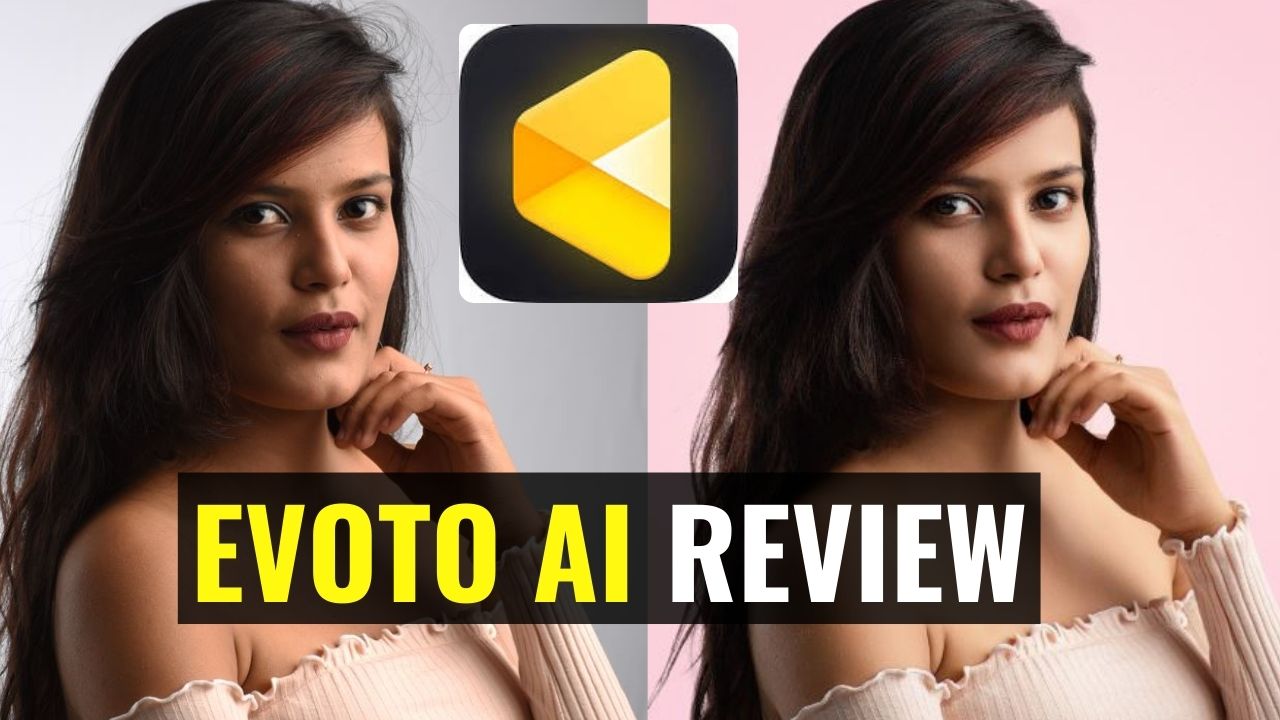
In this video you’ll be getting a comprehensive review of Evoto AI Portrait Retouching software. You can find the relevant links are under the video:
Here I have demonstrated everything using the free trial offered by Evoto AI. You can download the software and use the free trial using the link below:
To see the price of this software, use the link below:
This video is from our AI Portrait Retouching Course where we cover different AI tools which allow you to retouch your portraits using a single click. Here is the link to the full course:
AI Portrait Retouching – Retouch in One Click
Video Summary
This comprehensive review and tutorial from Creative Pad Media explores Evoto AI, a standalone portrait retouching software that uses artificial intelligence to automate complex editing tasks.
Getting Started with Evoto AI
- Platform: Evoto is a standalone application (not a Photoshop plugin) available for both Windows and Mac [03:21].
- Free Trial: You can download a trial at
evoto.ai. The trial typically provides 5–10 credits (allowing you to export that many images), though it includes heavy watermarks on exported files [01:21, 02:23]. - Interface: The software is organized into tabs: Color, Portrait Retouching (the most important), Background Adjustments, Clothes, and Crop [03:54].
Core AI Features
- One-Click Portrait Retouching: The AI automatically detects faces and allows you to remove blemishes, dark circles, and wrinkles with a single slider. It can even distinguish between adults and children to apply appropriate retouching [16:34, 17:36].
- Skin Smoothing & Toning: Features like Dodge & Burn and Skin Smoothing mimic professional techniques that usually take hours in Photoshop, evening out skin tones instantly [19:33].
- Background Replacement: The AI can detect the subject and replace a plain or wrinkled backdrop with a solid color, a professional texture, or a custom uploaded image [07:29, 09:10].
- Clothing Retouching: It includes a dedicated tool to remove coarse or fine wrinkles from a subject’s clothing [10:22].
- Digital Makeup: You can virtually apply lipstick, eyebrows, eyelashes, and even change eye color or add catchlights [25:04, 25:23].
- Body Reshaping: Includes tools for facial reshaping (jawline, hairline) and full-body adjustments [22:51, 27:36].
Workflow & Efficiency
- Batch Processing: You can edit one photo, then Sync those settings across an entire shoot. The AI will analyze each individual photo and apply the adjustments intelligently based on that specific image [31:57, 33:15].
- Presets: Users can create and save their own presets (e.g., “High Key Studio Look”) to achieve a consistent style across different sessions with one click [11:16, 30:37].
Conclusion
Evoto AI is designed for high-speed, high-volume portrait work. While some tools (like body reshaping) can be controversial, the software’s ability to automate tedious tasks like blemish removal and background cleaning makes it a powerful tool for professional photographers [18:51, 34:01].