Light Painting Photography With Android Phone (PRO Mode)
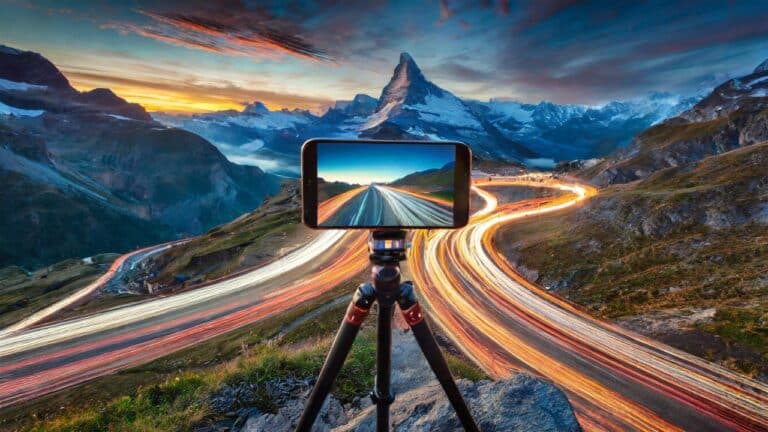
In this video we will be learning how to use the PRO mode of a cheap Android mobile phone to do light painting using a slow shutter speed and a tripod (long exposure photography). Here’s the video:
This video is from our Mobile Photography Course, which has 40 videos and 6 hours of content. Use the link below to access the full course on Udemy:
Video Summary
This creative photography tutorial from Creative Pad Media teaches how to create “Light Painting” photos using an Android phone’s Pro Mode.
Key Steps for Light Painting on a Smartphone:
- The Concept: Light painting is a form of long-exposure photography where you use a flashlight to draw shapes while the camera’s shutter is open [00:12].
- Essential Equipment:
- Camera Settings (Pro Mode):
- ISO: Set to the lowest possible (e.g., ISO 100) to ensure a clean, noise-free image [04:40].
- Shutter Speed: Use a slow speed, typically between 4 and 10 seconds, depending on the complexity of your drawing [06:11].
- Manual Focus: Prefocus on the area where you will be drawing by using an object (like a light stand) and locking the focus there [03:07]. This prevents the camera from hunting for focus in the dark [03:44].
- Technique Tips:
- Post-Processing: The instructor mentions that even in a dark room, a 10-second exposure might reveal background distractions. These can be easily cleaned up in apps like Snapseed by adjusting exposure and cropping [10:48].