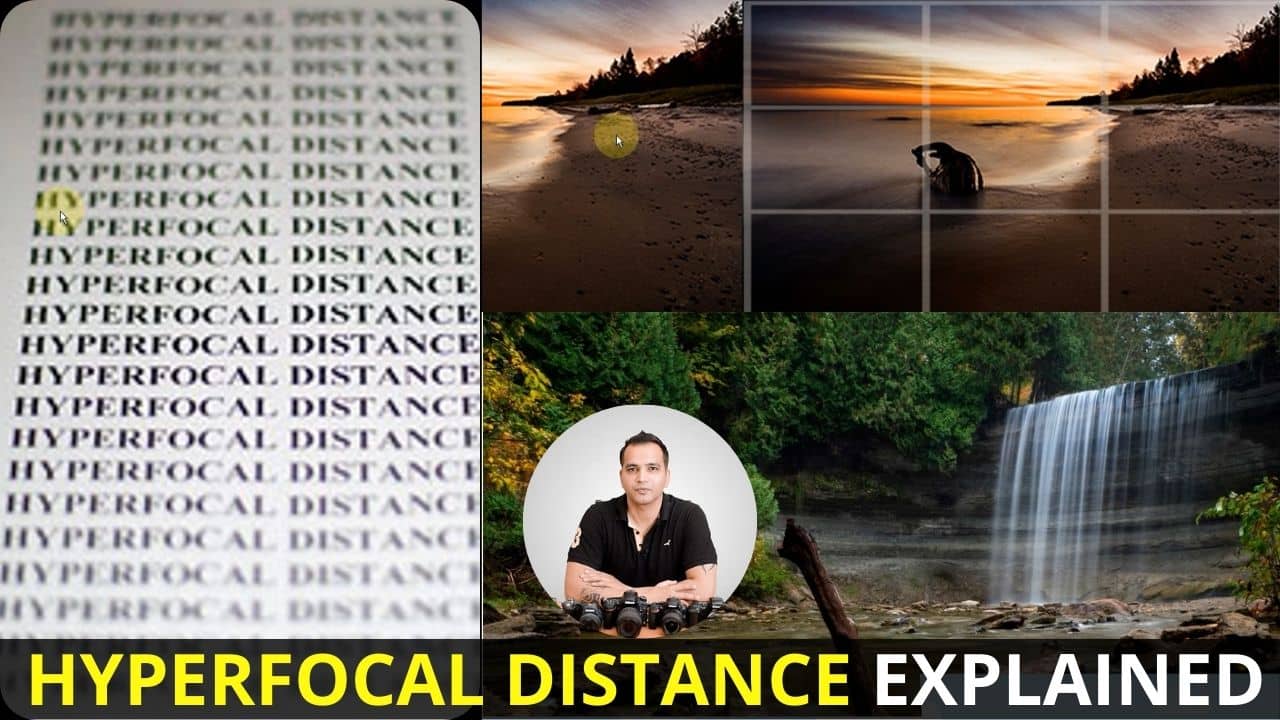
What is Hyperfocal Distance in Landscape Photography?
In this video we will be learning about the concept of Hyperfocal Distance in photography, and specifically in landscape photography.
Even though the term sounds technical, what you will learn is that the concept basically talks about focusing on that point in your landscape shot which gives a good balance between the foreground, middle ground and the background, when it comes to how much of these elements are in focus. Here’s the video:
This video is from our Landscape Photography Course, which has 30 videos and 5 hours of content. You can access the full course on Udemy by using the link below:
Video Summary
In this landscape photography tutorial, the instructor explains the concept of Hyperfocal Distance—the specific point of focus that provides the best balance of sharpness from the foreground to the background.
Key Takeaways from the Video:
- The Problem of Focus: In landscape shots, focusing only on the background can blur the foreground, and focusing only on the foreground can blur the distance [01:02]. Hyperfocal distance is the “sweet spot” that maximizes the total area in focus (depth of field) [02:49].
- The “One-Third” Rule of Thumb: Instead of using complex math formulas, many photographers use a practical shortcut: divide the frame into thirds and focus roughly one-third of the way up from the bottom of the frame [05:16]. This usually places the focus point somewhere in the middle ground, which naturally helps the depth of field cover both the near and far elements of the scene [05:42].
- When to Ignore the Rule: If there is a specific subject that must be perfectly sharp—like a lighthouse or a unique rock—you should prioritize focusing directly on that object rather than the general hyperfocal point [07:21].
- Focus Stacking for Maximum Detail: When elements are extremely close to the lens, even perfect hyperfocal distance might not keep them sharp. In these cases, professional photographers use Focus Stacking—taking multiple shots focused at different distances (foreground, middle, and background) and merging them later in software like Photoshop [08:53].