This AI Tool Will KILL Photoshop – Pincel AI Editor Full Review (All Tools)
In this video we will be seeing a complete review of Pincel AI, an amazing image editing and image generation AI tool. We will be going through 20 different AI tools that Pincel offers. Here’s the video:
Video Summary
This video by Kush Sharma from Creative Pad Media is a comprehensive review of Pincel AI, which the creator describes as the best image editing and generation web app available as of early 2025.
Key Tools and Capabilities:
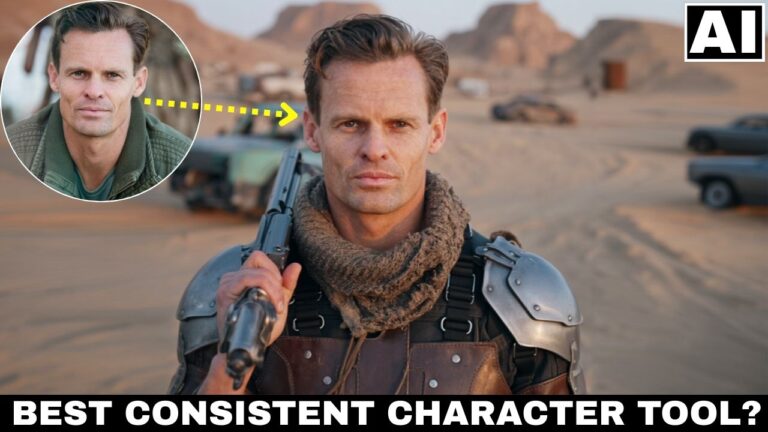
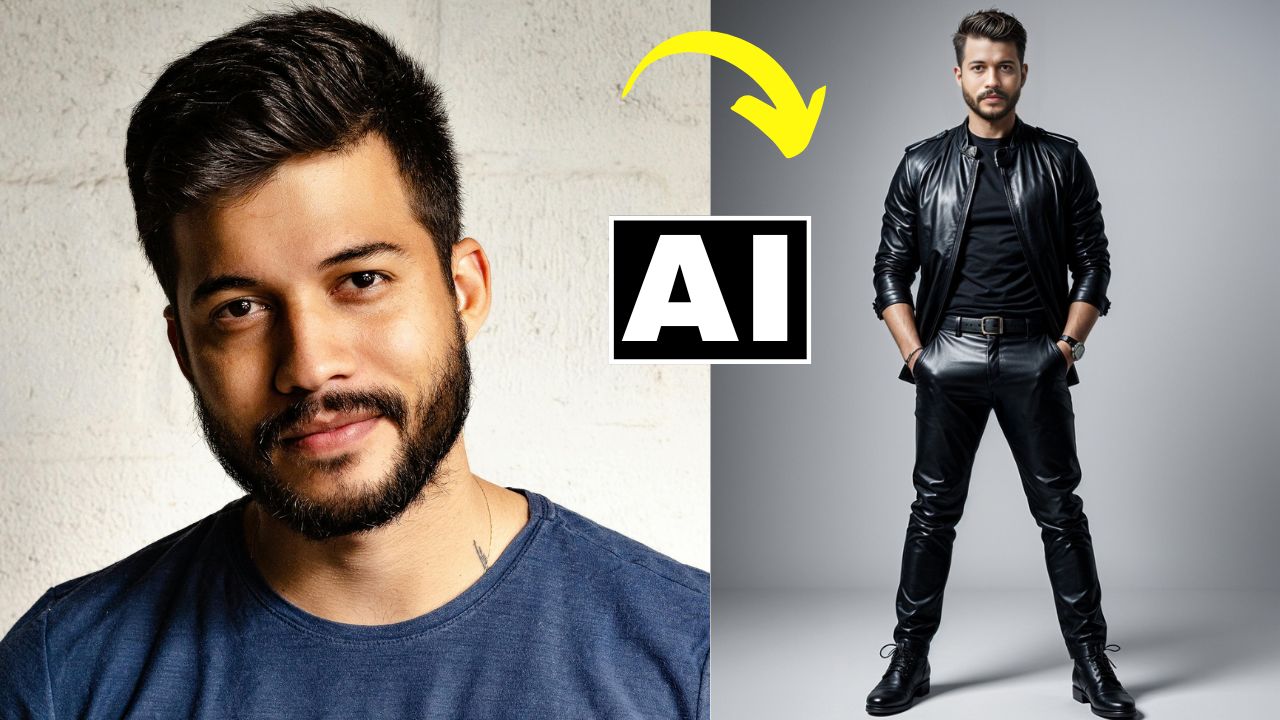
- AI Portrait & Face Swap: Generates virtual characters from a face [02:13] and allows for highly realistic face swapping to improve AI-generated results [27:15].
- Reimagine Tool: Significantly better than the basic AI image editor, it allows for realistic object and clothing swaps (e.g., changing boots or jackets) while preserving outlines [08:03].
- Text to Image: Outperforms Adobe Firefly in generating realistic scenes from complex prompts (e.g., students in Bangkok) [10:52].
- Clothes Swap: One of the best tools for E-commerce, accurately fitting specific garment designs onto models [20:00].
- Relighting: A standout tool that realistically changes the lighting and background of portraits or products while maintaining subject consistency [32:11].
- AI Detailer: Designed to add texture to “polished” AI skin to make it look photo-realistic, though the creator notes it currently requires fine-tuning [37:59].
Practical Considerations:
- Storage: The app does not store generations; users must download results immediately or they are lost [05:03].
- Pricing: The free plan offers 20 non-replenishing credits. Paid plans are affordable, starting at $19/month for 1,000 credits [45:14].
- Upscaling: The built-in upscaler costs credits; the creator recommends free alternatives like Upscale.media [34:25].
Important Links
Link to Pincel AI – Pincel AI
Link to download the images shown in the video: