Create Cinematic Product Shots Using AI. Bye Bye Product Photography!
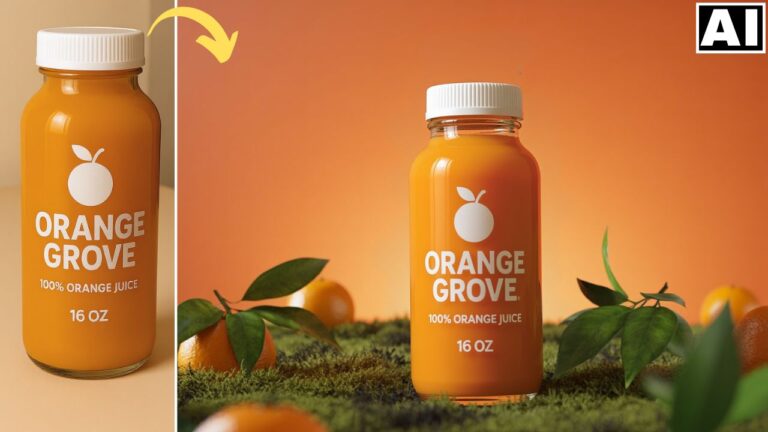
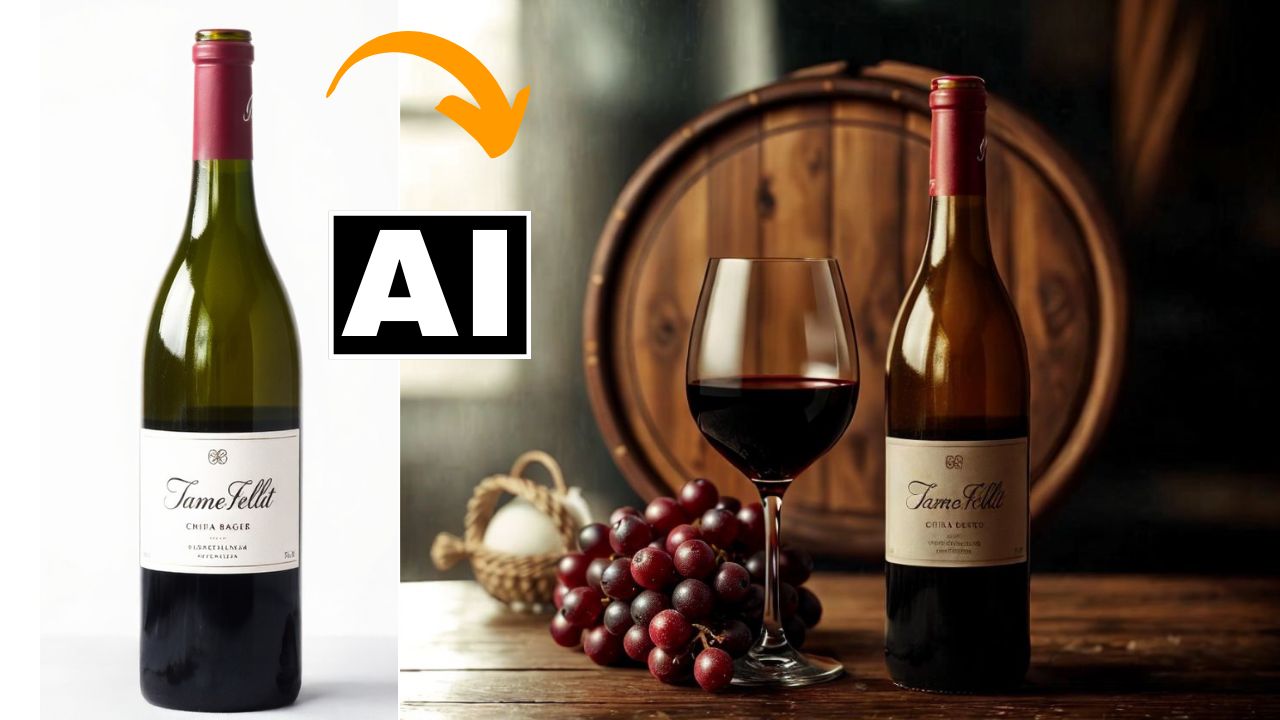
In this video we will be seeing how to use two AI Tools, Mokker AI and Pincel Relight AI to turn an ordinary shot of a wine bottle into professional and cinematic product shots, almost with a single click and by writing prompts. Both these tools can be used for free up to a certain extent. Is this the future of product photography? Here’s the video:
Video Summary
This tutorial by Kush Sharma from Creative Pad Media explains how to transform basic product photos—like an ordinary wine bottle—into high-end, cinematic advertisements using AI tools.
Core Workflow and Tools:
- Mokker AI (Background Generation): The primary tool for creating professional product environments [00:34].
- Templates: Use one-click templates that automatically place your product into stylized scenes [01:43].
- Iris Model: Ensure you select the Iris model (rather than Baseline) for cleaner and more realistic results [03:35].
- Prompt-Based Scenes: For specific looks, use ChatGPT to generate detailed descriptions from inspiration images. Paste these into Mokker after removing template props to create a custom scene [06:32, 07:55].
- Pincel AI (Relighting): A secondary tool used to add a dramatic, “moody” finish to the generated shots [09:04].
Pro Tips for Efficiency:
- Conserve Credits: Set image generation to one instead of the default four to save your free credits [03:54].
- Technical Fix: If a render doesn’t appear in Mokker immediately, refresh the page to see the result [04:53].
- Free Plan: Both tools offer free credits; notably, Mokker allows full-resolution downloads without watermarks on its free tier [01:05, 05:42].
Important Links
Link to Mokker AI – Mokker AI
Link to Pincel AI – Pincel AI
Link to download the image shown in the video: