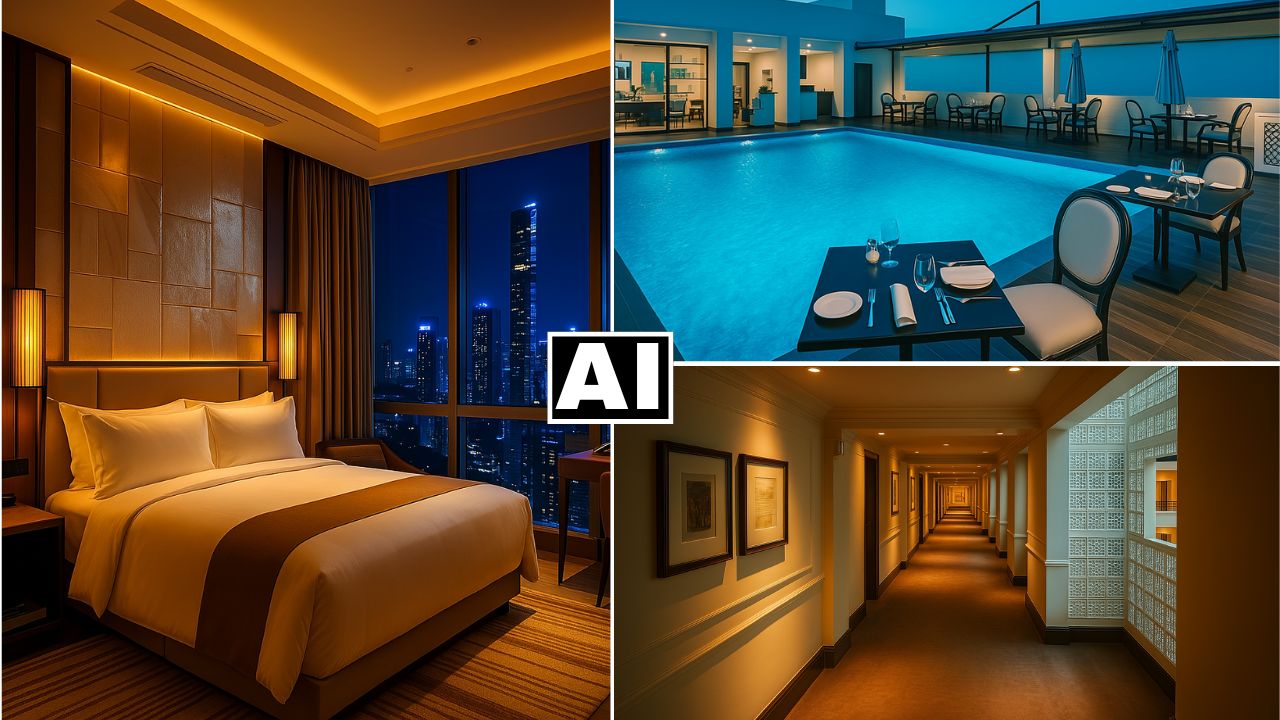
Hotel Photo Shoot Using NEW ChatGPT AI Image Generator
In this video we will be seeing how to turn very ordinary looking real estate shots (in this case, of a hotel) into professional ones using the all new ChatGPT 4o AI Image Generator. We will be seeing a lot of tips and tricks which will help us get the desired results. Is this the end of real estate photography? Here’s the video:
Video Summary
This video demonstrates how to use ChatGPT’s AI image generator to transform ordinary, cell-phone-quality hotel photos into professional real-estate imagery [00:19].
Key Takeaways:
- Voice-Guided Editing: The creator utilizes ChatGPT’s voice mode to establish the “vibe” (e.g., luxurious, modern) and provide specific instructions for each room, which is often faster than typing detailed prompts [02:15].
- “Over-the-Top” Instructions: For areas like gyms or pools that require significant cleanup, instructing the AI to go “over the top” ensures it moves beyond minor adjustments to create a polished, high-end look [05:20].
- Consistency vs. Enhancement: The AI excels at maintaining the core structure of a room (furniture, layout) while drastically improving lighting (e.g., adding “amber warm” tones), tidying surfaces, and enhancing outdoor views, such as lighting up skyscrapers in a night scene [03:53, 04:54].
- Handling Challenges: The tutorial covers how to refine results when the AI strays too far—such as correcting blanket colors or ensuring outdoor scenery matches the original context [09:43].
- Preview Feature Limitations: The creator notes that ChatGPT’s “preview” feature currently produces low-quality drafts and suggests generating the full image directly for more consistent results [07:47].
The video concludes that AI is becoming a disruptive force in real estate photography, potentially allowing property owners to generate professional assets from simple snapshots [13:26].
Important Links
Link to download the image shown in the video:
For other important links to the tools shown in the video, please watch the video on YouTube app/website, since the links are in the description of the video.