Jewelry Showcase Video Creation Using Kling AI, Midjourney & Ideogram
In this video we will be seeing how to do a jewelry product placement edit and then create a professional video using a combination of different AI tools like Kling AI, Midjourney, Ideogram’s Magic Fill and ChatGPT 4o Image Generator. Here’s the video:
Video Summary
This tutorial outlines a detailed, multi-step workflow using four major AI tools to create a professional jewelry showcase video from a basic product image and a portrait [00:18].
- Image Generation and Character Consistency (ChatGPT & Midjourney):
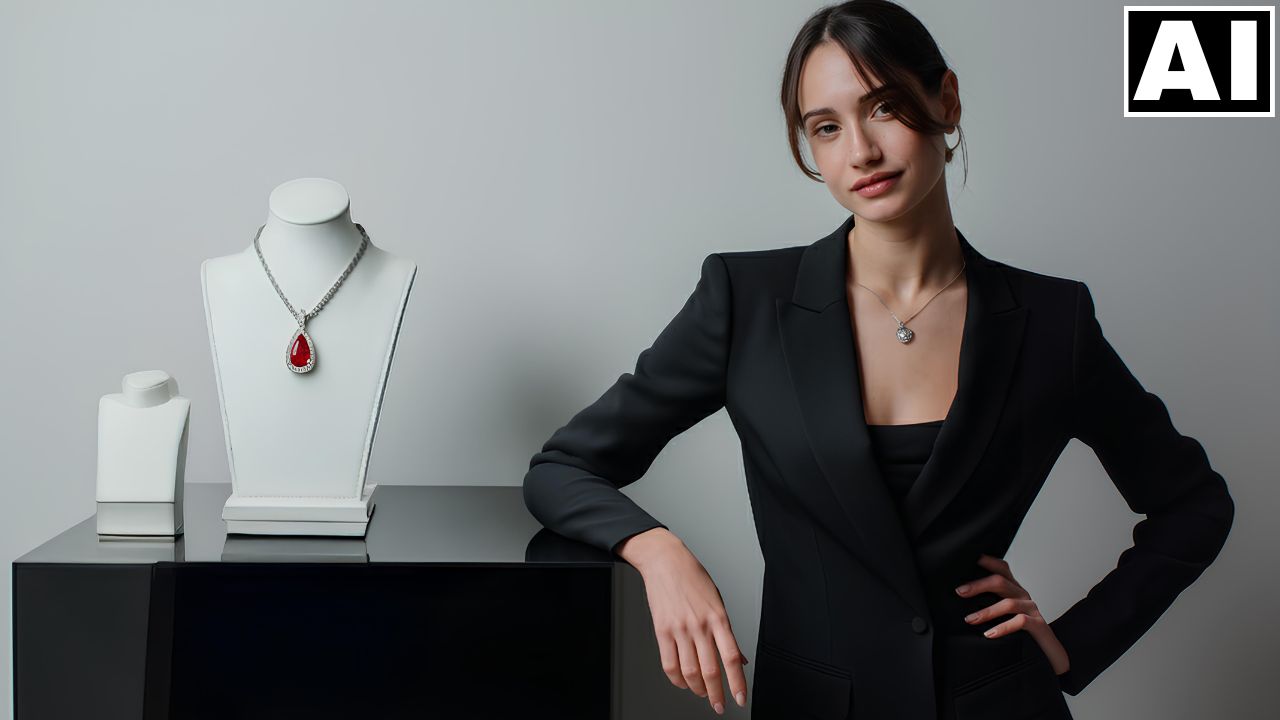
- ChatGPT was first used to generate specific text prompts to describe the desired scene: a woman gesturing toward jewelry on a podium [01:07].
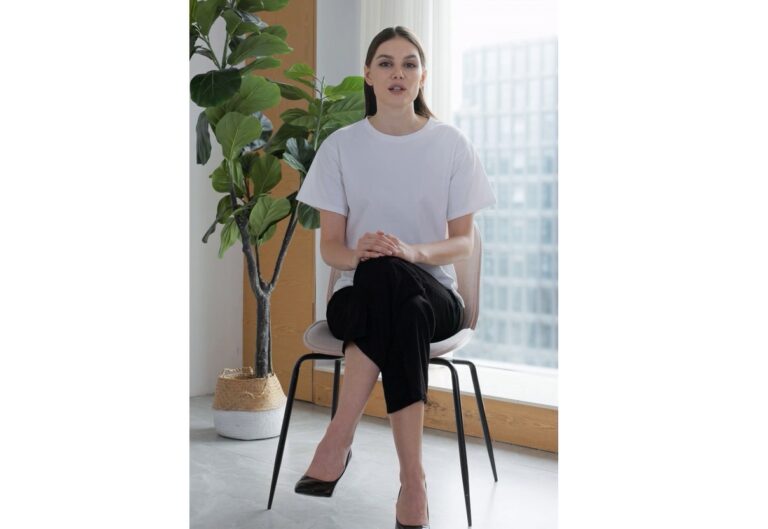
- Midjourney created the base image, and its Omni Reference feature was then utilized to ensure the model’s face was consistent with a pre-selected reference portrait [03:36]. The final image was then subtly upscaled for maximum sharpness [05:02].
- Product Placement (Ideogram Magic Fill):
- The generic jewelry in the Midjourney-generated image was seamlessly replaced with the actual product (a redstone jewelry piece) using Ideogram AI’s Magic Fill feature [06:02].
- Animation (Kling AI):
- ChatGPT also generated detailed motion prompts for the animation [09:45].
- Kling AI animated the resulting images. This included the first scene where the woman gestures, which required a manual correction in an external editor to reposition the jewelry to align perfectly with her hand movement [11:20].
- The second animated scene, a close-up, featured a slow-motion zoom and a realistic sparkle effect on the stone, which was highly successful [12:53].
- Final Video: The two animated clips were combined using a standard video editing software [13:14].
Important Links
Link to download the image shown in the video:
For other important links to the tools shown in the video, please watch the video on YouTube app/website, since the links are in the description of the video.