How to Access VEO 3 for FREE + News About VEO 3 Image to Video
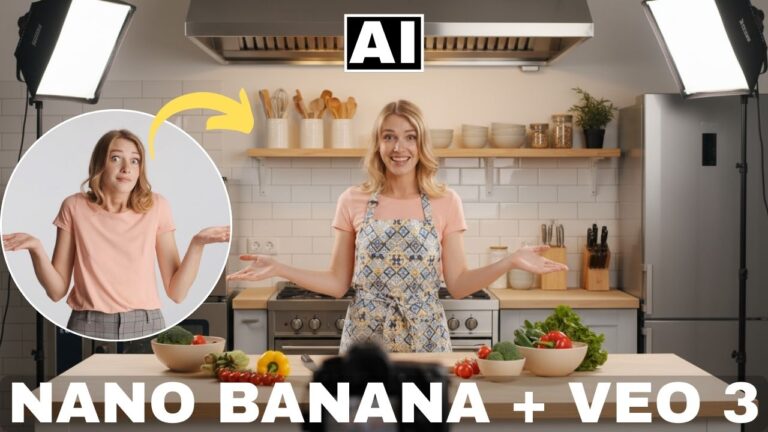
In this video we will be seeing how you can use “VEO 3 Fast” (Lite version of VEO 3) completely for free for 3 video generations per day for up to 30 days by going in for a free trial of the Google AI Pro plan, which allows you to use the Gemini app to create VEO 3 Fast videos. We will also be talking about the latest development about the release of the new VEO 3 image to video feature which is now available via the Google Flow app (only in the US currently). Here’s the video:
Video Summary
This video explains how to access the VEO 3 video generation model for free and provides an update on the VEO 3 Image to Video feature.
- You can access the VEO 3 “fast model” for free for 30 days, with a limit of three generated videos per day [00:00]-[00:06].
- Free access is obtained by signing up for the free trial of Google AI Pro [01:12]. You must enter payment information for verification, but you can cancel the subscription at any time before the first month ends to avoid being charged [01:47]-[02:04].
- Once subscribed, the VEO 3 model is accessed via the Google Gemini app by clicking the video sign in the interface [02:14]-[02:26].
- Important Update: The VEO 3 image-to-video model has been introduced, but it is currently only available via the Google Flow app and restricted to users inside the US [03:06]-[03:19].
- The VEO 3 videos generated through the Gemini app are restricted to standard definition (SD) resolution [04:49].
Important Links
Link to the Google AI Pro page shown in the video:
For other important links to the tools shown in the video, please watch the video on YouTube app/website, since the links are in the description of the video.