WAN 2.2 (FREE) is Better Than Runway Act-2 (PAID). 7 Examples!
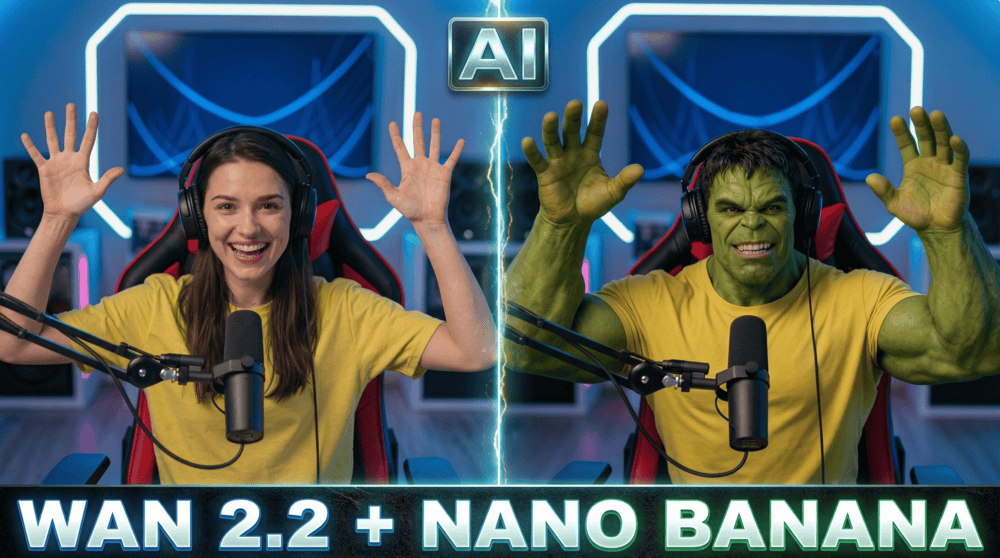
In this tutorial we will be taking a deep dive into Wan 2.2, which is an avatar video genenration model, which can be used for free. With the help of different examples, we will be looking at its different featues, mainly the Photo Animate feature, which allows you to copy over the gestures, audio and movements from an existing video to a static image. We’ll also be looking at the Character Swap features, which allows you to swap a person in an existing video. We’ll also be seeing how Nano Banana can help us achieve the final outcome along with WAN 2.2. Here’s the video:
Video Summary
This video introduces Wan 2.2, a new AI video generation model that serves as a free alternative to paid tools like Runway Act-2. The presenter highlights its ability to replace characters, swap objects, and animate static images with high consistency.
Key Features and Examples:
- Wan 2.2 Overview: A free-to-use avatar and video generation model that competes with major paid services. It offers features like Character Swap, Photo Animate, and Speech-to-Video [00:57].
- Character Swap: Allows users to replace a person in a video with another character using a single reference image. It works well but can struggle with complex movements or background artifacts [03:29].
- Photo Animate: This feature transfers motion from a source video to a static image. It is particularly powerful for:
- Changing Outfits/Backgrounds: By editing the reference frame in external AI tools (referred to as “Nano Banana”/Flux in the video) and animating it with the original motion [05:40].
- Product Replacement: Replacing items in a video (e.g., mockup products) while keeping the original hand movements and interaction [08:24].
- Environment Changes: Transforming a simple green screen clip into a professional studio setting without expensive sets [11:53].
- Speech-to-Video: The model can lip-sync audio to an image, though the presenter notes it is less convincing and static compared to competitors like HeyGen (referred to as “Hijen”) [16:11].
Pros & Cons:
- Pros: Completely free access (though slower), flexible paid options for speed, and high-quality motion transfer [17:39].
- Cons: Videos are capped at 15 seconds, generation can be slow on the free plan, and resolution is limited to HD [18:22].
Important links:
For other important links to the tools shown in the video, please watch the video on YouTube app/website, since the links are in the description of the video.