Cinematic Conversation Scenes Using Kling 3.0 Omni – Quick Method
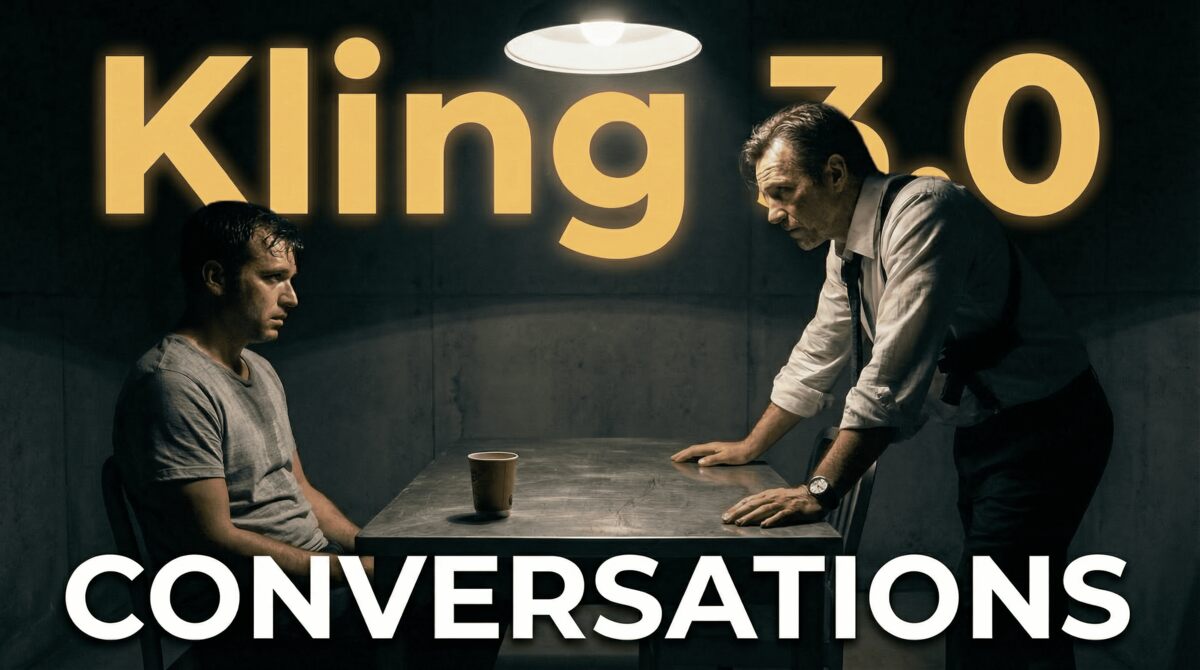
In this video we will be seeing the fastest way to create conversation scenes using the Kling 3.0 Omni model, which allows you to create videos without the need of a starting frame. Instead, you can simply tag your character images and just write in a prompt. We will be seeing how this works in Higgsfield AI first, but later on we will also see how this works on the Kling native app since there you also have the ability to keep the characters voice consistent. Here’s the video:
Video Summary
This video provides a comprehensive guide on creating cinematic conversation scenes using the Kling 3.0 Omni model, which allows users to generate multi-shot videos directly from character images without needing a starting frame [00:21].
Key Highlights:
- Higgsfield Workflow: Using the Higgsfield platform, users can upload character images and tag them in prompts using the “@” symbol [01:48]. The presenter recommends using ChatGPT to structure complex prompts that define camera angles, dialogue, and sound effects for each shot [02:52].
- AI Environment Generation: While you can upload a specific background image, the video demonstrates that letting the AI generate the environment often results in higher quality and more “organic” visuals than forcing a third reference image [05:36].
- Native Kling App & Voice Consistency: A major advantage of the native Kling app is the ability to create “Assets” with consistent voices [07:02]. By uploading a voice clip (e.g., from Eleven Labs), the AI maintains the character’s voice throughout the scene [07:15].
- Technical Challenges: Both methods currently face lip-syncing issues, a common hurdle in Kling 3.0 that may require multiple generations to perfect [04:25]. Additionally, the native app has restrictive character limits for prompts and occasional bugs with aspect ratios [08:19].
- Recommendation: Higgsfield is suggested for users wanting a broader suite of AI tools, while the native Kling app is better for those prioritizing integrated voice consistency without post-production [10:04].
Important Links