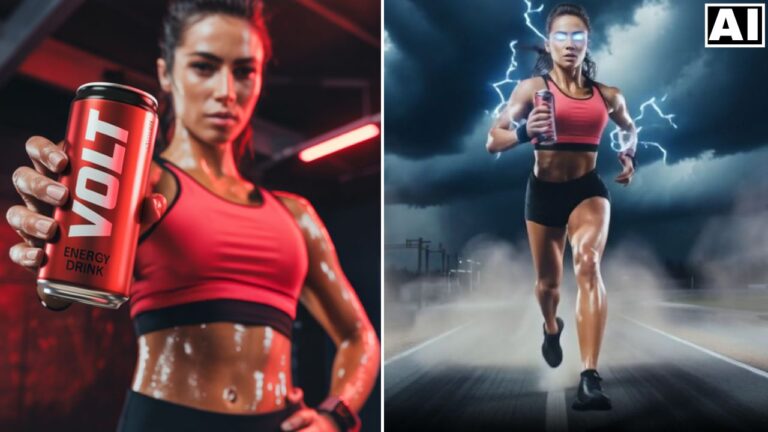
Fastest Way to Create Product Ads Using Seedance 2.0 + Claude
In this tutorial we will be seeing how to quickly create product ads using Seedance 2.0. This will be done with the help of the Product Adaptive Ad Prompt Generator skill in Claude, which has been created for you can be downloaded using the link below. Here’s the video:
Video Summary
This video details how to leverage a specialized free Claude workflow—the “Product Adaptive Ad Prompt Generator Skill”—to rapidly generate structured, timestamped video prompts tailored for Seedance 2.0 on Hicksfield AI.
Key Takeaways
- The Claude Skill: Users can download a free adaptive prompt generator skill for Claude
[00:00:42]. Once activated, Claude analyzes uploaded product images and asks 2–5 custom, product-specific questions to gather technical specs, target audience, and style preferences[00:01:07]. - Adaptive Customization: Because it is “product adaptive,” the AI adjusts its questioning depending on the product (e.g., asking about player levels for a pickleball paddle
[00:02:25]vs. ingredients/sugar content for an ice cream brand[00:06:24]). - Prompt Delivery: Based on the user’s input and desired video length (e.g., 15 seconds), Claude generates a detailed, scene-by-scene script with fast-paced cuts mapped out every few seconds
[00:04:12]. - Testing & Production: The creator builds the final ads using Seedance 2.0 via Hicksfield AI
[00:04:32]. He recommends first generating at 480p resolution to test the prompt layout cost-effectively before spending premium credits on a final 4K rendering[00:05:21]. - Upcoming Update: The creator highlights that Seedance 2.5 is expected shortly, which will expand capabilities to allow 30-second videos and up to 50 reference images
[00:07:47].
Important Links
Claude Product Adaptive Ad Prompt Generator Skill