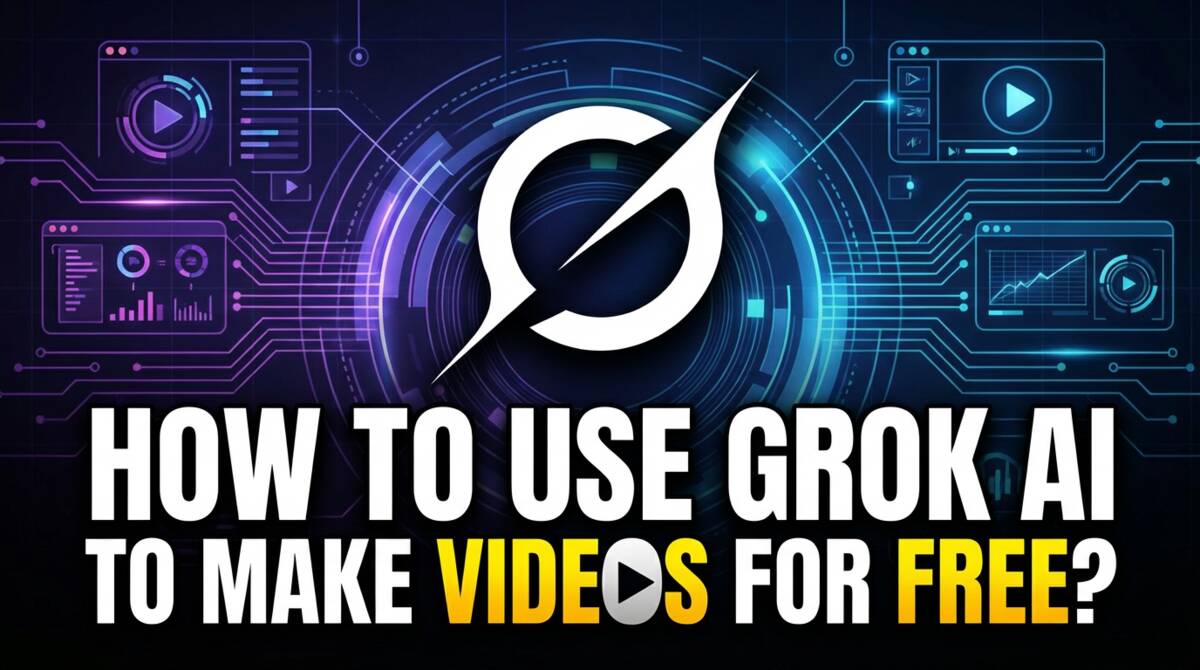
Can Grok Make Videos? Yes, But Know This Setting
Yes, Grok can make videos and the best part is that you can use it completely for free for a limited number of generations a day, suing the Imagine tab in the Grok app (both desktop and mobile). There are some other great things about it like:
- You can generate videos from text prompts
- You can turn images into videos
- It supports native audio, so you can write a dialogue in the prompt and it will be incorporated in the videos, just like Google VEO.
- You can create images for free too and then directly turn those images into videos with a single click.
One Important Setting You Need to Know About
However, to be able to create custom prompts, you need to know about one important setting. If you don’t change this setting, then Grok will not allow you to create custom prompts when turning images to videos. Watch the video below to know what this setting is:
Using Grok to Create Videos and Images for Free
Our Full Course on AI Video Production
The video above is from our course called AI Video MasterClass – VEO, Kling, SORA, HeyGen, WAN & More, which is a comprehensive course that teaches you how to use all the popular AI video tools. This course is available for purchase via Udemy.