Fast Way to Create Professional Avatars Using Seedance 2.0
In this tutorial we will be seeing the fastest way to create real looking talking avatars using Seedance 2.0 that can be used professionally or for any purpose. Here’s the video:
Video Summary
This video breaks down a quick and budget-friendly workflow for creating highly realistic AI avatars for promotional or professional videos using Seedance 2.0, serving as a more affordable alternative to platforms like HeyGen [00:16].
Key Takeaways:
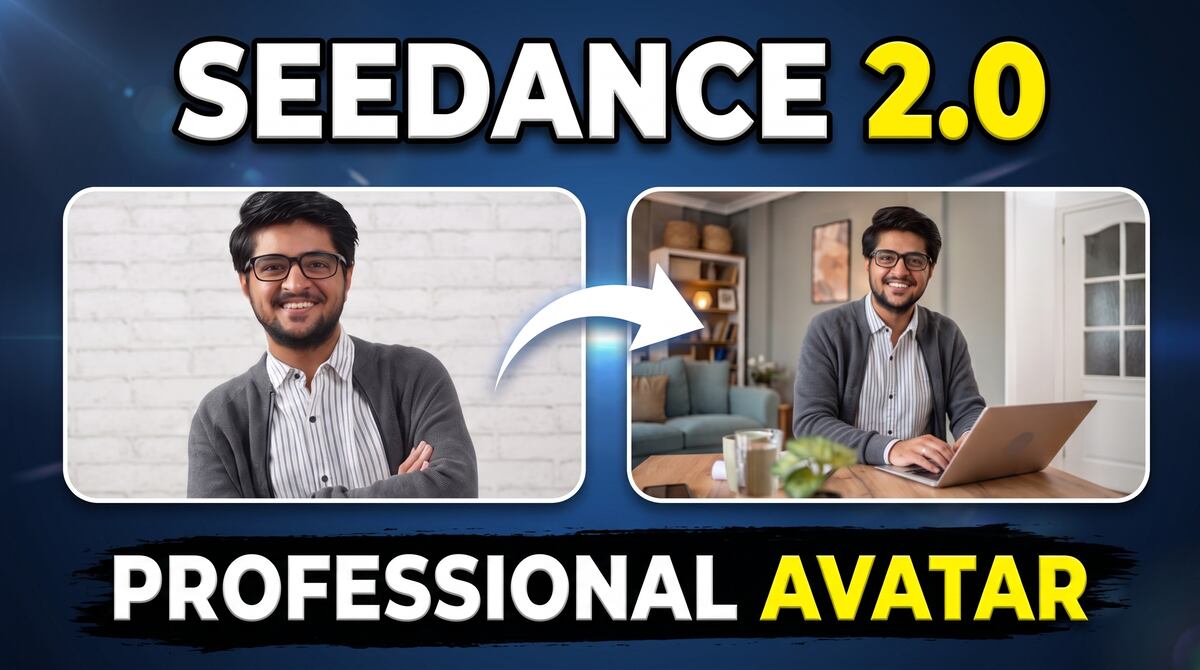
- Find a Base Environment: Start by downloading a high-quality, real-life background photo from Google that fits your avatar’s professional context, such as a studio setting with a laptop [01:02].
- Transplant the Subject: Using a platform like Higgsfield, upload both the environment image and the subject’s portrait [01:48]. Instruct the tool to swap the person into the scene, ensuring they face the camera and smile [02:05]. This technique yields far more realistic results than generating a prompt from scratch [02:18].
- Generate an Animation Prompt: Upload the combined photo into ChatGPT to generate motion prompts and clean video script dialogue [02:50].
- Animate in Seedance: Take the new composite image back into Higgsfield’s Seedance 2.0 interface [03:19]. Upload a brief 15-second voice recording of your own voice, paste the ChatGPT motion prompt, tag the audio, and hit generate [03:36].
- Upcoming Updates: While current generations are limited to short snippets, the upcoming release of Seedance 2.5 is expected to support extended 30-second video generations [04:24].
Important Links