How do You Add Music to InShot Video? – Beginners Tutorial
Welcome to this beginner’s tutorial on adding music to your videos in InShot! Music can completely transform your video, setting the mood and making it more engaging. In this step-by-step guide, I’ll show you how to add music, adjust volume, sync it with your clips, and even add sound effects. Whether you’re creating content for social media or personal projects, this tutorial will make your videos more dynamic and professional. Let’s get started!
This video is from InShot Video Editing Course.
Video Summary
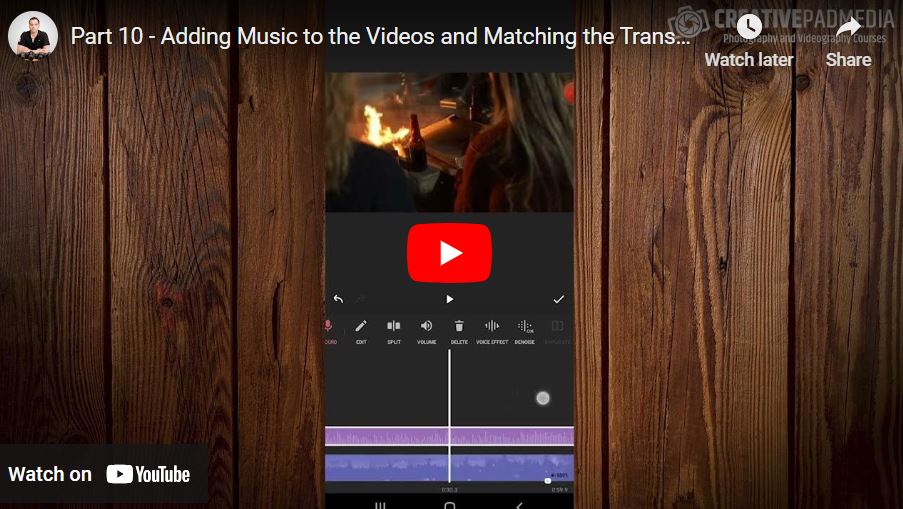
This tutorial explains how to add and synchronize background music in InShot for a promo video. It covers essential audio features such as applying sound effects, recording voiceovers, and extracting audio from existing video files. The instructor demonstrates how to browse themed albums to find the right track and emphasizes the importance of “beat syncing”—matching the song’s energy shift with visual transitions. Because a dedicated “beat marker” tool is no longer available in the app, the lesson focuses on a manual workaround: splitting the track at a precise moment, using pinch-to-zoom for timeline precision, and long-pressing to drag audio segments into perfect alignment.
- 0:00 – Accessing the Music tool and sound effects.
- 0:52 – How to record voiceovers for tutorials or promos.
- 1:28 – Extracting audio from other video files.
- 2:14 – Browsing and downloading music from built-in albums.
- 4:04 – Adjusting track volume for better balance.
- 4:32 – Identifying the “beat” to match with video transitions.
- 5:51 – Discussion on the missing beat marker and manual alternatives.
- 6:53 – Splitting and trimming audio to isolate specific musical moments.
- 7:34 – Using pinch-to-zoom gestures for precision editing.
- 8:29 – Long-pressing to move and reposition audio on the timeline.