Kling AI Lip Sync + ElevenLabs AI Voice Over = Breathe LIFE Into AI
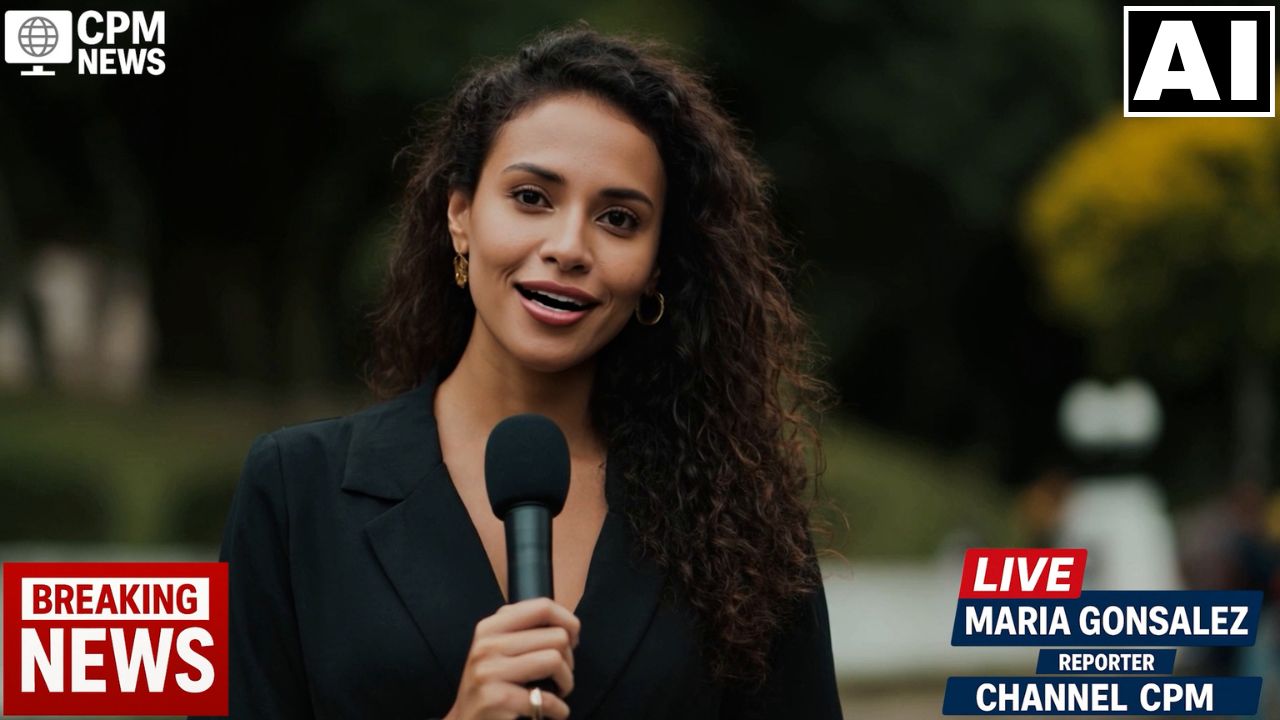
In this video we will be seeing how to use the Lip Sync feature in Kling AI. We will start the process by creating a photo-realistic image of a Brazilian female reporter inside Midjourney and then turn this image into a video in Kling AI. We will then create the voice over using ElevenLabs AI, and then sync it together in Kling using the Lip sync feature. . Here’s the video:
Video Summary
This tutorial details the process of creating a realistic AI avatar video with perfectly synchronized lip movement using Kling AI‘s lip-sync feature and high-quality voiceover from ElevenLabs [00:00].
The process is broken down into these key steps:
- Creating the Base Video (Midjourney & Kling AI):
- An image of the subject (a Brazilian female reporter) was first generated in Midjourney, using prompts to ensure a close-up, center-framed headshot, which is optimal for lip-syncing [02:50].
- This image was then converted into a 10-second “base video” in Kling AI using the image-to-video function. A crucial negative prompt, “she should not be talking,” was used to prevent unwanted mouth movement in the base clip [05:30].
- Generating High-Quality Voiceover (ElevenLabs):
- Applying Lip Sync (Kling AI):
Important Links