Lightroom Mobile Masking Tutorial for Complete Beginners
Welcome to this Lightroom Mobile Masking tutorial series for complete beginners! In these two videos, we’ll cover everything you need to know about masking—from the basics to practical editing techniques that help you in localized editing, i.e, editing only certain areas in an image. Whether you’re just starting out or want to elevate your photo edits, these step-by-step tutorials will guide you through the powerful masking tools in Lightroom Mobile. By the end, you’ll be confident in transforming your photos with ease. Let’s get started!
These videos are from our Lightroom Mobile and Photoshop Express Course.
Lightroom Mobile Masking Tutorial – Part 1
This part introduces the concept of masking in Adobe Lightroom, a premium feature that allows for localized editing. The creator explains how masking enables editors to select specific parts of an image—such as the subject, the sky, or a custom-painted area—to apply adjustments without affecting the rest of the photo. A practical demonstration shows how to use the Luminance Range mask to target overexposed areas outside a doorway, effectively recovering detail in the highlights and improving the overall balance of the shot.
Lightroom Mobile Masking – Part 2
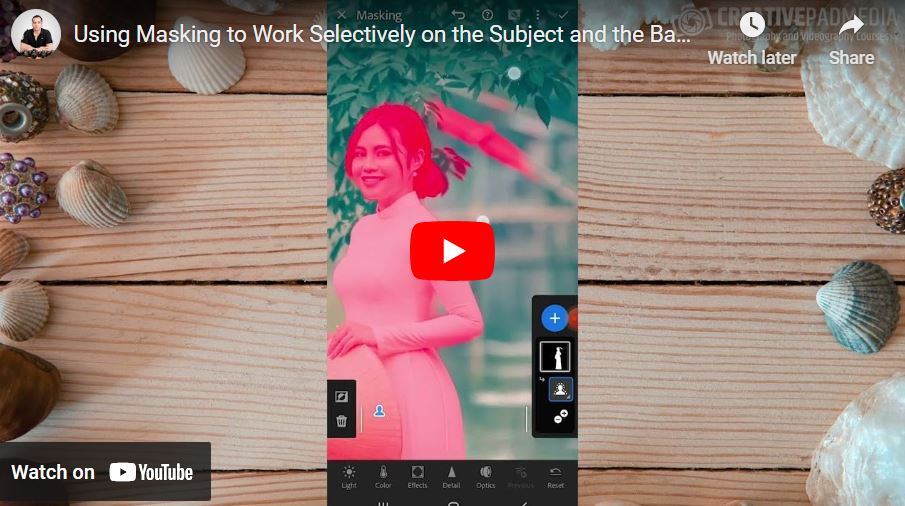
In this part, the creator demonstrates the advanced AI Masking capabilities of Adobe Lightroom Mobile to make a subject stand out in a complex scene. He highlights how to use the “Select Subject” tool for instant isolation and provides a detailed walkthrough on refining masks using the Subtract function with a brush. The video also covers sophisticated techniques like duplicating and inverting masks to edit the background independently of the subject, allowing for precise control over color, exposure, and temperature across different parts of the image.