Nano Banana in PHOTOSHOP Worth the Hype?? 5 Unique Examples
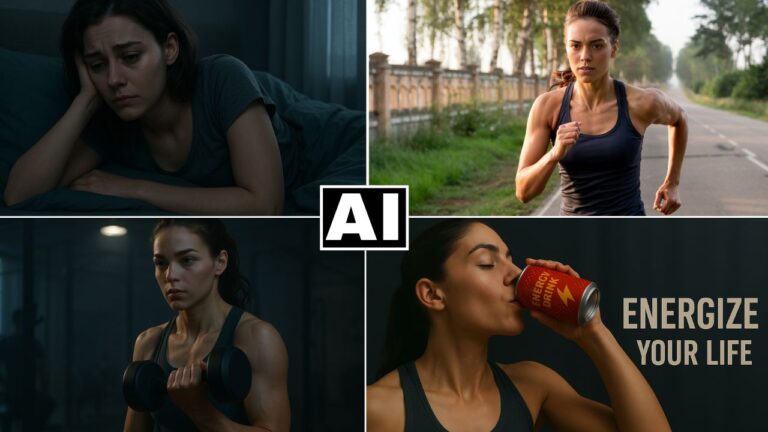
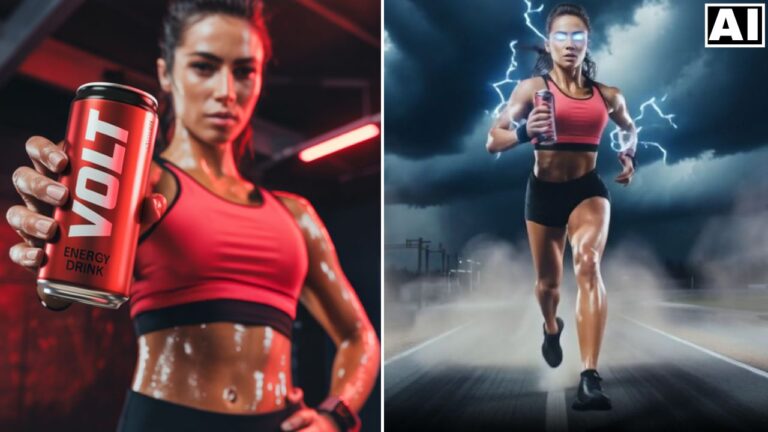
In this video tutorial we will be seeing whether the all new Nano Banana in Photoshop (Beta) is worth the hype or not. First of all we will be seeing how to use Nano Banana in Photoshop. Then we will be looking at examples where Photoshop has a clear advantage over other platforms which have Nano Banana. After we’ve gone through these examples and seen Photoshop’s strengths (and weaknesses), we will make the final judgement. Here’s the video:
Video Summary
This video analyzes the “Nano Banana” (referencing a generative AI feature, which in the video is identified as Gemini 2.5 [04:05]) inside Photoshop Beta and determines whether its unique advantages justify the monthly subscription cost. The feature is discussed as a strong addition that provides greater control compared to other generative platforms.
Brief Summary:
The video analyzes the value of integrating the Nano Banana (Generative AI) feature, specifically the Gemini 2.5 model [04:05], within Photoshop Beta [01:53]. The core question is whether this feature justifies the cost of a Photoshop subscription by offering capabilities not found on other generative platforms.
Key advantages of using Nano Banana in Photoshop:
- Non-Destructive Workflow: Generative results are automatically placed on separate layers, enabling flexible, non-destructive editing and the creation of great-looking composites [00:48].
- Precise Localized Editing: Photoshop’s robust selection tools allow users to target and refine very specific areas of an image, like changing a small line of text on a product [12:37] or adding an object to a specific location in a scene [06:17].
- Seamless Integration: The ability to use existing Photoshop tools, such as blending options, provides full control over how the generated content integrates with the original image (e.g., bringing back original wall texture to a mural) [09:46].
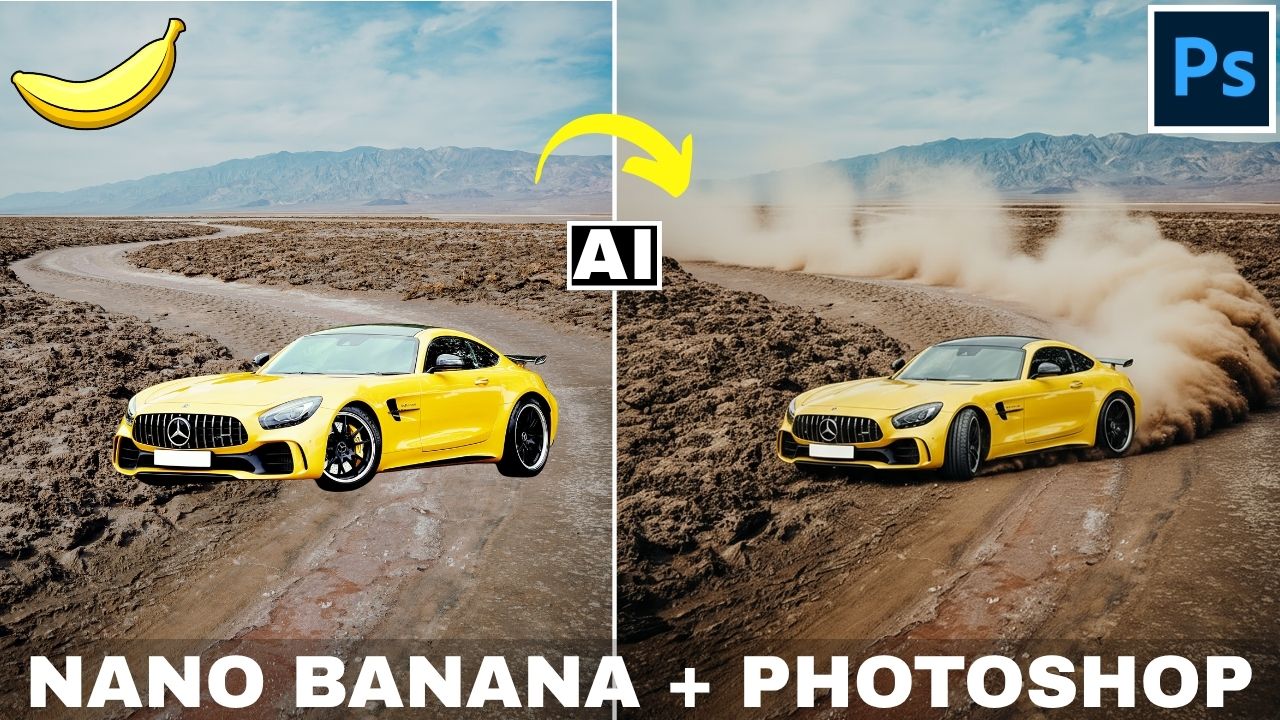
- Easy Compositing: Users can easily combine elements from multiple images into a single scene, leveraging the generative fill to seamlessly add details like shadows or drifting dust [11:39].
The video notes drawbacks, including the low-resolution nature of the generated pixels (1K) [15:19] and a known issue where the generated result may slightly offset [16:58]. Ultimately, the main draw is the unmatched control over the output [20:55].
Important Links
Link to download the images used in the video:
Link to the get the FREE Trial of Photoshop:
For other important links to the tools shown in the video, please watch the video on YouTube app/website, since the links are in the description of the video.