The BEST AI Creative Upscaler That You Can Use for FREE – Let’s Enhance AI
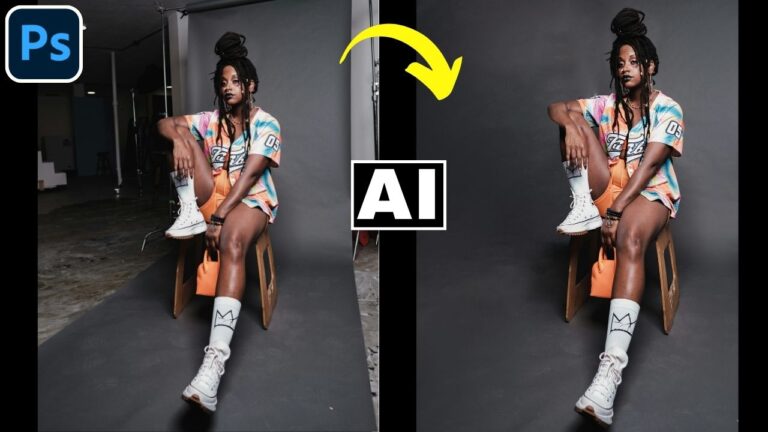
In this video we will be looking at Let’s Enhance AI and Fal AI, two creative AI upscalers that you can use for free up to a certain extent. We will start off things by understanding the difference between normal AI upscaling and creative AI upscaling. Then we will put both these tools to test by upscaling extremely small and low resolution images. Here’s the video:
Video Summary
This video provides a tutorial on using creative AI upscalers to transform low-resolution images into high-quality results.
Key Concepts and Tools
- Normal vs. Creative AI Upscaling: Normal upscalers stay close to original pixels but may lack quality [01:31], while creative upscalers can generate new pixels for better results but risk changing the subject [02:03].
- Featured Tools: The tutorial focuses on Let’s Enhance.io (recommended) [02:58] and Fal AI [03:10].
Demonstrations and Results
- Jewelry Image: Fal AI’s default settings changed the product too much [07:16], but adjusting “creativity” and “shape preservation” improved accuracy [08:10]. Let’s Enhance produced a sharper, more appealing result using its “Magic” option [12:14].
- Portrait Photography: The creator demonstrates that creative AI can fix soft-focus or low-res portraits [14:23]. However, specific details like tattoos can be inaccurately altered [15:09].
Advanced Techniques for Accuracy
- Compositing: To fix altered details like tattoos, the video suggests upscaling the image twice—once with “Magic” (creative) and once with “Balanced” (normal) [16:51].
- Photoshop Integration: By using layer masks [18:51] and the Match Color tool [20:42], you can blend the accurate details of a normal upscale with the high quality of a creative one.
The tutorial concludes that while AI tools are powerful, combining them with basic Photoshop skills ensures the most professional and faithful results [22:06].
Important Links
Link to Let’s Enhance AI: https://letsenhance.io/enhancer
Link to FAL AI Upscaler: https://fal.ai/login?returnTo=/models/fal-ai/creative-upscaler
Link to download the images shown in the video: