What Exactly is Nano Banana? Everything You Need to Know
A lot of beginners get confused when they hear a term like Nano Banana. Because when it comes to the AI world, everyone expects more serious sounding terms.
But Nano Banana sounds almost comical for a tool that is pretty much shaken up the world. So when people hear this term they go like – What is this Nano Banana? What does it mean?
So in this article I will show you what Nano Banana means without using any technical jargon.
What is Nano Banana?
Nano Banana is an image generation and editing tool by Google. However, it doesn’t look or work like traditional tools like Photoshop or other editing tools. It has no crazy user interface like Photoshop.
So How Does Nano Banana Work?
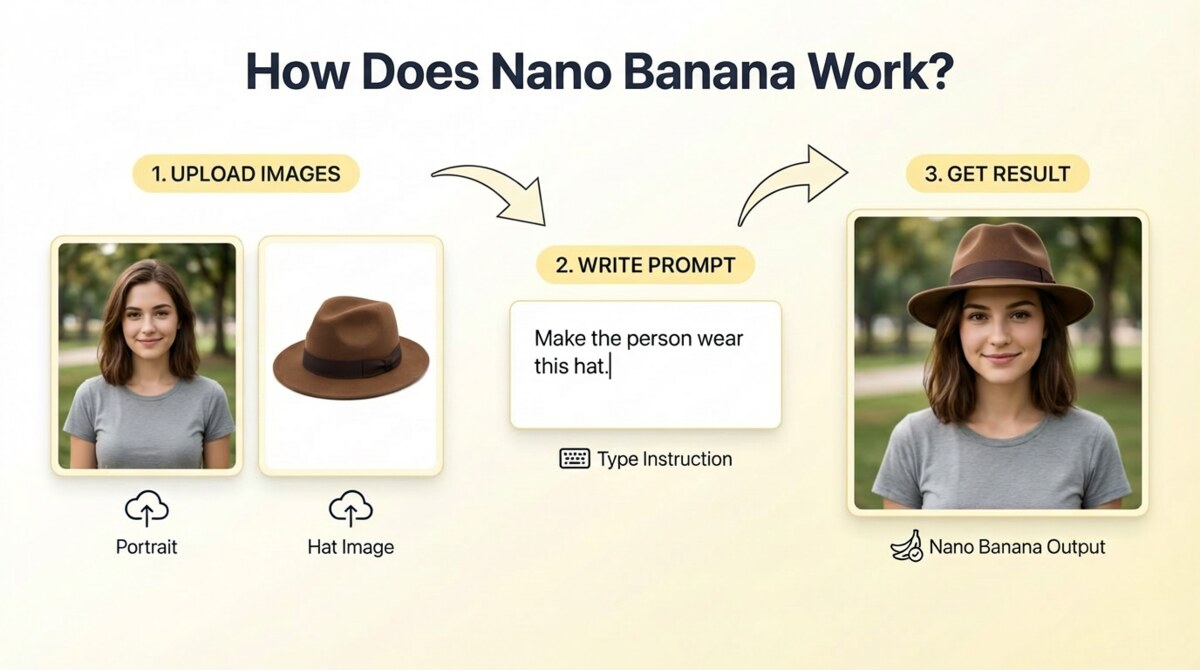
You simply upload the image you want to edit. Then you write a prompt that describes how you want to edit the image. And that’s it.
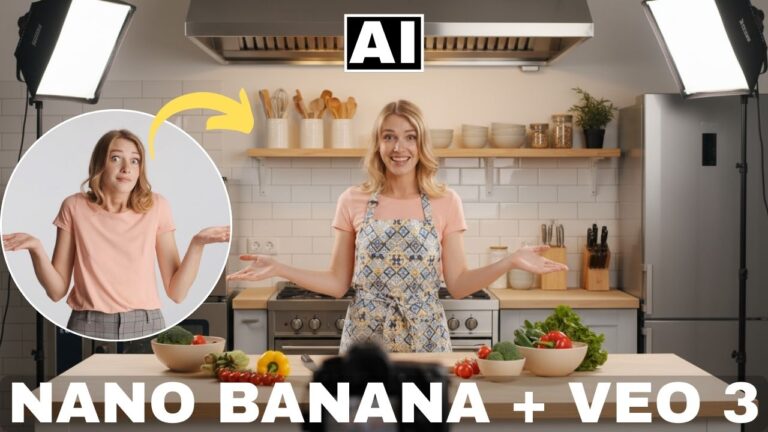
For example, if you have a portrait of a person and you would like to make that person wear a hat. Then you simply upload the image, type in a prompt like – Make the person wear a brown hat. And Nano Banana will give you the result where that person is wearing a brown hat. You can even upload the image of the brown hat along with the original portrait image and in that case, Nano Banana will use that exact hat in the edit.
We will soon see a video that demonstrates this.
Where to Use Nano Banana?
Nano Banana can be used in many platforms:
- Official platforms by Google itself, like Google Gemini, Google AI Studio, Google Whisk, etc.
- Third party AI platforms like Higgsfield AI, OpenArt AI, Leonardo AI, Freepik AI, etc.
When did Nano Banana Come Out?
The first version of Nano Banana came out in August 2025. The second version, called Nano Banana Pro came out in November 2025. We will see the differences between the two later on in this article.
Is Nano Banana Free?
Yes, you can use Nano Banana for free on many of the platforms by Google like Google Gemini. We will soon see a demonstration of this.
However, recently Google also came out with Nano Banana Pro, which is a better version of the standard Nano Banana model and produces even better images. Nano Banana Pro can mainly be used when you are on Google’s GEMINI PRO plans which are paid or using the third party AI platforms mentioned above, which are also paid.
But the standard Nano Banana can be used for free on a lot of platforms as we will see later on.
How to Use Nana Banana in Google Gemini for Free- Full Demonstration
These videos are from our online course called Nano Banana AI Editing for Beginners, which is available via Udemy:
Lesson #1 – Using Nano Banana in Google Gemini – Part 1
Lesson #2 – Using Nano Banana in Google Gemini – Part 2
Lesson #3 – A Look at the New Nano Banana Pro
What is the Difference Between Nano Banana and Nano Banana Pro?
Nano Banana was released in August 2025 and Nano Banana Pro came out in November 2025. Nano Banana Pro works exactly in the same way as the standard Nano Banana model but the main difference is that the quality of the edits is much better.
However, on Google Gemini, you can only create 3 images for free when using the Nano Banana Pro model. After that you have to wait for a few hours before you are able to use it again.
In order to access it without limits, you will have to either go in for one of Google’s Pro plans or subscribe to any of the third party AI platforms which have the Nano Banana Pro model like Higgsfield AI.
Here’s a short tutorial on how to use Nano Banana Pro:
Nano Banana Pro Tutorial
Can Nano Banana be Used for Making Videos?
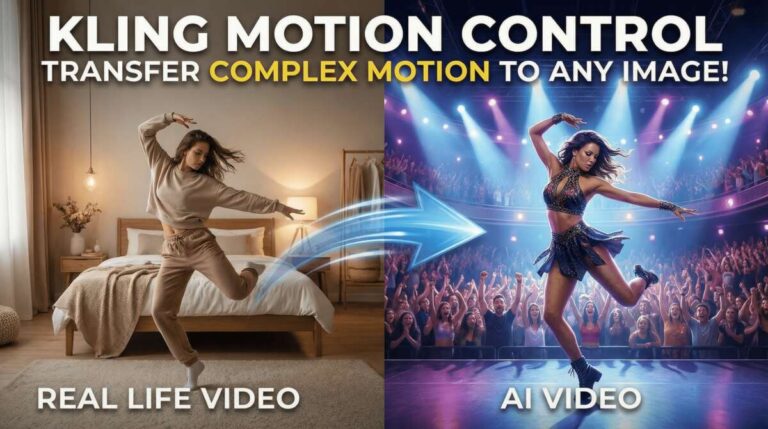
Not directly, because it is an image tool. But it is still very helpful in creating videos because most of the AI video tools rely on images as starting and ending frames to be able to create meaningful videos. And that’s where Nano Banana is really useful. You can check out our video below which shows you how to use Nano Banana to create videos:
Is Nano Banana available inside Photoshop?
Yes, in October 2025, Adobe finally integrated Nano Banana inside Photoshop, where it can be used along with the Generative Fill feature. You can watch our tutorial on this:
Does Nano Banana Have Watermark?
Whenever you use Nano Banana inside Google Gemini, it will ALWAYS have a watermark, even if you are using the GEMINI PRO plan. However, when you use Nano Banana in a third party app like Higgsfield, there is no watermark.
Which is the best platform to use Nano Banana?
This can be subjective depending on your requirements and budget. If you are only looking for free options, then using Nano Banana in Google Gemini is fine but the interface is not that great.
So in our opinion, the best place to use Nano Banana for free is actually inside the Google Whisk app. You can watch our video below to see how to use Nano Banana in Google Whisk:
Google Whisk – The Best Platform to Use Nano Banana for Free
But do note that inside Whisk, you can only use the standard Nano Banana model, not Nano Banana PRO.
Best Platform to Use Nano Banana PRO – Higgsfield AI
So if you want to access Nano Banana PRO, then the best platform in our opinion is Higgsfield AI. This is because of the following reasons:
- The basic plan at Higgsfield is very affordable, starting at only $9/month.
- You can create images which have a resolution of 4k. This is something not possible in Google Gemini or Whisk.
- No watermark on your images
- Higgsfield also has other AI tools all in one place so your workflow becomes more efficient. For instance, you can turn your Nano Banana images into videos with a single click using any of the AI video tools available at Higgsfield.
You can watch our tutorial below to see the power of using Nano Banana in Higgsfield:
Are Nano Banana images copyright free? Can they be used commercially?
Yes, you can these images commercially, however, do note that an AI image doesn’t have any copyright. So while you can use the image commercially, anyone else can use your image commercially too. That’s because the current law states that no one can “own” AI generated content.
Are Nano Banana Images Private?
Yes, the images you generate using Nano Banana are private. No one else can see them.
Can Nano Banana create NSFW content?
No, Google is very censored. If you want to create NSFW or uncensored content, you can use Seedream AI, which is a competitor to Nano Banana. You can read this article for more information. There we have explained the entire process and the important things you need to know when it comes to generating NSFW content.
Apart from creating and editing images, is there anything else that Nano Banana is really good at?
Yes, Nano Banana is very good at graphic design stuff too. Especially Nano Banana Pro. You can easily create professional looking designs simply writing prompts. This can be great for creating:
- YouTube thumbnails
- Infographics
- Flyers and posters
- Social media posts
- Logos
- Website page designs
I want to learn how to use Nano Banana in detail. Where can I learn?
You can check out our full course on Nano Banana called Nano Banana AI Editing for Beginners, which is available via Udemy. It has 23 videos and 3 hours of content and is one one of the highest rated AI courses on Udemy.