Experimenting with Face Swapper AI and Remaker AI to Swap Faces
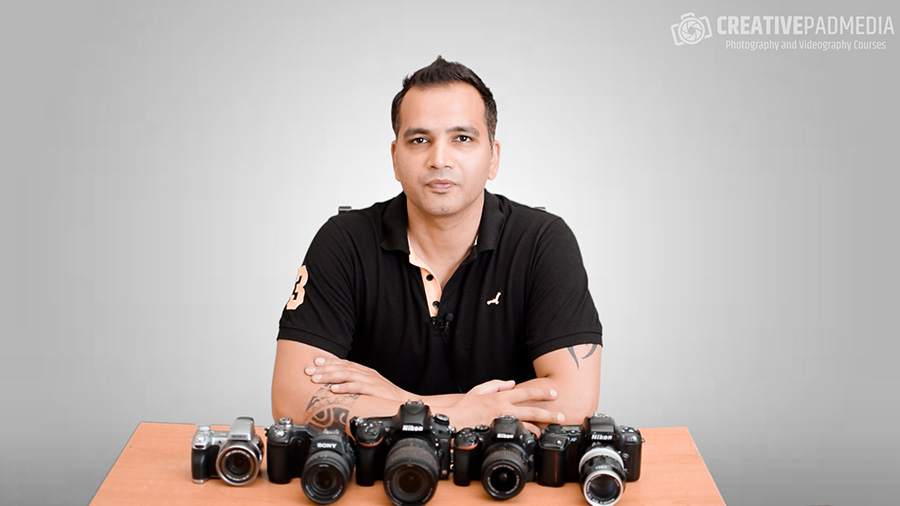
In this video, I will be showing my experiments with two face swapping tools:
Both these tools can be used for free as they give you certain amount of free credits.
Here’s the video:


In this video, I will be showing my experiments with two face swapping tools:
Both these tools can be used for free as they give you certain amount of free credits.
Here’s the video:
About the Author
Hi there, I'm Kush Sharma, the founder of Creative Pad Media, an organization dedicated to simplifying photography, videography and editing education.
We have over 50 online courses that cover various genres in photography & videography, catering to both beginners as well as professionals. These courses are available via Udemy.com. Our courses have been downloaded in over 180 countries.
I hope to see you inside a course very soon!

The Make-up Transfer Neural Filter in Photoshop is a powerful AI-driven tool that allows you to transfer the makeup style from one image to another with ease. Whether you’re editing portraits for clients or enhancing personal projects, this filter simplifies the process of achieving professional-looking results. In this video, we’ll guide you through how to…
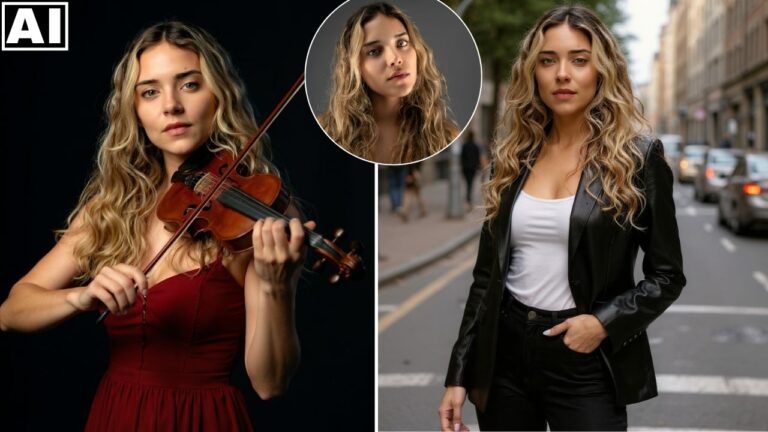
In this video tutorial, we will be seeing how the latest Flux AI Kontext Pro model can generate consistent characters with ease and then edit those images without losing consistency too. We will be using the Black Forest Labs playground tool to use this model. At the end, we will also be doing a pixel…

In this video we will be getting an in-depth look into the brand new Higgsfield Character, which is an AI feature which lets you train Higgsfield Soul, an amazing ultra-realistic image generator, on your images, so it can create very real and amazing looking consistent AI characters. We will also be seeing how this combines…
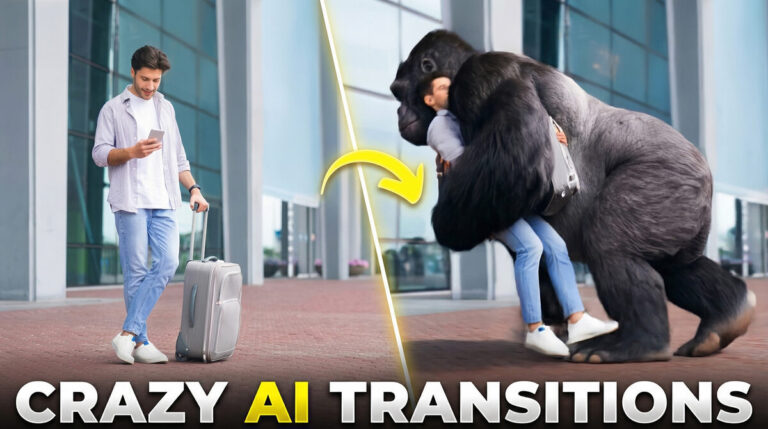
In this tutorial we will be seeing the all new Higgsfield AI Transitions, which is a tool that produces mind-blowing transition visual effects with a single click. All you have to do is to upload two videos or images and then select the desired transition. We will also be looking at the all new Grok…

In this video we will be looking at the brand new Omni-Reference feature in Midjourney AI, which can be used to create consistent AI characters. We will be seeing a lot of examples by tweaking the different settings, the main one being Omni-Strength, which controls the weightage given to the reference image. We will also…
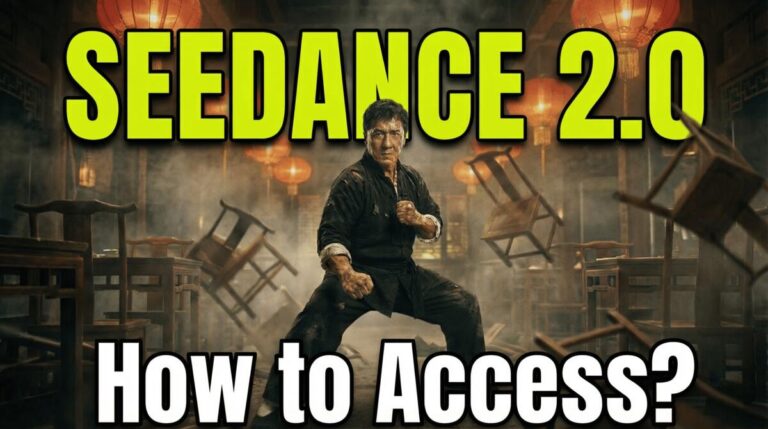
In this tutorial we will be seeing how to access the brand new Seedance 2.0 AI video model by ByteDance. This is the only official way to access Seedance 2.0 currently, which is rumored to be released globally on 24th February. We will be seeing how to use it on the official ByteDance local chinese…