Fix Blurry Photos Using FREE AI Tool With a Single Click
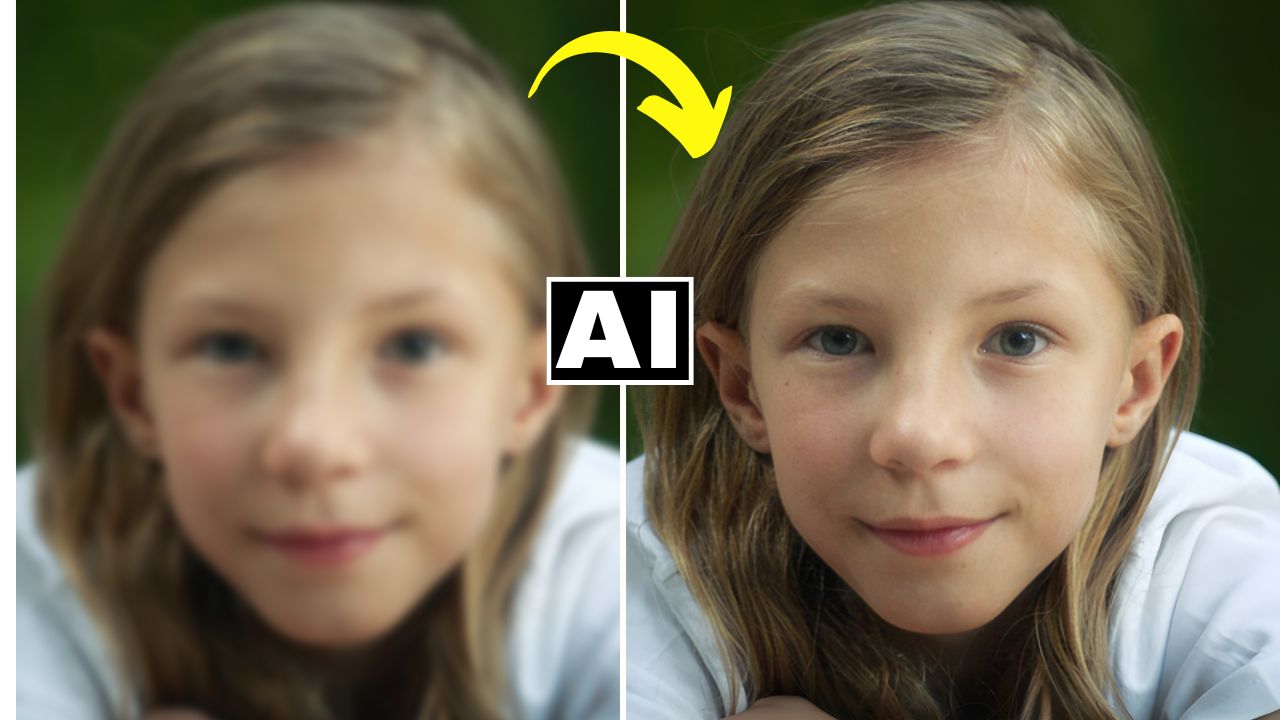
In this video we will be seeing how to fix a blurry image (soft focus) using a free AI tool called Unblur AI, by Art Guru AI. We will see two demos of this tool. One with a normal blurred image and one with an extreme blurred image. You will find that in both the scenarios, it gives out a really sharp image with a single click. Here’s the video:
Video Summary
This tutorial by Creative Pad Media introduces Art Guru, a free AI tool chosen for its ability to sharpen blurry photos effectively without significantly altering facial features.
Key Summary Points
- Tool Accessibility: Art Guru offers a liberal free tier with 8 credits that replenish every 24 hours [02:18].
- One-Click Workflow: The “Unblur Image” tool is a simple one-click process that typically renders results in under 30 seconds [02:32].
- High-Quality Output: A major advantage of this tool is that it does not downscale your photo, preserving the original resolution and quality upon download [02:16].
- Performance Levels:
- Post-Processing Tip: If the AI renders skin too smooth, the creator recommends using Photoshop’s Camera Raw Filter and the “Texture” slider to add realistic skin grain back into the image [03:01].
- Additional AI Tools: The platform also includes features for background removal, face swapping, and generating AI headshots [04:24].
Conclusion: Art Guru is presented as a highly effective, free alternative to paid sharpening software, suitable for both minor focus corrections and extreme image recovery.
Important Links
Link to the AI tool:
Link to download the image shown in the video: