How to Download Capcut on PC in India? This VPN is the Best
Want to download CapCut on your PC in India? Here’s how! CapCut isn’t officially available in some regions, but with a reliable VPN, you can access it hassle-free. Download a trusted VPN like [VPN name], connect to a region where CapCut is available, and visit the official CapCut website. Download and install the PC version, and you’re good to go! Unlock creativity with ease—CapCut and this VPN are your ultimate duo!
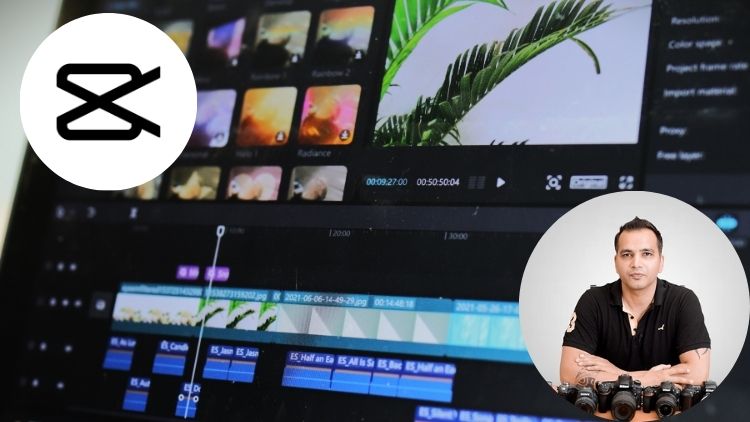
This video is from our Capcut Video Editing Course.
Video Summary
In this tutorial, the creator provides a comprehensive guide on how to download and set up CapCut for desktop. The video addresses the varying availability of the software globally, offering two distinct paths: a standard installation for most users and a specialized “VPN workaround” for those in countries where the app is restricted (like India). Key takeaways include the recommendation to use the desktop version over mobile for a better learning experience and a step-by-step technical guide on configuring a built-in Windows VPN to unlock CapCut’s full asset library (effects, transitions, etc.).
Time Stamps
- 0:30 – Standard Download: How to install CapCut from the official website (capcut.com) for Windows/Mac.
- 1:05 – Mobile Recommendations: Why the desktop app is preferred for this course, despite its availability on iOS/Android.
- 2:11 – Restricted Access Advice: A legal disclaimer and strategy for users in countries where CapCut is banned.
- 3:30 – Third-Party Sources: Using sites like Uptodown as an alternative download source.
- 4:04 – The VPN Solution: Why a VPN is necessary not just for downloading, but for accessing online assets (effects/text) within the app.
- 5:34 – Step-by-Step VPN Setup (Windows): Configuring “Windows Built-in” VPN settings using
vpngate.net. - 7:08 – VPN Credentials: Using the standard “vpn” username and password for public servers.
- 8:38 – Demonstrating the Fix: Showing how a “Network Error” in CapCut is resolved by connecting to the VPN.