How to Blend Videos in InShot? – Blend Setting Tutorial
Curious about blending videos in InShot? In this tutorial, we’ll show you how to use the blend setting to create stunning effects effortlessly. Whether you want to overlay videos, add creative transitions, or combine clips for a seamless look, InShot’s blending feature has you covered. We’ll walk you through the steps to adjust opacity, choose blend modes, and achieve professional results—all right from your phone. Let’s dive in and unlock your video editing potential!
This video is from our Inshot Video Editing Course.
Video Summary
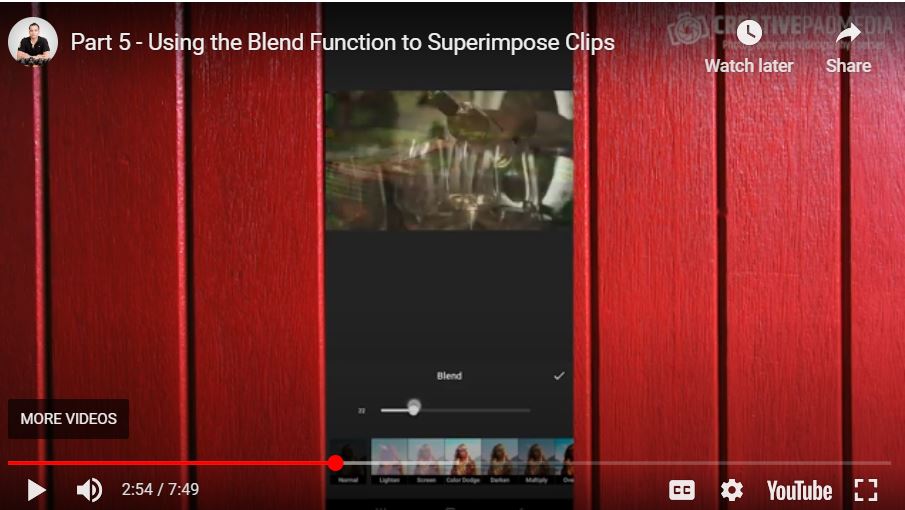
In this tutorial, the creator demonstrates a “blending hack” to create artistic b-roll by superimposing two video clips using the Picture-in-Picture (PIP) and Blend features. By layering a horizontal spinning DJ disc over vertical footage of glasses being filled, the editor achieves a professional “double exposure” look. The video also covers efficient workflow tips, such as adding multiple clips simultaneously and managing project drafts to prevent data loss. The final segment focuses on the structural organization of the promo video as it reaches its one-minute-and-39-second mark, setting the stage for aggressive speed adjustments and trimming.
Time Stamps
- 0:09 – Introduction to the “Two-Clip Hack”: Using PIP mode for creative layering.
- 1:41 – PIP Setup: Adding a second clip (spinning disc) as an overlay on the main track.
- 2:10 – Blending Modes: Accessing the Blend menu and discussing how pixels interact (Opacity, Lighten, Screen).
- 3:00 – Practical Application: Setting the overlay at 50% opacity to show both the disc and the glasses.
- 4:52 – Workflow Tip: Saving your project as a Draft and reopening it to ensure progress is secure.
- 5:32 – Bulk Editing: Selecting and adding multiple crowd clips to the end of the timeline.
- 6:14 – Preliminary Trimming: Making rough splits on the newly added clips to shorten the overall length.
- 7:18 – The Final Challenge: Realizing the edit is at 1:39 and needs to be cut down to under 60 seconds.