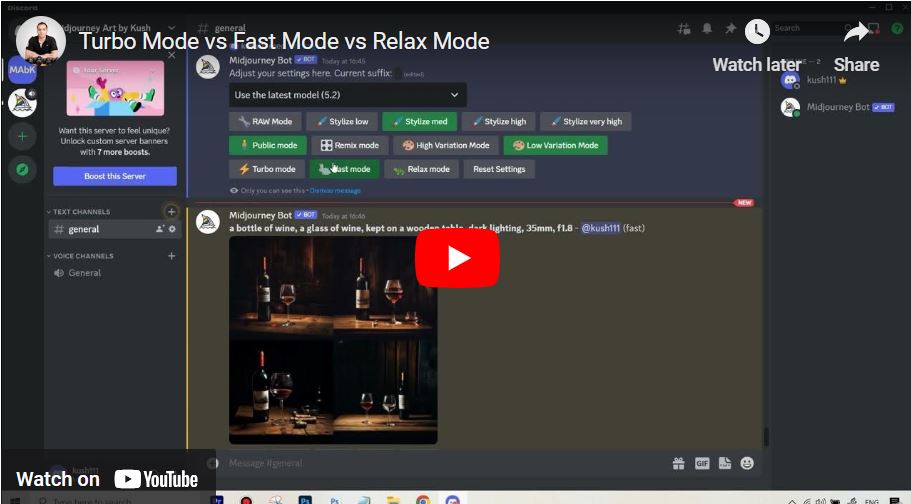
Turbo Mode vs Fast Mode vs Relax Mode in Midjourney – Difference
Welcome to this video on the differences between Turbo Mode, Fast Mode, and Relax Mode in MidJourney! Each mode offers unique benefits for generating AI art, balancing speed, priority, and cost. Turbo Mode delivers lightning-fast results at a higher credit cost, Fast Mode provides quick outputs at standard rates, and Relax Mode offers slower results but unlimited generations for Pro users. Stay tuned as we break down when and how to use each mode effectively!
This video is from our Midjourney AI for Beginners Course.
Video Summary
The instructor clarifies the trade-offs between speed and efficiency. Fast Mode is the default for most users, offering a balance of speed and standard credit use. Turbo Mode is significantly faster (up to 4x) but is warned against for casual use because it consumes credits at twice the rate of Fast Mode. Finally, he explains that Relax Mode—available only on Standard plans and above—is the “value unlock,” allowing for unlimited image generations at a slower pace. This mode is recommended for the “trial and error” phase where users want to experiment without burning through their monthly Fast hours.
Time Stamps
- 0:00 – Introduction to the three speed settings: Turbo, Fast, and Relax.
- 0:09 – Relax Mode: Explaining that it’s unavailable on the Basic plan but offers unlimited generations on higher tiers.
- 0:22 – The trade-off of Relax Mode: Slower generation times in exchange for indefinite use.
- 0:29 – Fast Mode: The standard default for immediate GPU access.
- 0:31 – Turbo Mode: Described as 4x faster than Fast mode.
- 0:41 – The cost of Turbo: Warning that it “eats up” Fast hours much more quickly (2x consumption).
- 0:47 – Advice on Turbo: Avoid it unless in a significant hurry to conserve credits.
- 1:03 – Strategic Tip: Using Relax Mode during the experimentation phase to save Fast hours for final results.
- 1:10 – Conclusion and transition to the next video on Remix Mode.