How to Replace the Sky in Snapseed? – Advanced Editing Tutorial
Welcome to our advanced editing series! In this tutorial, we’ll dive into how to replace the sky in Snapseed like a pro. Whether you’re aiming for a dramatic sunset or a bright, clear sky, this step-by-step guide will help you create stunning transformations using Snapseed’s advanced tools. Perfect for photographers and editors looking to elevate their images, this tutorial ensures you get professional results right from your mobile device. Let’s get started!
These videos are from our Snapseed Photo Editing Course.
Part 1
This video kicks off an advanced Snapseed editing module, focusing on the complex task of sky replacement. Using a challenging image with an uneven horizon—featuring trees and a hut—the tutorial explains why basic masking often fails in high-contrast scenarios. The creator emphasizes that while many tutorials use “easy” images, mastering a difficult one ensures you can handle any real-world photo. The lesson introduces the concept of using Double Exposure with Blend Modes rather than simple painting to achieve a seamless, professional result.
Part 2
In this conceptual deep dive, the instructor uses Adobe Photoshop to visualize the technical logic required for advanced sky replacement in Snapseed. Because Snapseed lacks automatic selection tools, users must leverage the mathematical properties of Blend Modes (Darken, Lighten, and Add). By transforming the original photo into high-contrast “masks” (pure black and white), you can technically force Snapseed to swap skies and foregrounds with pixel-perfect accuracy.
Part 3
This lesson focuses on achieving the first technical “micro-objective”: creating a high-contrast Black and White Mask. The goal is to turn the foreground (hut and trees) completely black and the sky completely white. This serves as the foundation for the advanced blending process explained in the previous presentation. The instructor demonstrates how to use the Black and White tool and Curves to isolate complex horizons—like fine tree branches—without losing their structural volume.
Part 4
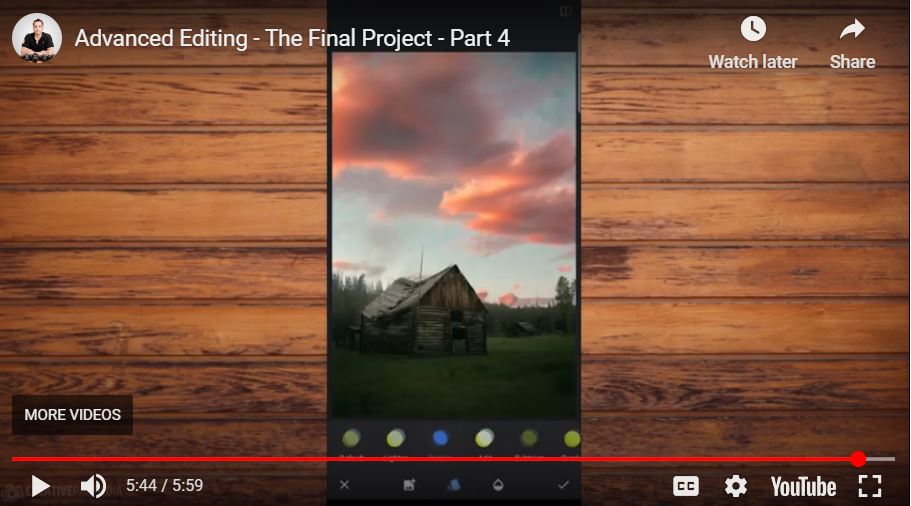
This installment puts the theoretical blend mode presentation into practice within the Snapseed app. By systematically achieving a series of “micro-objectives,” the instructor demonstrates how to combine the previously created masks with the original images and the new sky. The process involves multiple rounds of Double Exposure using Darken, Lighten, and Add modes to replace a bland sky with a dramatic road-trip horizon without leaving any jagged edges or manual masking artifacts.