FREE/Cheaper Alternative to Ideogram’s Magic Fill – OpenArt AI
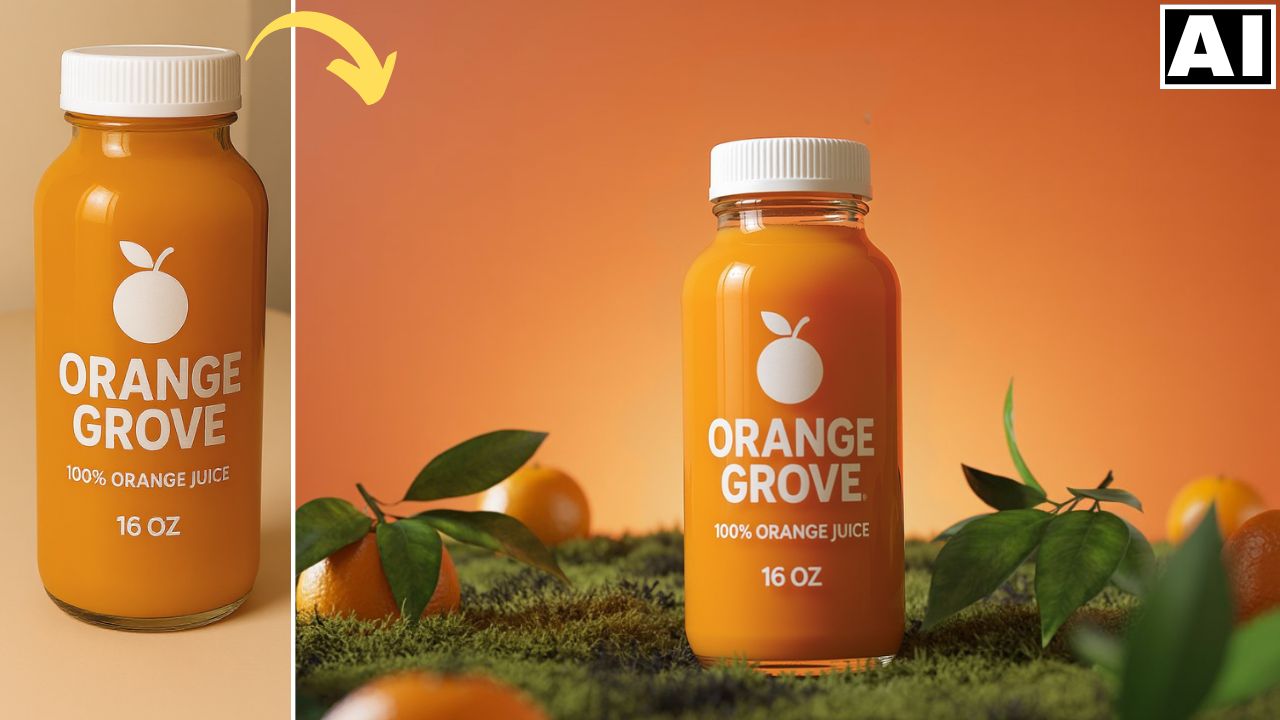
In this video we will be seeing how to replace a product into an existing shot by taking the help of a beverage product image. Usually this can be done by using Ideogram AI’s Magic Fill feature but the issue with that is that it’s not cheap and you cannot try it out for free. So in this video you will be seeing a cheaper alternative which is to use the Inpainting tool in OpenArt AI. Here’s the video:
Video Summary
This video explains how to use OpenArt AI as a free and cheaper alternative to Ideogram’s paid Magic Fill feature for realistic AI product placement in images [00:00].
OpenArt is introduced as an all-in-one AI application that provides a cheaper and more valuable service than Ideogram, with its essential plan costing less per month [05:41].
The process for replacing an object in an image involves the following steps:
- Upload and Mask: Go to the “Edit” canvas on OpenArt, upload the base image, and use the masking brush to cover the object you wish to replace, such as an existing product bottle [01:30].
- Provide Dual References: The key is to provide the algorithm with two references for the new product [02:25]:
- Generate Results: The model is set to Premium Flux, the creativity level is kept at the default setting of 3, and the system is run to generate high-quality product placements [04:01].
The results demonstrate a successful and seamless replacement of the original bottle with the new product, maintaining accurate focus and details [05:12].
Important Links
Link to download the image used in the video:
Link to OpenArt AI: https://openart.ai/
Link to the Image to Prompt website – https://imageprompt.org/
For other important links to the tools shown in the video, please watch the video on YouTube app/website, since the links are in the description of the video.