Runway AI GEN-4 References Makes Character Consistency Super Easy
In this video we will be seeing how to use the Gen-4 References features in Runway AI and combine it with the all new Higgsfield AI Canvas to create scenes with consistent characters and objects very easily. Here’s the video:
Video Summary
This tutorial demonstrates how to combine Runway AI’s Gen-4 references with Higgsfield AI Canvas to achieve high character and object consistency in generated images.
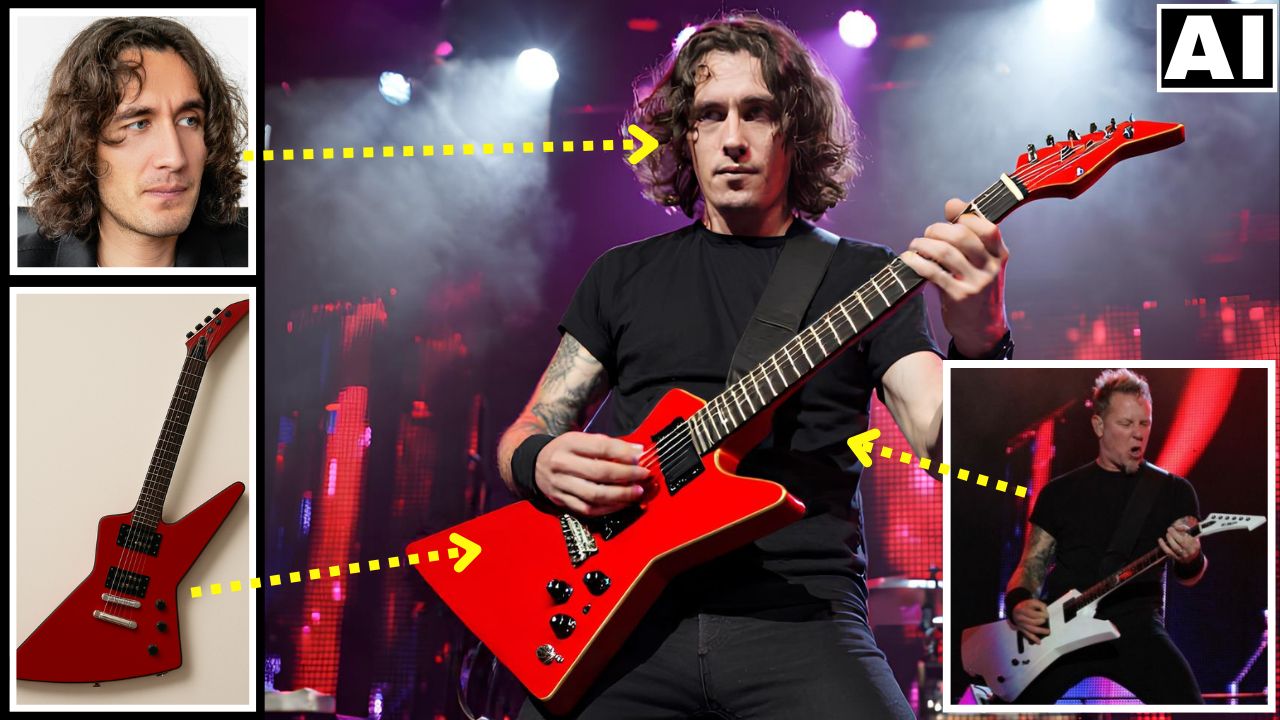
- Gen-4 References Feature: The video begins by showing how to merge distinct elements—such as a person’s face, a specific object (like a guitar), and a pose reference—into a single, cohesive image [00:00].
- Tagging System: Users can upload reference images and assign them specific tags (e.g., “John”). This allows for intuitive prompting, such as typing “@John is playing the guitar,” to maintain character identity [02:08].
- Prompting Syntax: The tutorial explains using the
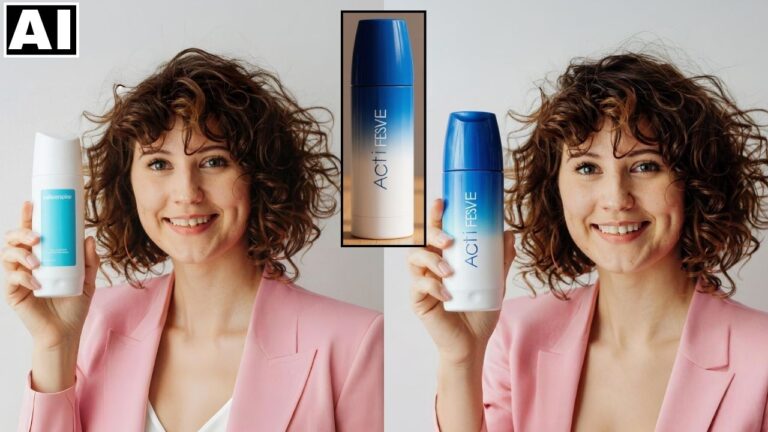
@symbol to reference multiple uploaded images directly in the prompt, enabling complex compositions like matching a character to a specific sketch or pose [02:42]. - Handling Limitations: While Runway excels at facial consistency, it currently struggles with precise object replication. The presenter notes that specific items, like a guitar model, may not generate perfectly [03:38].
- Higgsfield AI Solution: To fix object inconsistencies, the video recommends Higgsfield AI Canvas. The presenter demonstrates masking the imperfect guitar in the generated image and prompting Higgsfield to replace it with the exact reference photo [08:55].
- Additional Editing: The workflow also supports easy edits, such as changing clothing colors or accessories, using simple text prompts within Higgsfield [09:57].
Important Links
Link to download the images used in the video:
Link to Runway AI – https://app.runwayml.com/login
For other important links to the tools shown in the video, please watch the video on YouTube app/website, since the links are in the description of the video.