VEO 3.1 + SORA 2 = INSANE Product Videos. Comparison with WAN 2.5
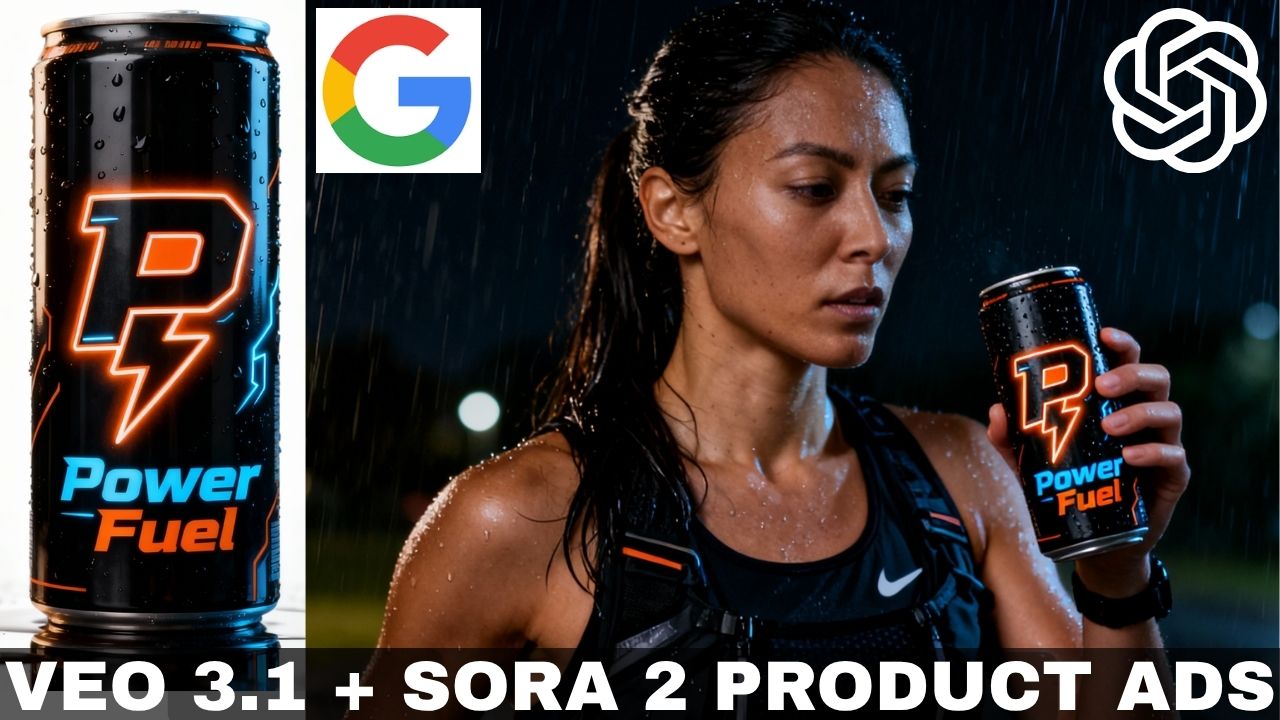
In this video tutorial, we will be seeing how to create professional product video ads using the all new VEO 3.1, Sora 2 and Wan 2.5. We will be using all these platforms via Higgsfield AI. One of the amazing abilities of these new platforms is that they can now follow time-coded prompts, so you can create multiple scenes by writing a single prompt, something which was very difficult to achieve before. Here’s the video:
Video Summary
This video compares three AI video generation models—Sora 2, VEO 3.1, and WAN 2.5—for creating professional product commercials and real estate promos, recommending Higgsfield AI as the best platform to access them all [03:54].
Key Takeaways:
- Sora 2: Excels at timecoded prompts, allowing users to create multiple scenes with a single prompt [01:24]. It demonstrates superior product consistency [01:35] but restricts the use of photorealistic people in reference images due to safety policies [19:04].
- VEO 3.1: Features a multi-shot mode and “start and end frame” controls similar to Kling AI, offering precise control over transitions [02:02]. However, it is limited to 8-second generations [05:50], often requiring users to stitch multiple clips together for longer ads [20:04].
- WAN 2.5: Distinguished by its ability to generate uncensored content (on Higgsfield) [02:30] and various camera movement presets [14:18]. However, its output consistency can be “hit or miss,” sometimes failing to follow prompts or maintain object details [16:13].
- Verdict: While Sora 2 is highlighted as the most impressive for generating complex videos from a single prompt [23:39], the video concludes that no single tool is perfect. Creators often need to combine these tools to achieve professional results [22:45].
Important Links
Link to Higgsfield AI:
Link to download the images used in the video:
Prompt used in ChatGPT to create the time-coded prompt: I want to create an AI video commercial.
I want this to be ((your content)). Create a time-coded prompt for this for ((number of scenes)). Add inspiring voice over lines with a ((type of voice)). You can choose any line but the final tag line should be – ((Tagline for your product)). This is for Sora 2 which allows 12 seconds but it often ends the video abruptly so the prompt should be for 11 seconds so get have some buffer. You can be creative with everything else.