Nano Banana Pro for Professional Headshots
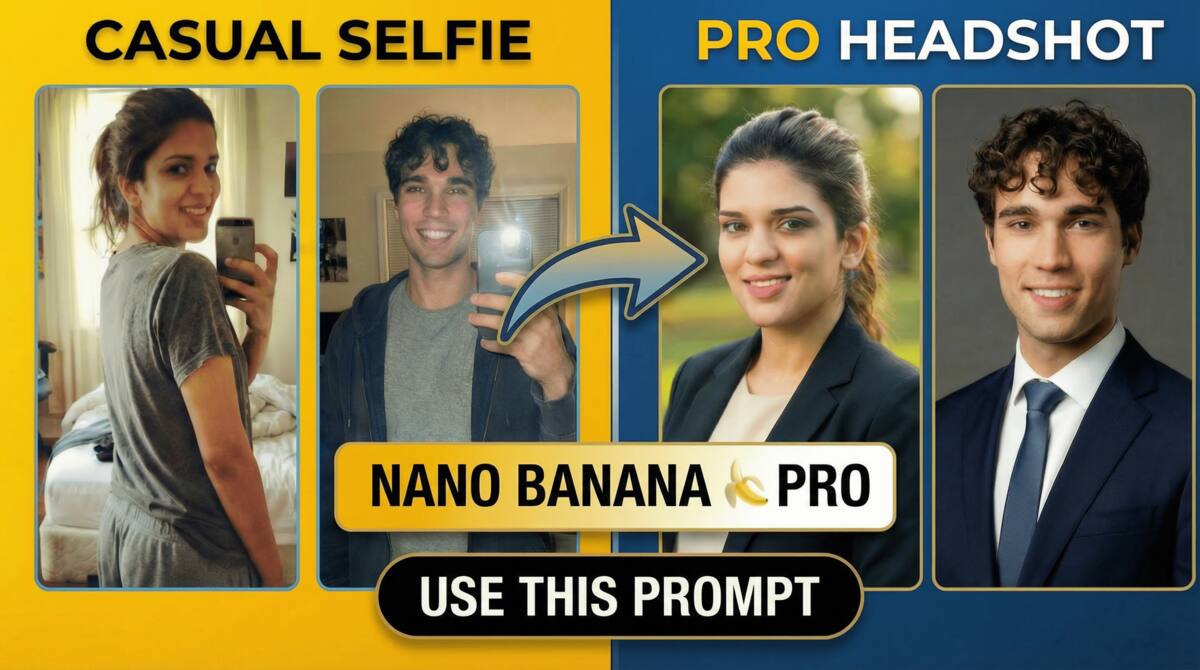
In this video tutorial, we will be seeing how to turn a casual selfie into a professional corporate headshot using Nano Banana Pro, that you can use on any platform like Linkedin, company website, team photo, etc. You will getting the detailed prompts so you can just copy and paste and get the results. Here’s the video:
Video Summary
This video by Creative Pad Media demonstrates how to transform a casual selfie into a high-quality professional headshot using the Nano Banana Pro AI model. The tutorial focuses on achieving realistic results for free or at high resolution using specific platforms and prompts.
Key Takeaways and Process
- Platform Selection: While the process can be done for free on Gemini (limited to 1K resolution), the video recommends Hicksfield AI for 4K quality outputs [01:10].
- Selfie Requirements: For best results, use a sharp, clear, waist-up selfie. This helps the AI accurately determine body shape and proportions [01:41].
- Three Specialized Prompts:
- Corporate Studio: A standard indoor professional look with customizable background hex codes and clothing options [02:00].
- Outdoor Creative: A slightly more casual, professional style set in environments like parks with soft greenery [05:34].
- Job-Adaptive: An “environmental portrait” where users can input a keyword (e.g., “doctor”) to match the background to their specific profession [06:14].
- Customization: The creator explains how to modify specific red-highlighted parts of the prompts, such as clothing types or background colors using a color picker [02:37].
- Efficiency Tools: The video introduces two Hicksfield apps: Shots (to change camera angles and composition) and What’s Next (to generate entirely new variations while maintaining the subject’s likeness) [08:00].
Important Links
Prompt PDF – Click here to download