Mix REAL Footage With AI – Higgsfield Premiere Pro Plugin + Seedance 2.0
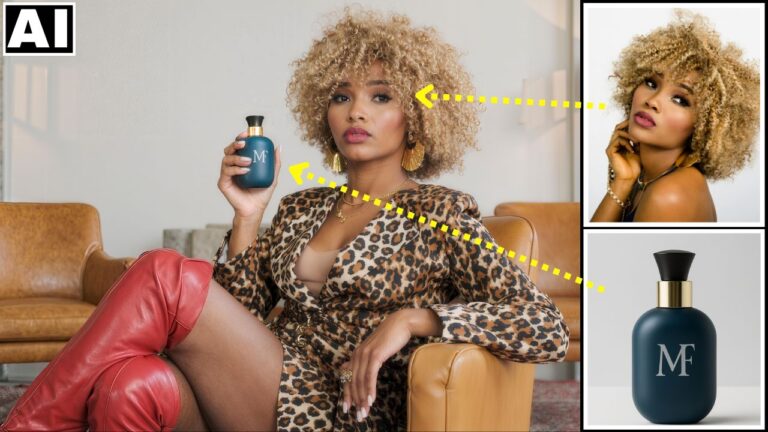
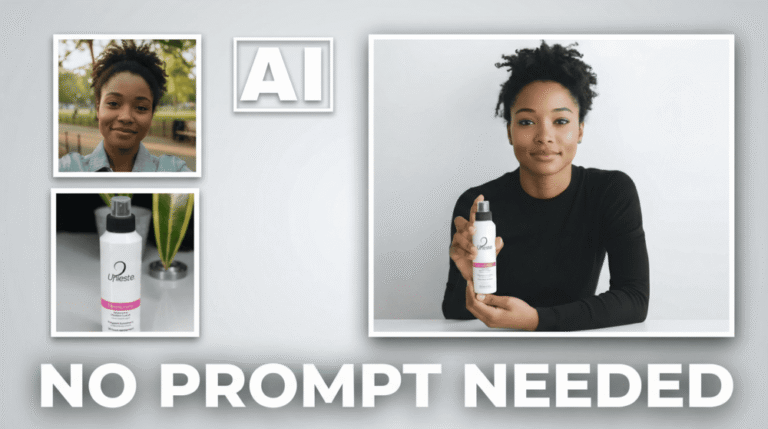
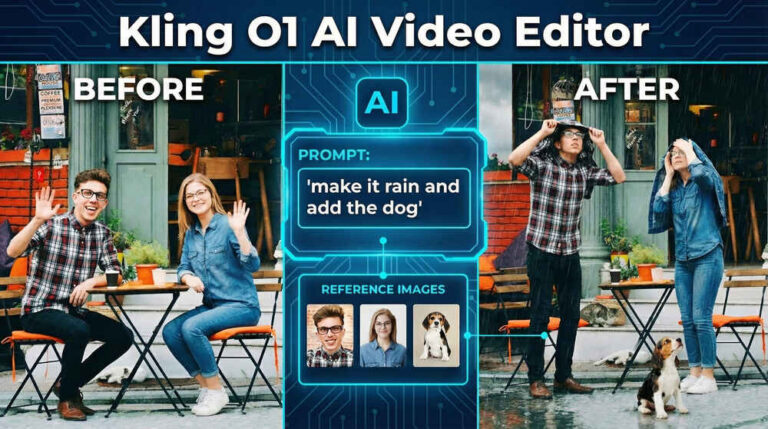
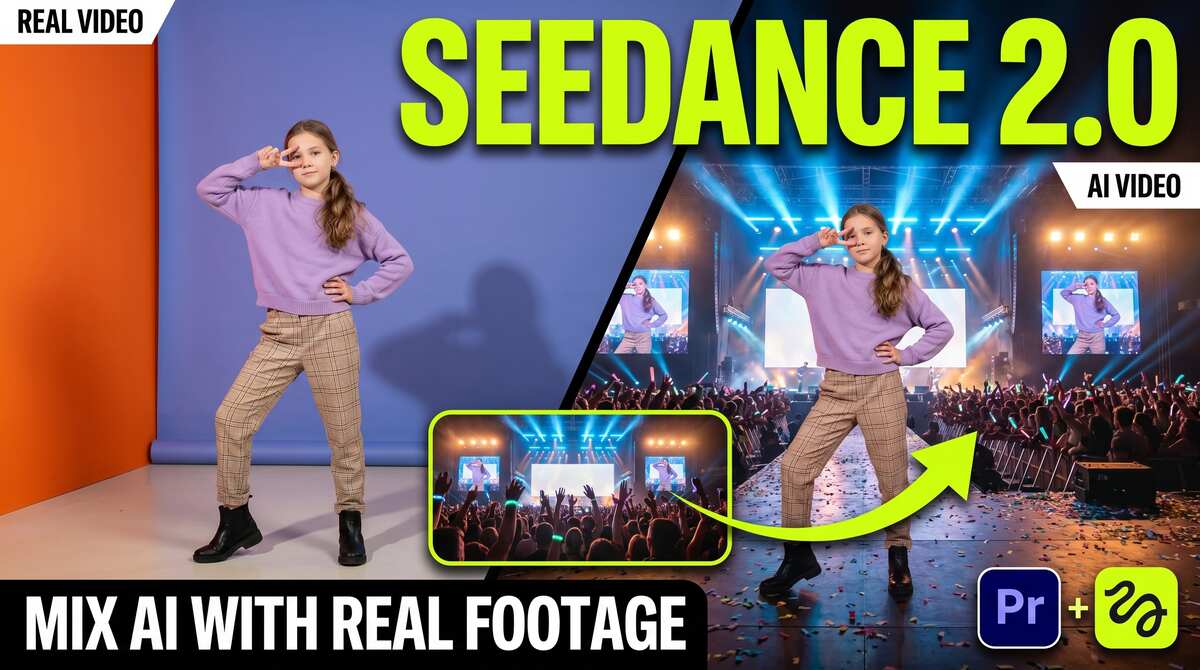
In this tutorial we will be seeing how to use the all new Higgsfield Premiere Pro plugin which allows you to edit an existing video on your timeline with a single click. It uses the Seedance 2.0 model to edit the video so the results are incredibly consistent and realistic. The best part is that you never have to leave the Premiere Pro interface to achieve this. We will be seeing 7 different examples. Here’s the video:
Video Summary
The video showcases the Higgsfield AI plugin for Adobe Premiere Pro (and DaVinci Resolve), which utilizes the Seedance 2.0 model to seamlessly mix and edit real footage with AI right inside your timeline [00:25].
Key Features & Workflow
- High Consistency: Unlike older AI tools, Seedance 2.0 preserves original physics, lighting, camera movements, and subject identity with exceptional stability [01:11, 07:21].
- Installation: Downloadable directly from Higgsfield.ai, the plugin installs via a free ZXP installer for Premiere Pro and populates under
Window > Extensions[02:06, 03:13]. - Prompt Optimization: The creator recommends taking a video screenshot, uploading it to ChatGPT, and generating highly detailed custom prompts for the plugin [04:16].
- Footage Constraints: The timeline clip must be under 30 seconds to sync with the panel, and the plugin will only edit up to the first 15 seconds of a clip from its absolute start point [05:00, 05:36].
- Draw-to-Video (Inpainting): Users can easily mask and brush over specific subjects to remove or replace them without complex prompt writing [08:14].
- AI Reframing: Features a built-in tool to alter aspect ratios (e.g., 16:9 to 9:16), though the creator notes this specific feature currently yields less consistent results as it may not use the Seedance 2.0 model [09:13, 09:49].
Important Links