Turn 1 Static Video into Multi-Angle Video – Seedance 2.5
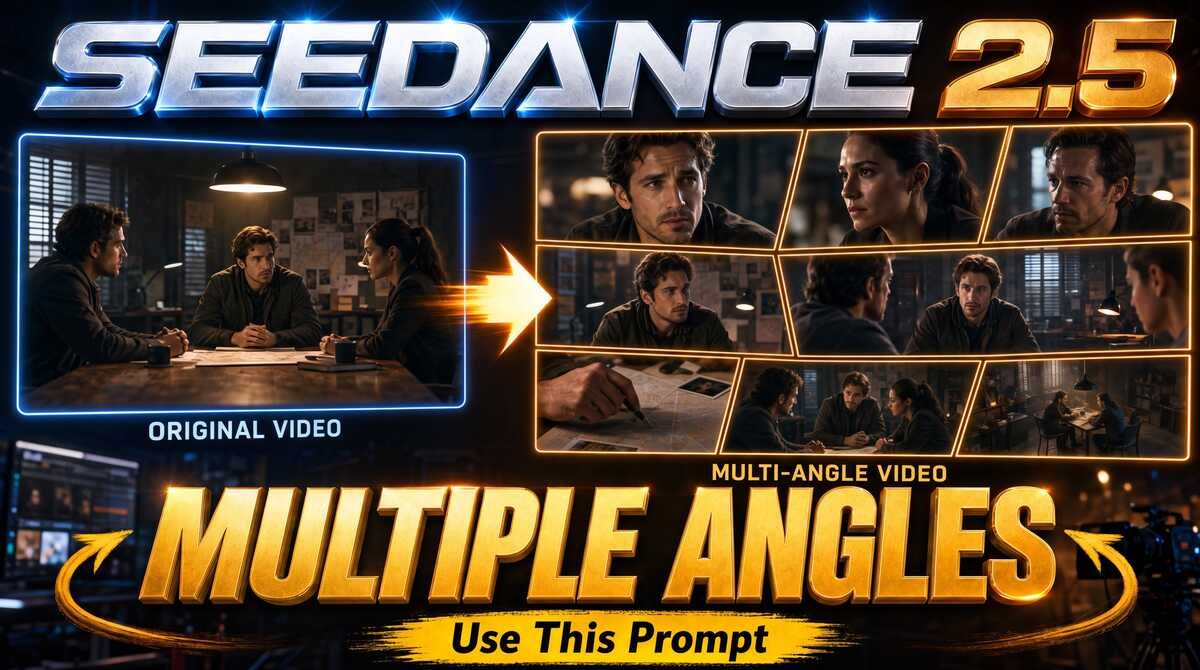
See how Seedance 2.5 can transform a single static video into a dynamic, cinematic multi-camera scene. In this tutorial, I’ll show you how to generate new camera angles, close-ups, over-the-shoulder shots, and map details while preserving the original characters, movements, dialogue, and performance. Shoot once, then create the cinematic coverage you need with AI. Here’s the video:
Video Summary
This tutorial by Creative Pad Media explains how to transform a single, static video shot into a dynamic multi-angle video using Seedance 2.5 while maintaining character and scene consistency [00:28].
Key Steps & Workflow
- Video Prompting: Use an LLM (such as ChatGPT) alongside the provided prompt template PDF [02:48]. Upload the original static video to analyze the scene, dialogues, and characters, then let AI generate a structured multi-angle prompt [03:06].
- Character Sheets: Create reference character sheets for each subject using the character sheet creation PDF [01:49]. You can upload individual headshots or screenshots from the original video to ensure Seedance 2.5 maintains consistent facial features [05:43].
- Generating in Seedance 2.5: On a platform like Higgsfield, upload the original static video along with all character sheets [07:52]. Paste the generated prompt, tag the respective character sheets and source video, and generate the multi-angle output [08:16].
Practical Benefits
- Fixing AI Artifacts: Beyond adding dynamic angles, multi-angle cuts allow creators to hide AI morphing errors or continuity glitches by switching camera views during editing [09:46].
Important Links
Multi-Angle Prompt Creation PDF