Best Consistent Character Tool? – 6 AI Tools Go Head to Head
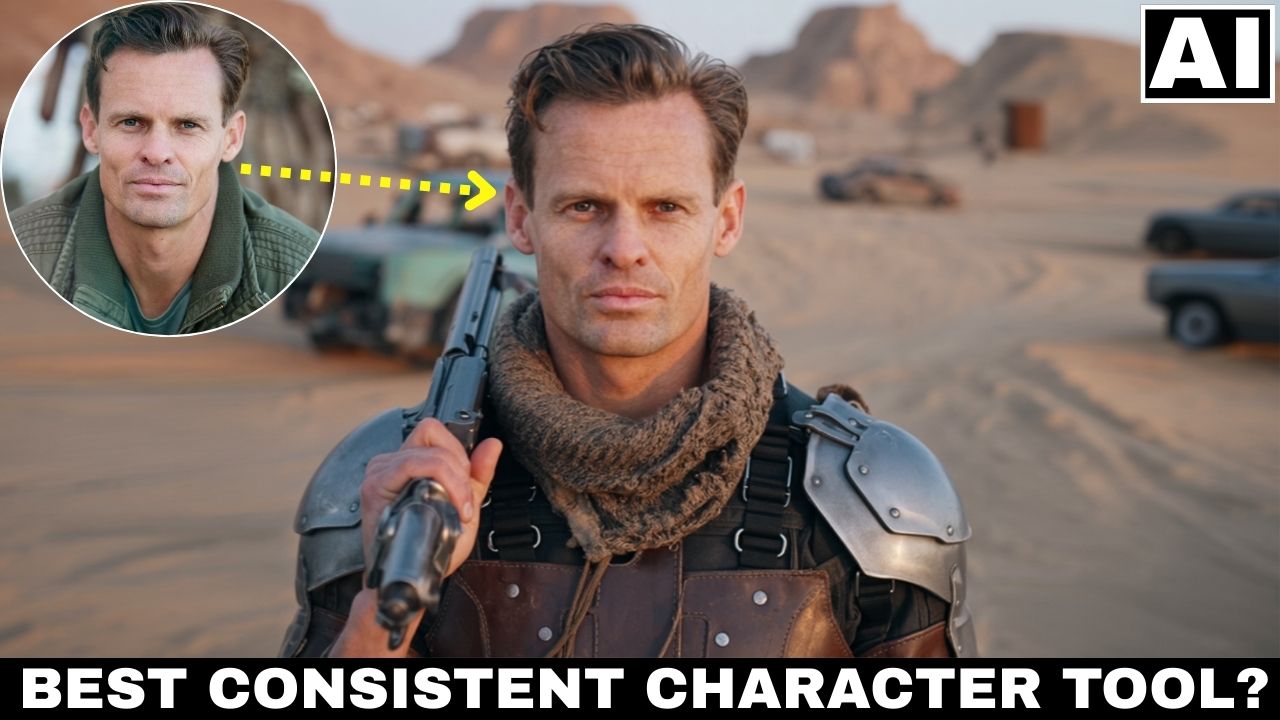
In this tutorial, six big AI consistent character creation tools will be going head to head with each other. These will be the all new Kora Human, Ideogram Character, Higgsfiled Character, Midjourney Omni-Reference, Flux Kontext Omni-Reference and Runway Gen-4 References. We will see seven different rounds where ordinary headshots will be converted into different types of portraits. Only one of these tools will come out on top. We will also be getting a brief look at one extra tool – Nano Banana AI. Here’s the video:
Video Summary
Here is a summary of the video comparing AI tools for consistent character creation:
Overview The video pits six AI tools—Ideogram, Kora Human, Higgsfield, Midjourney, Flux, and Runway—against each other to find the best tool for generating consistent characters. The comparison spans seven rounds, judging based on realism, prompt adherence, artifacts, and aesthetics [00:24].
Key Findings & Results
- The Winner: Ideogram takes the top spot, winning 4 out of 7 rounds. It consistently produced the most realistic images that looked like genuine photographs rather than AI-generated art [17:13].
- The Runner-Up: Kora Human, a new entrant, secured second place. It excels at realism but struggles with negative space and complex poses compared to Ideogram [19:09].
- Midjourney: While it won a round for its superior proportions and consistency in full-body shots, it is better suited for cinematic aesthetics rather than pure realism [17:56].
- Higgsfield: This tool disappointed in the comparison. It requires training with multiple images for better results and often produces a “polished AI skin” look that requires post-processing with an upscaler [18:13].
- Flux & Runway: Both tools performed poorly regarding image quality and consistency, with Runway specifically being noted as better suited for video than static images [17:32].
Recommendation The presenter recommends a strategy of using Ideogram as the primary tool for realism, with Kora Human (and its built-in enhancer) as a backup or for upscaling images to remove artifacts [19:32].
Important Links
Link to download the images and PDF Document shown in the video:
Links to all the 6 tools:
- Ideogram AI
- Higgsfield AI
- Kora Human
- Midjourney
- Runway AI
- Flux Kontext (via Flux Playground) –
For other important links to the tools shown in the video, please watch the video on YouTube app/website, since the links are in the description of the video.