How to Create Consistent AI Characters With a Single Click – FREE AI Tool
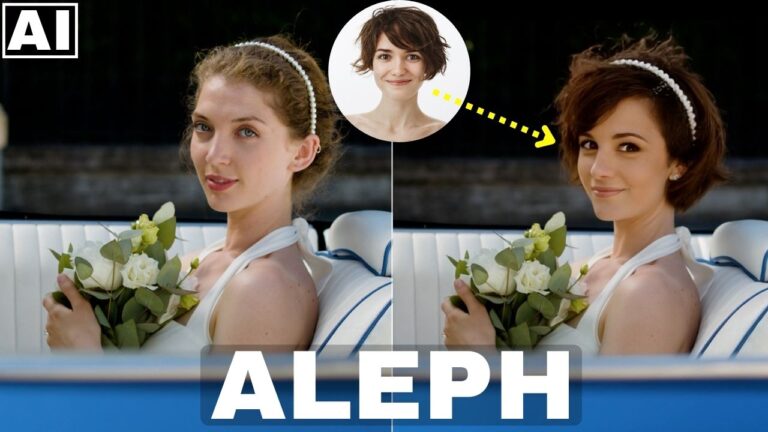
In this video we will be seeing how Pincel AI Portrait can help us create consistent characters simply by writing a prompts or with a single click by choosing pre-made templates. We will also be seeing how we can create our own AI character using another tool and create a consistent photo shoot using that character too. Here’s the video:
Video Summary
This video demonstrates how to use an AI tool called Pencill AI to create consistent characters and photo shoots from a single source image or a purely AI-generated character.
Core Tool: AI Portrait
The primary tool discussed is the AI Portrait feature [00:48], which allows you to turn a single photo into multiple variations (different clothes, styles, and settings) while maintaining facial consistency.
- Custom Prompting: You can type specific descriptions, such as “full body portrait in a garden at golden hour” [02:37].
- Preset Styles: Alternatively, you can use built-in presets like “leather pants” [01:31] or “police portrait” [02:11] to quickly generate themed shots.
Creating an AI Character from Scratch
The video also shows how to use the AI Character tool [03:32] if you don’t have a starting photo:
- Describe the Character: Input details like gender, age, ethnicity, and facial structure (e.g., “short hair, narrow face”) [03:54].
- Save the Character: Once generated, you can save the character (e.g., “Jane”) [04:18].
- Generate New Shots: You can then select this saved character within the AI Portrait tool to create endless consistent variations of that specific person [04:41].
Face Swapping for Realism
To make the AI-generated portraits look even more authentic, the video demonstrates a Face Swap feature [05:27]:
- You can take the original reference photo and swap its features onto the generated portrait to ensure the resemblance is exact [05:43].
Pricing and Performance
- Credits: New users receive 20 free credits, but these do not replenish.
- Plans: The “Creator” plan costs $19/month for 1,000 credits [06:12].
- Quality Comparison: The creator notes that Pencill AI’s model produced a “vastly superior” image of an Indian female model when compared to Adobe Firefly using the same prompt [06:47].
Important Links
Link to Pincel AI – Pincel AI
Link to download the image shown in the video: