How to Use Google VEO 3.1 – Short Course for Beginners
Introduction
In this mini-guide, you will be learning how to use Google VEO, an AI video production tool by Google. Even if you have no idea and you are a complete beginner, it’s fine.
The videos below are from our course called AI Video MasterClass – VEO, Kling, SORA, HeyGen, WAN & More
To understand things in a more practical way, we will take an objective and try to achieve that objective using VEO. Let’s start:
Course Lessons
Lesson #1 – Objective for This Course
Lesson #2 – Introduction to Google VEO
Lesson #3 – Understanding the Importance of Image to Video Generation
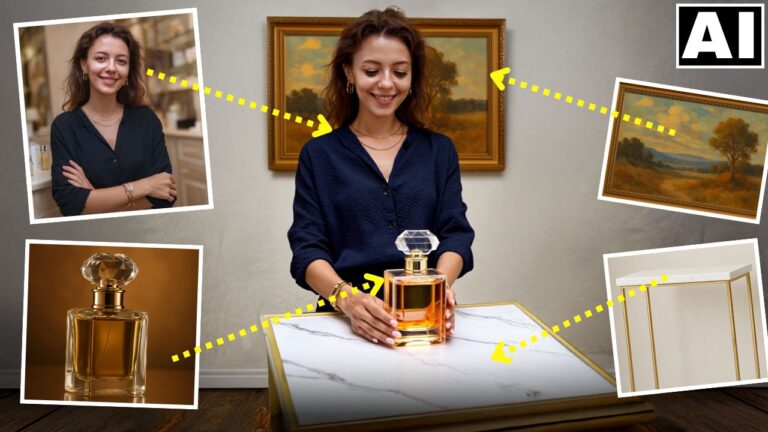
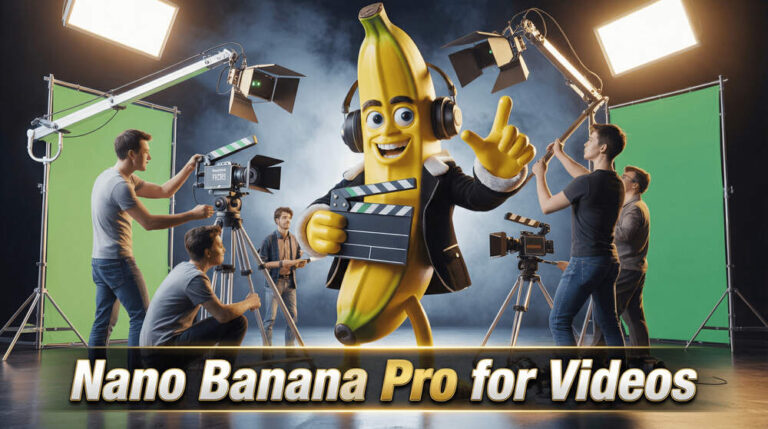
Lesson #4 – Creating the Image Using Nano Banana Pro and Using VEO 3.1 in Higgsfield AI
Lesson #5 – Using VEO in Google Flow
Lesson #6 -How to Use Google VEO for Free
Lesson #7 – Using the Start Frame and End Frame Feature in VEO 3.1
Conclusion
We hope this course helped you out. If you liked it, do check out our full course – AI Video MasterClass – VEO, Kling, SORA, HeyGen, WAN & More, which is available via Udemy. It covers all the important AI video tools, just like Google VEO.