NEW ChatGPT AI Image Generator – 10 AMAZING Use-Cases
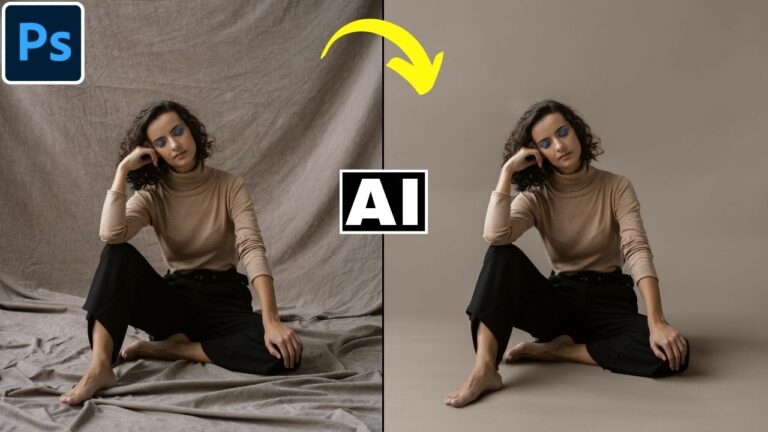
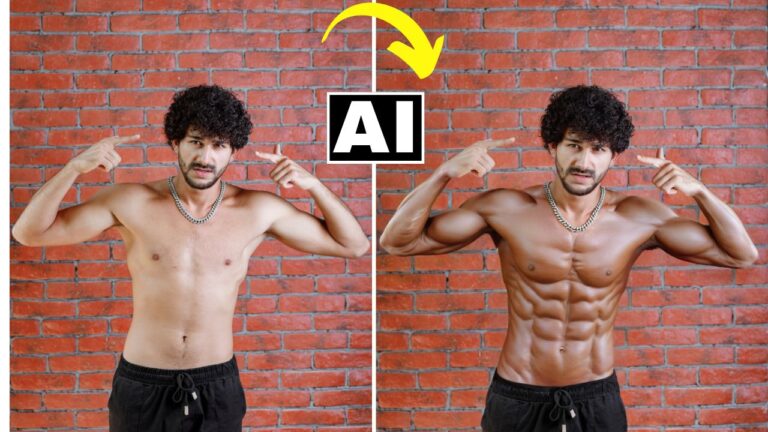
In this video we will be seeing 10 amazing use-cases for image editing when using the link all new ChatGPT 4o Image Generator. Here’s the video:
Video Summary
This video showcases 10 innovative use-cases for the new ChatGPT AI image editor, emphasizing its ability to transform ordinary photos into professional-grade visuals by regenerating the entire image based on user prompts [00:27].
Key Highlights & Use-Cases:
- Real Estate Editing: Quickly tidy up messy room photos and transform them into professional “Airbnb-ready” listings [01:21].
- Studio Lighting: Turn standard portraits into dramatic, low-key studio shots with realistic rim lighting [03:09].
- Creative Scenarios: Transform subjects into giants attacking a suburban area or miniature workers performing specialized tasks, like cleaning a DSLR lens [04:31, 06:23].
- Product Placement: Seamlessly replace generic items with specific products (e.g., Nike shoes) to create high-quality advertisements [08:40].
- Food & Beverage: Enhance unappealing juice bottle shots or clean up noisy, low-light splashes in beverage photography, often outperforming traditional camera setups [09:17, 09:56].
- Atmospheric Changes: Convert daytime cityscapes into detailed “blue hour” or night scenes while maintaining skyscraper accuracy [11:39].
- Cleanup & Sky Replacement: Remove people from busy scenes and replace dull skies with dramatic alternatives [14:10].
Pro Tips for Better Results:
- Use Sora for Drama: For highly dramatic or complex scenes, the creator suggests using the Sora AI platform (accessible with ChatGPT Plus) for better results [05:47].
- Iterative Refinement: If a result is close, download it and start a new chat using it as a reference to prevent quality degradation over long conversations [07:27].
- Limitations: The tool still struggles with perfect facial consistency during extreme edits and maintaining 100% realism in human characters [12:13, 14:00].
Important Links
Link to download the image shown in the video:
For other important links to the tools shown in the video, please watch the video on YouTube app/website, since the links are in the description of the video.