NEW HeyGen AI Avatar 4 + Flux Kontext = INSANE Lip Sync Videos
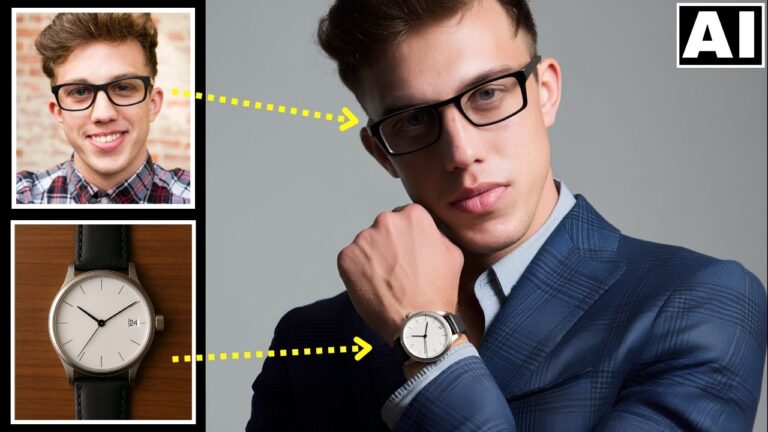
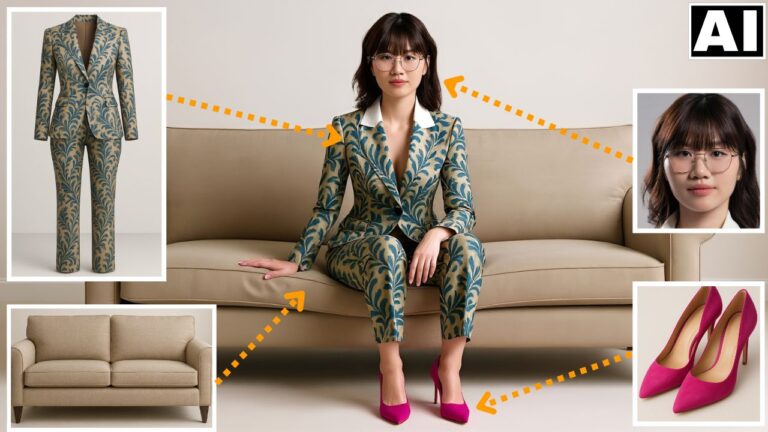
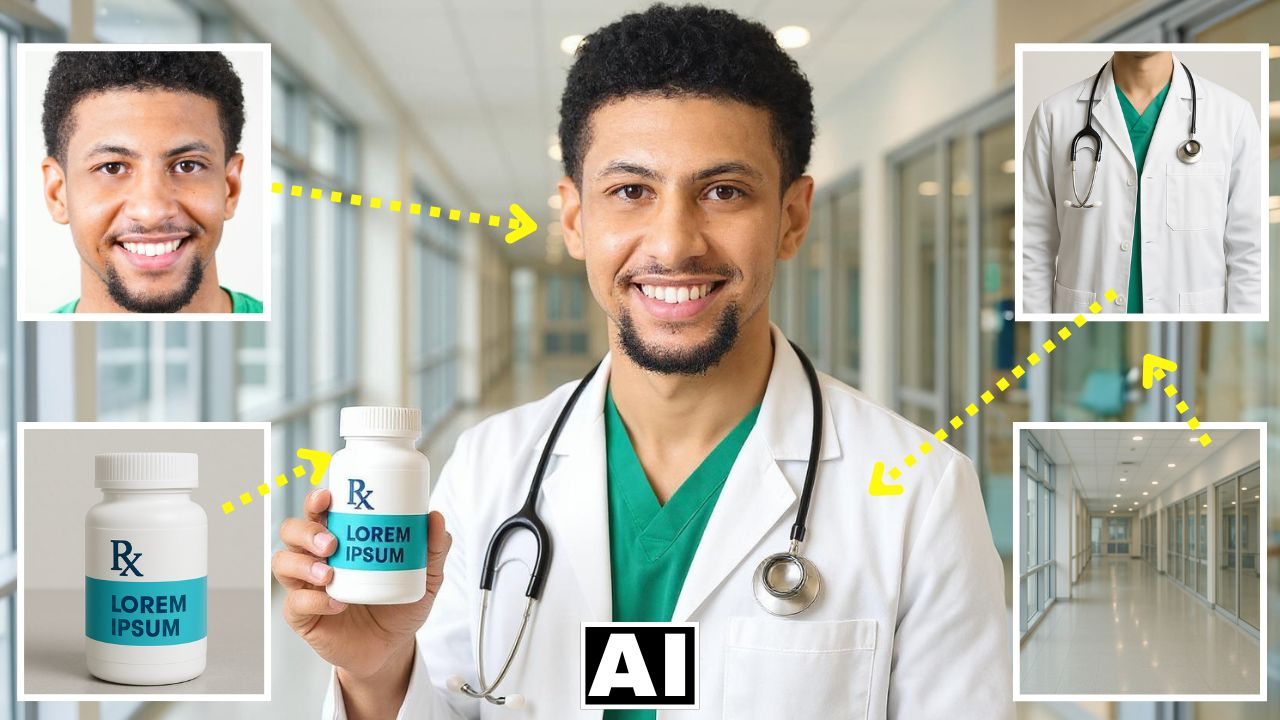
In this video we will be seeing how to use the all new HeyGen AI Avatar 4 feature along with Flux Kontext Omni Reference feature to combine four different images, turn it into a single composite image and then turn this image into a lip-synced video that looks very professional. Here’s the video:
Our Course on Using HeyGen to Create AI Clones
If you liked this video, then do check our full course called Create Your AI Clone – Your Digital Twin for Video Production, which shows you how to use HeyGen and other AI tools to create real looking clones. It has 25 videos and it is available via Udemy.
Video Summary
This video demonstrates a step-by-step process for creating highly realistic, professional-looking AI-generated videos using a custom character and script.
The video summary is as follows:
- Objective: The creator shows how to combine four separate images (a man, a uniform, a product, and a background) into a single, cohesive, lip-synced AI video [00:00].
- Image Generation with Flux Context: The first step involves using Open Art AI’s Flux Context Max with its multiple image reference feature. The user uploads the four source images and uses a prompt generated by ChatGPT to create a single, consistent composite image of a doctor holding a vitamin bottle in a hospital setting [01:43].
- AI Video Creation with HeyGen: The generated image is then uploaded to HeyGen AI, specifically utilizing the latest Avatar 4 model, which is capable of producing human-like emotions and gestures [04:02].
- Voice and Script: A custom script is typed in, and a voice is selected from HeyGen’s built-in options, which the tool helps match to the character in the image [05:33].
- Enhancing Realism: A key instruction is to enable the “more expressive” feature in HeyGen, which adds realistic body language and gestures, significantly reducing the “AI feel” in the final video [07:11].
- Results: The creator showcases the final product, which is a highly realistic, lip-synced testimonial, and compares it to other variations to highlight the importance of the expressive setting [08:01].
Important Links
Link to download the images used in the video:
Link to HeyGen AI:
For other important links to the tools shown in the video, please watch the video on YouTube app/website, since the links are in the description of the video.