NEW Leonardo AI Blueprints (FREE) Needs NO PROMPT. 20 Examples!
In this video tutorial, we will be seeing the all the new Leonardo AI Blueprints, which is a preset or workflow based AI image generator, where you simply upload the reference images and it produces the results with a single click. There is no need for any prompt. We’ll be looking at 20 different examples, right from product & marketing presets, to film and photography presets, to real estate presets. Here’s the video:
Video Summary
The video introduces Leonardo AI Blueprints, a new tool designed to generate high-quality images and videos using presets rather than complex text prompts. This approach eliminates “prompt induced procrastination” by allowing users to simply upload reference images and select a workflow [02:57].
Key Features & Examples
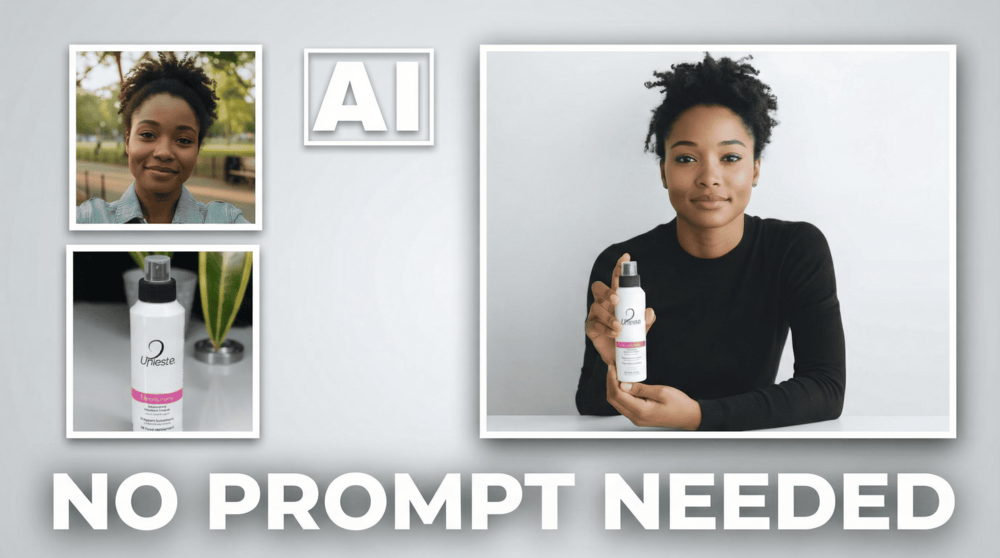
- Product & Marketing: Users can create professional product lifestyle photos [05:06] and brand mockups for merchandise like t-shirts and caps by uploading a logo [09:30]. It also allows for integrating models with products using simple collage inputs [09:12].
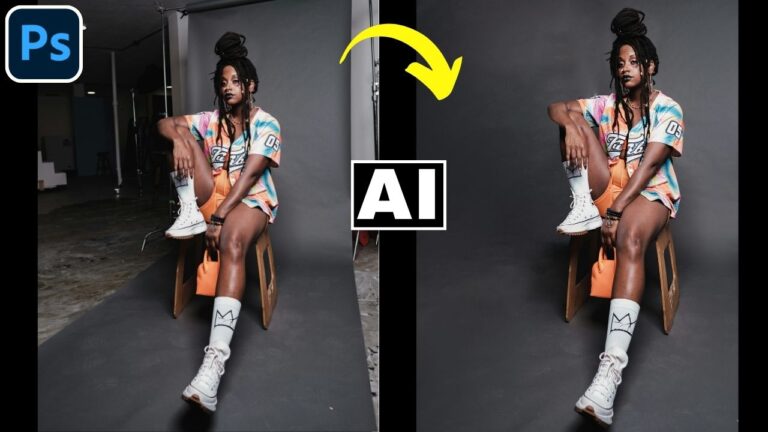
- Cinematic Video Creation: The tool can transform static, ordinary photos into cinematic videos with a single click [00:55]. It can even execute complex camera moves, such as 180-degree rotation shots [14:17].
- Photography Enhancements: Presets include options for magazine editorial portraits [12:16] and multi-view perspective changes, creating dynamic angles from a single image [13:36].
- Real Estate Applications: Detailed presets allow users to virtually furnish empty rooms [15:46] or clean up messy rooms while maintaining the room’s original structure and consistency [16:14].
Pricing & Access The tool is available on leonardo.ai and offers a free tier with 150 daily credits. Paid plans are affordable, starting at roughly $12 per month [17:53].
Important Links
Link to Leonardo AI:
For other important links to the tools shown in the video, please watch the video on YouTube app/website, since the links are in the description of the video.