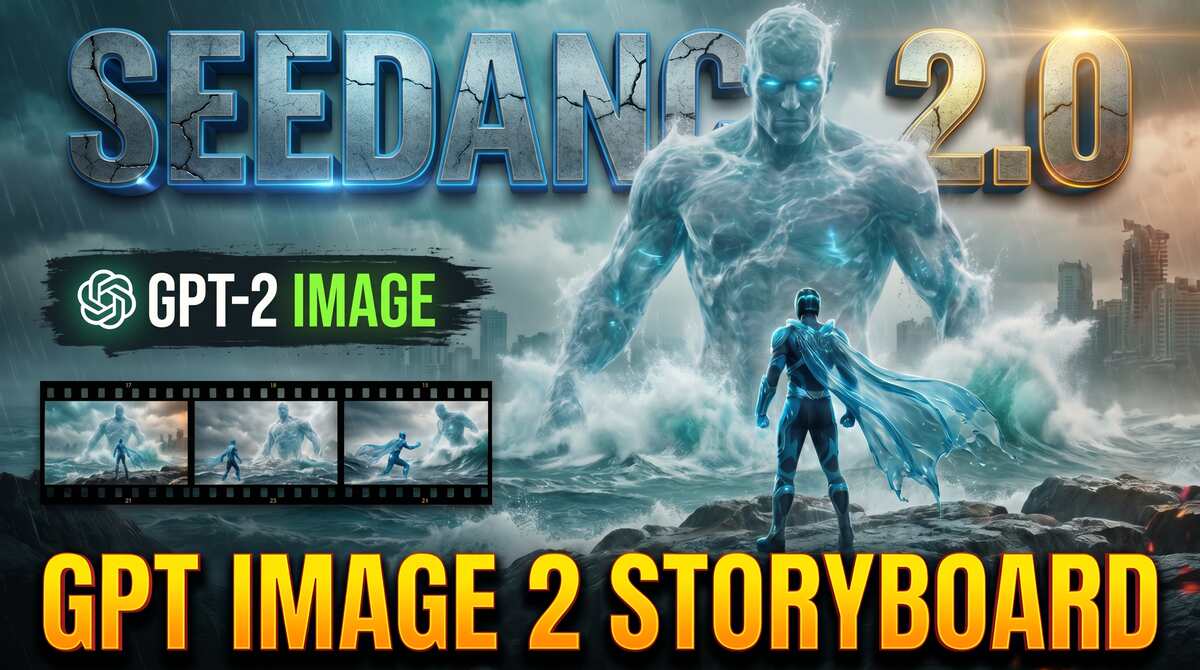
Seedance 2.0 + GPT 2 IMAGE Storyboard = Controlled Composition
In this tutorial we will be seeing how to use GPT Image 2 to create cinematic storyboards that can be used in Seedance 2.0, allowing you full control over the composition. We will be seeing different examples of this and also seeing comparisons to the same storyboards created by Nano Banana Pro to see which one does a better job. Here’s the video:
Video Summary
Here is a brief summary of the video workflow for using Seedance 2.0 and ChatGPT to control composition:
- Controlled Composition: The tutorial outlines an AI cinematic workflow using a PDF instruction guide uploaded to ChatGPT, which allows creators to establish precise composition, color grading, and styling before rendering any video
[00:00:41]. - Storyboard & Prompt Creation: By submitting a scene description and reference images, ChatGPT builds a multi-frame storyboard
[00:01:34]. Once the layout is approved, ChatGPT generates a highly detailed text prompt optimized for Seedance 2.0[00:03:19]. - Video Generation: The storyboard and prompt are uploaded into Hicksfield AI (the platform used for Seedance 2.0) to generate the video
[00:03:39]. Seedance utilizes the storyboard to capture the overall cinematic mood and context rather than an exact frame-by-frame copy[00:04:53]. - Scene Continuity: For complex, sequential scenes (such as an action sequence), relying solely on sequential storyboards yields better video rendering quality than utilizing a raw video reference, which can cause quality degradation
[00:10:37]. - Current Limitations: ChatGPT currently struggles to modify individual frames within an already generated storyboard
[00:11:39]. For absolute frame control, it is recommended to upscale and edit single frames independently before importing them
Important links