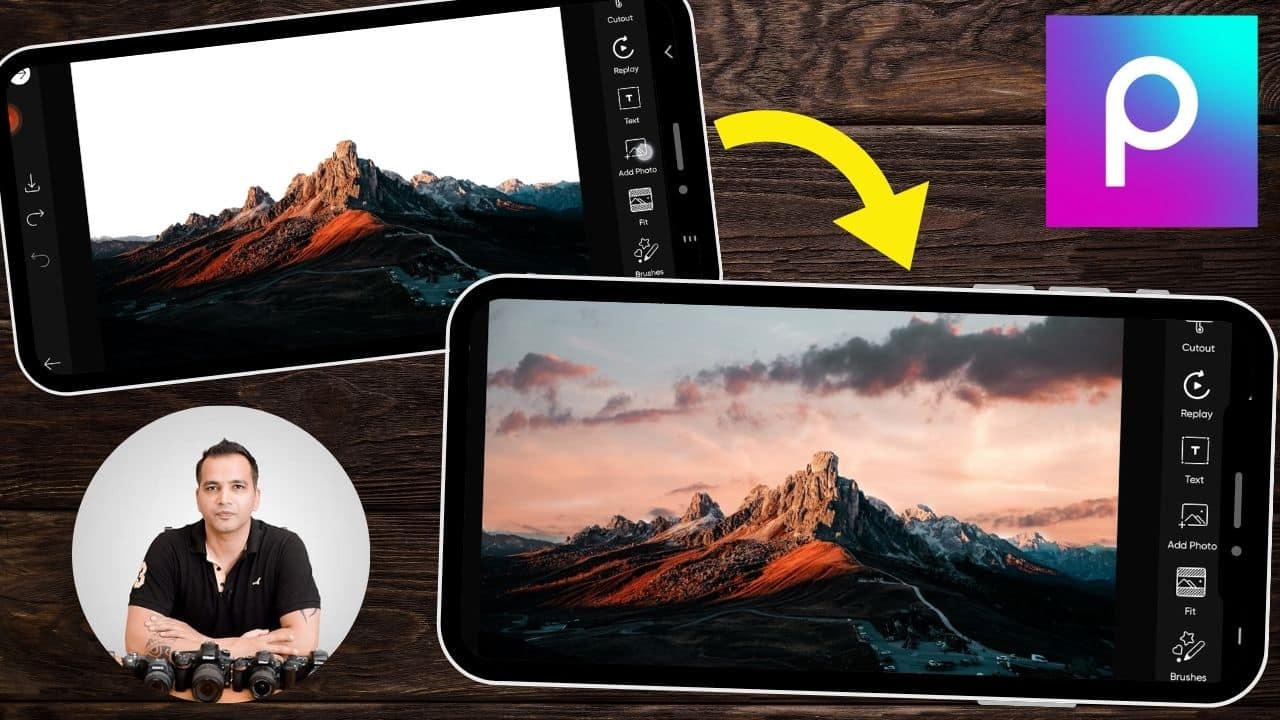
Sky Replacement Tutorial in PicsArt App Using Blending Modes
In this video we will be learning the art of sky replacement in PicsArt using blending modes. PicsArt is a great app because it allows you to work with layers and therefore creating composites like the one shown in this video becomes a very easy task. This is usually quite rare for a free app. Here’s the video:
Video Summary
This video from Creative Pad Media demonstrates a quick and effective way to replace a dull sky in a landscape photo using the PicsArt mobile app.
Summary of the Editing Process:
- Landscape Orientation: The instructor notes that rotating your phone to landscape mode within PicsArt provides a better layout and larger view for editing landscape photos [00:11].
- Adding the Sky Image: Use the “Add Photo” tool to import a new sky image [00:28]. The instructor advises making the sky image large enough to fully cover the white or overexposed areas of the original shot [00:44].
- Utilizing Blending Modes:
- The tutorial focuses on the Blend menu [01:08].
- Darken is identified as the best mode for this specific edit because it replaces light areas (the sky) while leaving darker areas (the mountains) unaffected, creating a seamless look [01:54].
- Multiply is also an option, but in this case, it slightly altered the appearance of the mountain details [02:00].
- Manual Refinement: To ensure the effect is perfect, the instructor uses the Eraser tool and the Invert function [02:43]. By using the “Restore” brush, you can manually paint the new sky back into the image, ensuring it doesn’t overlap or blur the details of the horizon unnecessarily [02:59].
- Before and After: A long press on the screen allows for a quick comparison, showing a dramatic improvement from a plain white sky to a vibrant, detailed one [04:05].
Important Links
Link to download the images used in the video:
This video is from our PicsArt Editing Course, which has 25 videos and 3.5 hours of content. You can access the full course on Udemy using the link below: