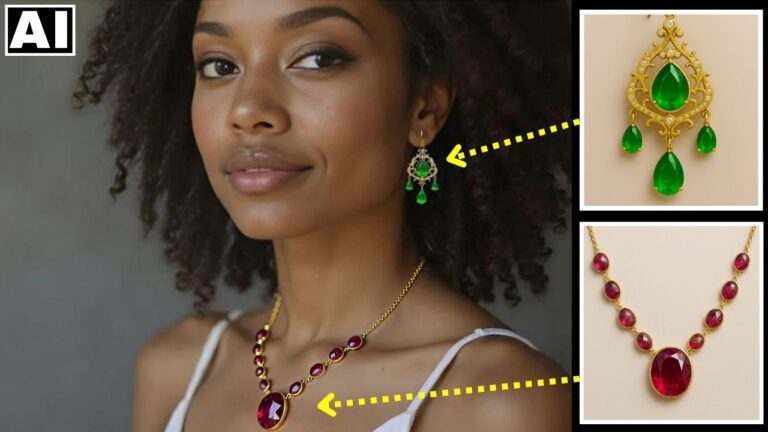
The FASTEST & FREE Way to Replace a Product in a Shot – Runway AI Gen-4 References
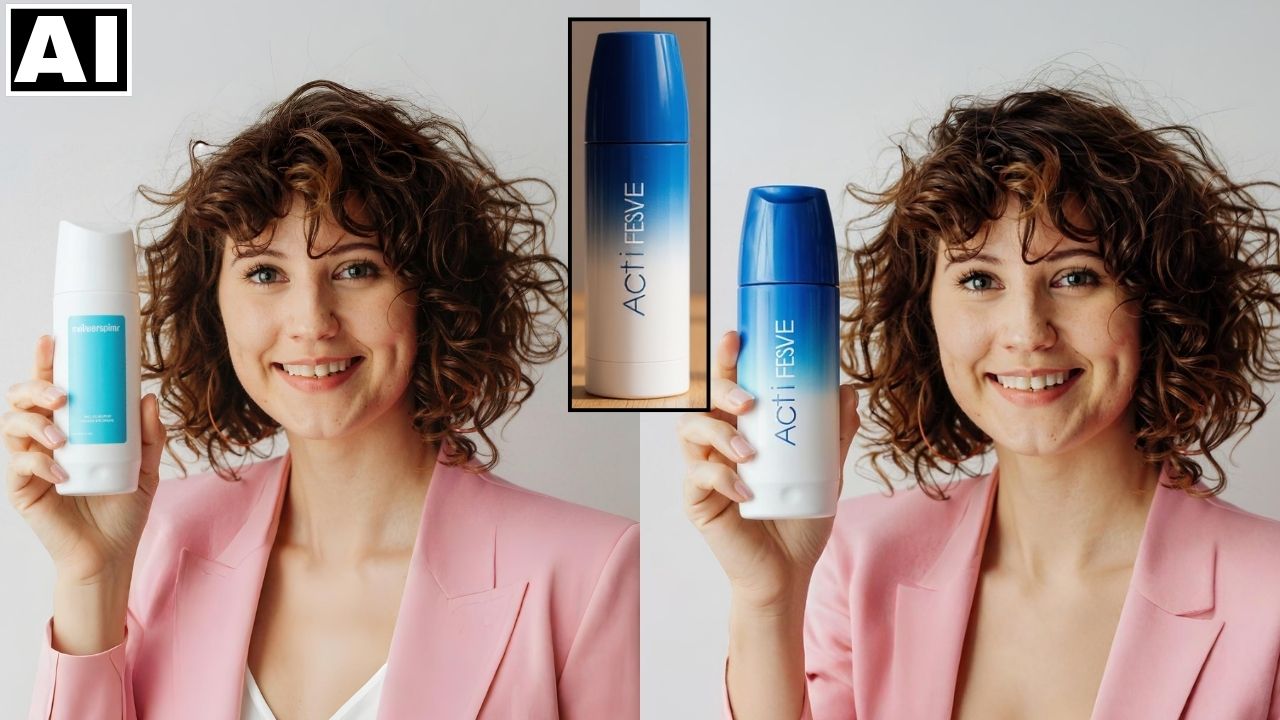
In this video we will be seeing how to use the Gen-4 References feature in Runway AI to quickly do a product placement. Since you can do this 25 times for free, this makes it cheapest AI tool out there when it comes to doing product edits like these. Here’s the video:
Video Summary
This video demonstrates how to quickly and freely replace a product in a shot using the Runway AI Gen-4 References feature.
- Free Access: Users can perform up to 25 product replacement edits completely for free upon creating a Runway account (125 free credits, 5 credits per edit) [00:10]-[00:49].
- Simple Process: The process takes place in the “tool view” and is executed with a simple text prompt—it does not require masking or brushing [00:55]-[02:01].
- Product Image Tip: The image used as the reference for the replacement product must be a very close-up view so the design, logo, and text are clearly visible to the AI [01:18]-[01:33].
- Best Shot Composition: The Runway AI tool performs best with shots that are already close-up (like a cropped close-up headshot), where the product is prominent in the frame [02:58]-[03:14].
- Post-Editing Tip: If the resulting image needs a different aspect ratio or more background, a free outpainting tool like Pixelcut’s Uncrop can be used to expand the image [03:31]-[04:04].
Important Links
Link to download the images used in the video:
Link to Runway AI:
For other important links to the tools shown in the video, please watch the video on YouTube app/website, since the links are in the description of the video.