Use ChatGPT AI + Photoshop to Put Tattoo on a Person
In this video we will be seeing how to put a tattoo on a person so it looks real. We will use ChatGPT 4o AI Image Generator and a bit of Photoshop to achieve the final result. Here’s the video:



In this video we will be seeing how to put a tattoo on a person so it looks real. We will use ChatGPT 4o AI Image Generator and a bit of Photoshop to achieve the final result. Here’s the video:
About the Author
Hi there, I'm Kush Sharma, the founder of Creative Pad Media, an organization dedicated to simplifying photography, videography and editing education.
We have over 50 online courses that cover various genres in photography & videography, catering to both beginners as well as professionals. These courses are available via Udemy.com. Our courses have been downloaded in over 180 countries.
I hope to see you inside a course very soon!

In this video we will be seeing how to turn a photo into a painting using a free AI tool called Deep Art Effects AI, which allows you to apply different effects and filters using a single click. Here’s the video: Video Summary This tutorial by Creative Pad Media introduces Deep Art Effects AI, a…

Note – This was an email sent to our subscribers (buyers of our online courses) on Saturday, 5th October 2024. Hi, How are you doing this Saturday afternoon? Today I wanted to give you a glimpse into what you can look forward to from my next course, which is going to combine product photography with AI…
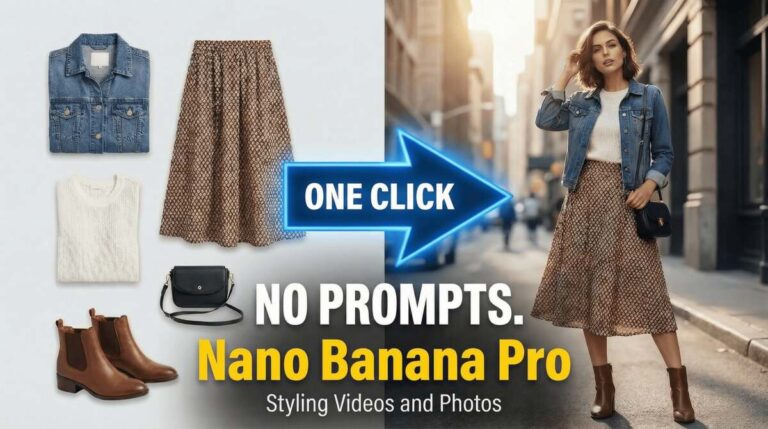
In this video we will be seeing how to use three apps by Higgsfield – AI Stylist, Urban Cut and Shots, to create multiple images and videos with a single click, where the desired clothes have been placed on to our model. There is no need to write any prompts even though the model behind…
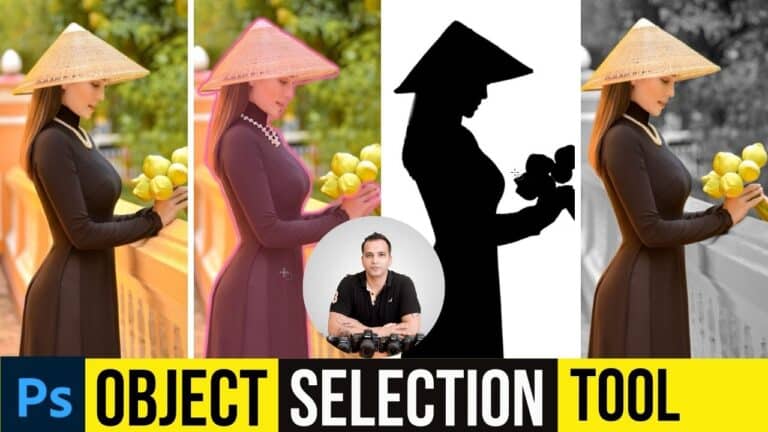
In this video we will be learning how to use the object selection tool in Photoshop to quickly select the subject and then desaturate the background. This tool is one of the many tools that uses the latest AI capabilities in Photoshop. This technique is often referred to as Selective Coloring or Color Splash. Here’s…

In this video tutorial we will be seeing why Google Whisk AI is the best platform for using Nano Banana. Firs of all we will be understanding what is Google Whisk and then we will be seeing how to access it for free. Then we will be looking at 10 different reasons as to why…

In this video we will be seeing how to use the all new Gemini 2.0 Flash Image Generator and Editor for performing a clothes swap. First, we will do this by changing the clothes by writing only a prompt. But after that we will actually swap the clothes from an existing image of the clothes….