What is Frequency Separation in Photoshop? How to Do It?
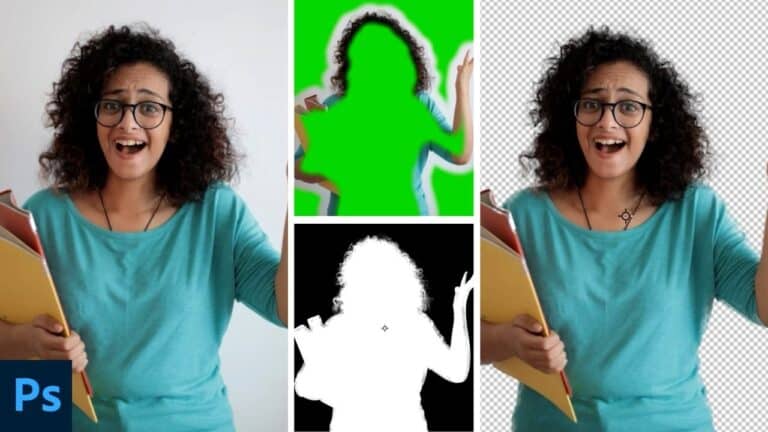
Frequency Separation is a powerful Photoshop technique used by retouchers to smooth skin while preserving natural texture. In this video series, we’ll break it down step by step—what it is, why it works, and how you can use it effectively. Whether you’re a beginner or an advanced editor, you’ll learn the right way to separate color and texture for professional-looking results. Stay tuned as we dive into the world of Frequency Separation!
These videos are from our Portrait Retouching Using Adobe Photoshop Course.
Click here to download the image shown in the video.
Video 1 – Understanding the Concept Behind Frequency Separation (Part 1)
Video 2 – Understanding the Concept Behind Frequency Separation (Part 2)
Video 3 – Separating the Frequencies (Colour/Tone and Texture)
Video 4 – Making the Skin Smooth (Part 1)
Video 5 – Making the Skin Smooth (Part 2)