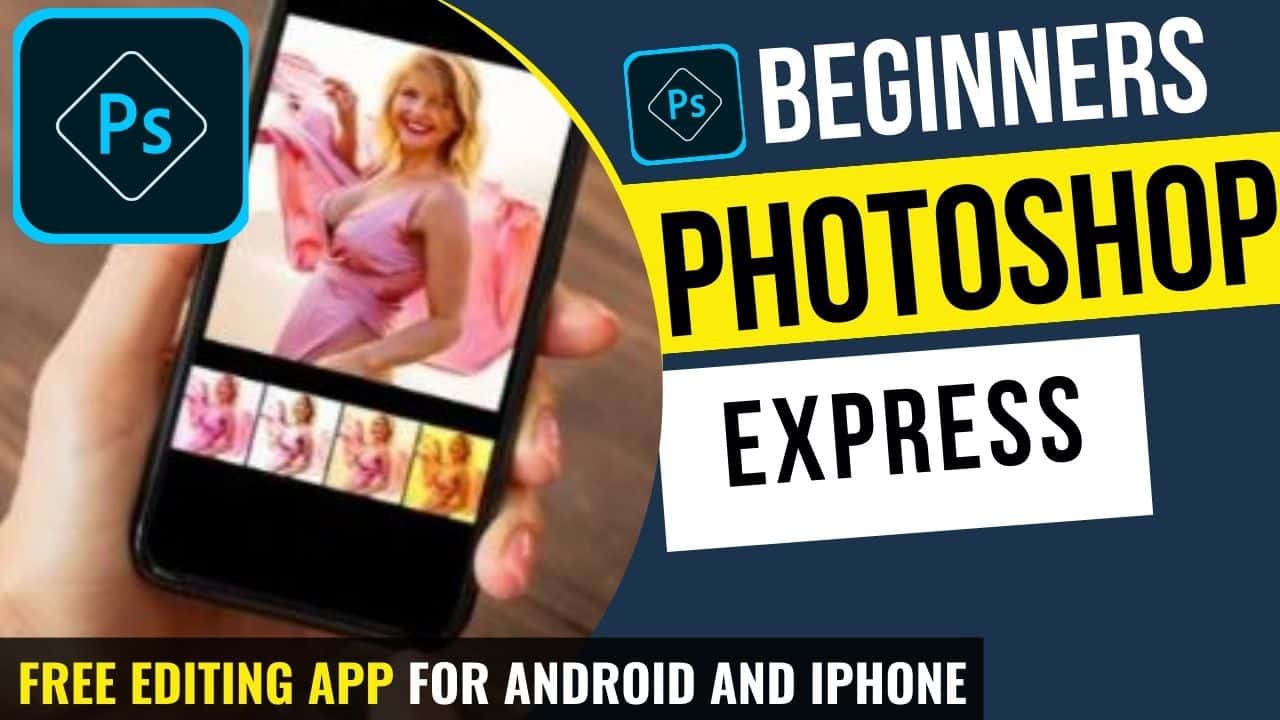
Photoshop Express Tutorial – Free Photo Editing App for Android and iPhone
In this video we will be learning how to use Adobe Photoshop Express, a free mobile app that is great for some quick photo editing purpose, while not being as complex and heavy as the regular Photoshop or Lightroom Mobile apps. Here’s the video:
Important Links
Link to download the image used in the video:
This video is from our Lightroom Mobile & Photoshop Express Editing Course, which has 26 videos and 3 hours of content. You can access the full course via Udemy, using the link below:
Lightroom Mobile & Photoshop Express Editing Course
Video Summary
In this video, the instructor provides a comprehensive tutorial on Photoshop Express, a free photo editing app for mobile devices. The tutorial focuses on manual adjustments to give a food photograph (specifically a pizza) a “grungy” and professional look.
Key Features and Steps in Photoshop Express:
- Crop and Design Presets: The app offers unique crop templates specifically designed for social media, such as Facebook cover photos, profile pictures, and Kindle covers [02:48].
- Manual Adjustments:
- Clarity & Sharpening: These are essential for food photography to bring out textures in the food and background [05:37].
- Fade: This adjustment allows you to create a vintage, low-contrast look by lifting the shadows [08:57].
- Vibrance & Temperature: These tools help enhance the warmth of the food and the intensity of its colors [10:07].
- Split Toning: This is a simplified version of color grading. You can add a specific color to the shadows (e.g., blue) and a complementary color to the highlights (e.g., orange/warmth) to create a more pleasing aesthetic [11:13]. In Photoshop Express, saturation is controlled by moving the selector vertically—higher for more saturation, lower for subtle effects [11:22].
- HSL (Color Mix): This allows for the adjustment of individual colors. The instructor uses it to desaturate a distracting green leaf on the pizza [14:11].
- Selective Blur: The app features a Radial Blur tool that can simulate a shallow depth of field, helping to draw the viewer’s eye to the center of the subject while blurring out the background [15:35].
- Vignette: Darkening the corners of the frame further isolates the subject and adds to the “grungy” style [17:09].