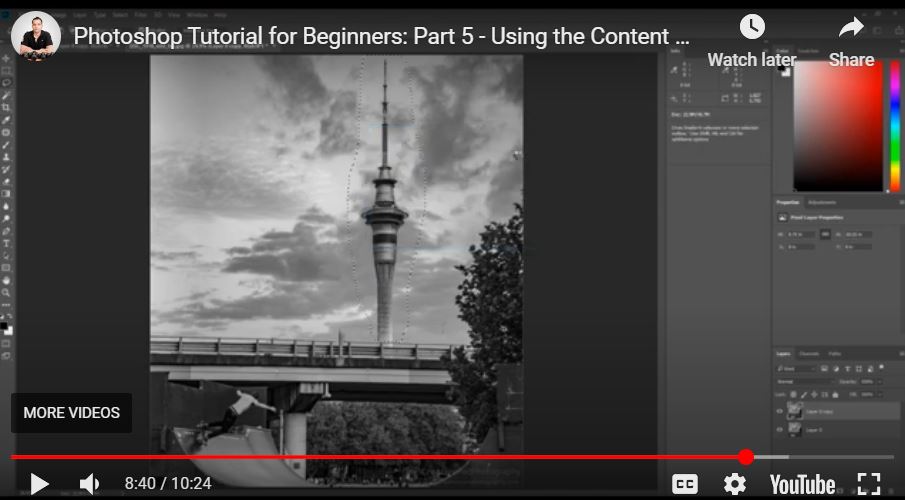
What Does the Content Aware Tool Do in Photoshop? – Beginners Tutorial
The Content-Aware Tool in Photoshop helps you remove objects and fill gaps seamlessly by intelligently analyzing the surrounding area. It’s a powerful feature for retouching, allowing you to erase distractions, fix backgrounds, or repair images with just a few clicks. In this beginner-friendly tutorial, we’ll show you how the Content-Aware Tool works, when to use it, and some tips for the best results. Let’s dive in and make your edits look effortless!
This video is from our Adobe Photoshop for Beginners Course.
Video Summary
In this tutorial, the instructor introduces the Content-Aware Fill tool, a powerful feature in Photoshop used to remove distractions or even extend the boundaries of an image. Unlike the Spot Healing Brush, which can sometimes leave “patchy” artifacts on complex backgrounds, Content-Aware analyzes the surrounding pixels to create a seamless replacement. The video demonstrates its effectiveness in removing large structures like buildings, smaller distractions like wires, and even generating new sky to increase canvas size.
Important Timestamps
- 0:46 – Shortcomings of Spot Healing: Why the instructor prefers Content-Aware for larger objects that Spot Healing struggles with.
- 1:52 – Basic Workflow: How to use the Lasso Tool to manually select a distraction before applying the fill.
- 2:25 – Executing the Fill: Navigating to
Edit > Fill > Content-Awareto remove a large section of a building flawlessly. - 3:12 – Removing Wires: Using the tool to quickly eliminate thin, long distractions.
- 4:11 – Bonus: Extending the Canvas: How to add “extra” sky to an image by increasing the canvas size and using Content-Aware to generate new clouds.
- 6:01 – The Reference Point: A technical tip on using the
Expandselection feature to give Photoshop a “taste” of the surrounding sky for better generation. - 7:47 – Removing Utility Poles: A practical example of cleaning up a landscape photo.
- 8:12 – Removing Large Landmarks: An experiment in removing an entire tower and how the tool handles complex cloud patterns.
- 9:20 – Landscape Cleanup: Removing stones, trash, or birds from nature photography for a cleaner composition.