Runway Act-Two AI Lets You Transfer Gestures & Dialogue From a Video to Anything
In this video tutorial we will be looking at the brand new Runway Act-Two, which allows you to transfer gestures, facial expressions, movements and dialogue from one video to anything else that you wish. That too with a single click. This is a GAME CHANGER for film-makers, animators and AI avatar creators. Here’s the video:
Video Summary
This video explores Runway Act-Two, a new AI tool designed to transfer dialogue, gestures, and facial expressions from a source video to a target image or video.
Key Features & Workflow:
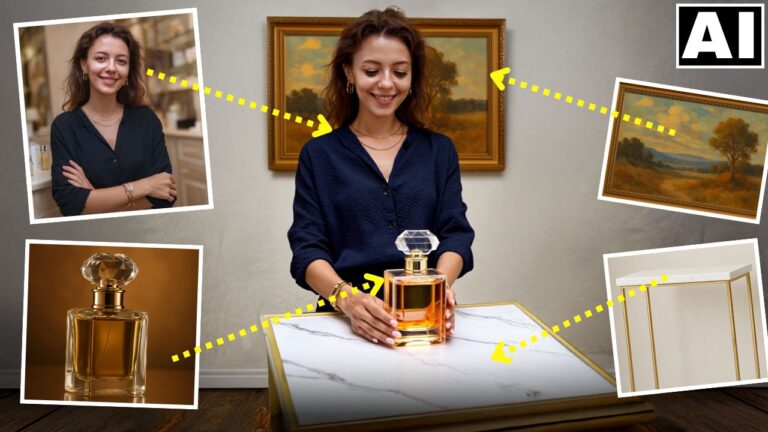
- Core Function: The tool merges a “Performance Video” (source of movement/audio) with a “Character Reference” (target image/video) [01:20].
- Availability: Access requires a Runway Standard plan ($15/month). Generation costs 5 credits per second [00:58].
- Creation Steps:
- Upload a performance video; professional quality isn’t needed, but clear dialogue and movement are essential [02:00].
- Upload a target image. The presenter recommends using tools like Flux to generate consistent characters [03:17].
- Crucial Tip: Ensure the target image shows the character’s hands (e.g., using a “medium full shot 3×4” prompt) so the AI can accurately map hand gestures [04:47].
Analysis & Limitations:
- Image vs. Video Targets: When using a static image as the target, the AI animates the whole body. However, if using a video as the target, body gestures are disabled, and only facial expressions/lip-syncing are transferred [09:22].
- Performance: The tool produces flawless lip-syncing and expression matching for standard clips [07:42], though it may generate artifacts with complex movements like dancing [10:49].
The presenter predicts this technology will heavily impact the AI avatar and animation industries [11:31].
Important Links
Link to Runway AI:
For other important links to the tools shown in the video, please watch the video on YouTube app/website, since the links are in the description of the video.