SEEDANCE 2.0 Long Thriller Scene Tutorial + ACCESS via Martini Art
In this video we will be seeing how to use Seedance 2.0 Omni on Martini Art to create a long thriller scene. We will also be discussing how to generate these videos faster. We will also be comparing the results to Kling 3.0. Here’s the video:
Video Summary
This video is a detailed tutorial on creating high-quality, AI-generated thriller scenes using SEEDANCE 2.0 through the Martini Art platform.
Key Highlights and Summary
- Accessing SEEDANCE 2.0: Users can access the model via Martini.Art [01:37]. The platform offers a node-based interface where users receive initial free credits, though a $20/monthly subscription is required to download generated videos [02:44].
- Faster Generation Hack: To avoid long wait times (up to 24 hours), it is recommended to generate videos when it is late night in China (1:00 AM – 6:00 AM), which can reduce processing time to under 5 minutes [04:03].
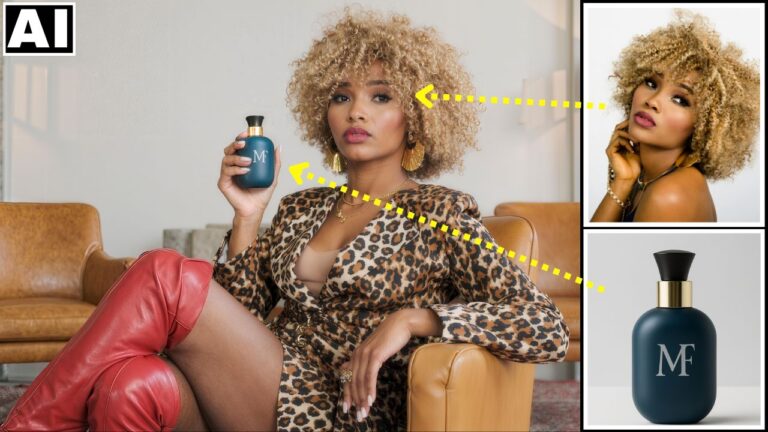
- Workflow & Setup: The tutorial demonstrates using the Cance 2.0 Omni model for the best results [05:47]. Users should upload a reference image to an “Image Module” and link it to the video node to maintain character consistency [06:27].
- Prompting Strategy: While multi-shot prompts can work, simple single-paragraph prompts often have a higher success rate and prevent AI confusion [07:18]. For example, simplifying “flickering lights” to “lights go out suddenly” resolved a character positioning error [09:12].
- Editing for Continuity: To prevent “flickering” between shots, the creator advises changing camera angles for new scenes instead of using the previous clip’s last frame as a starting point [10:41].
- Quality Comparison: The video highlights SEEDANCE 2.0’s superiority over Cling 3.0, particularly in areas like lip-syncing accuracy and visual realism [12:12].
Important Links