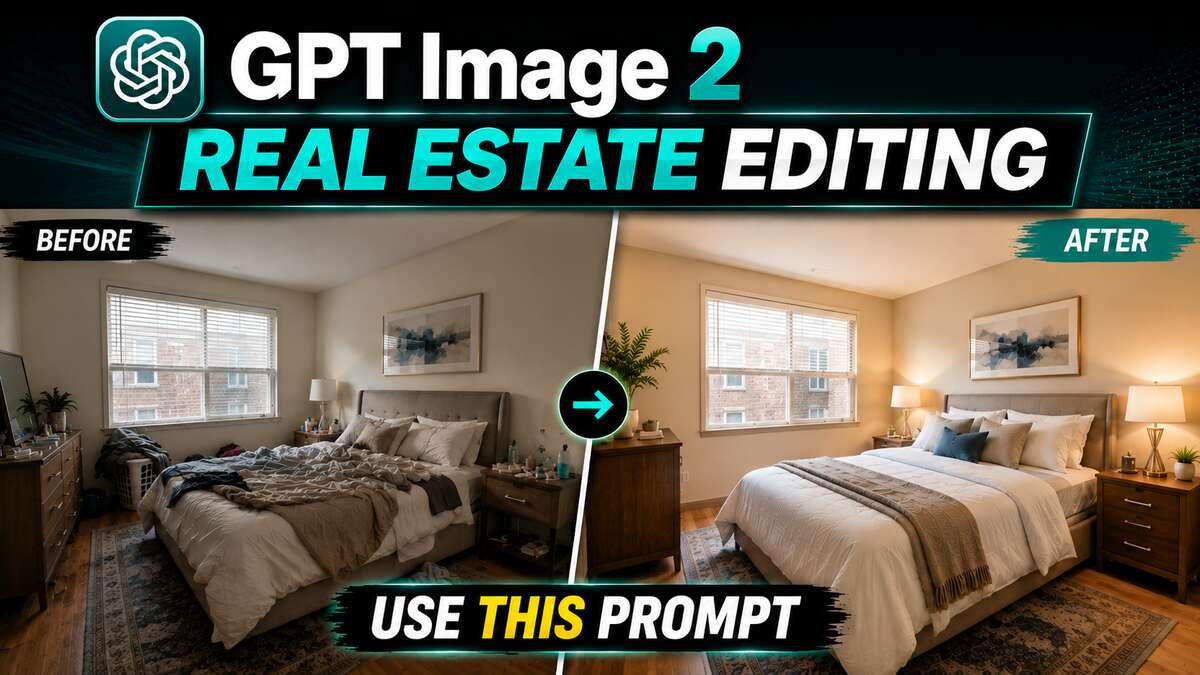
Turn Casual Real Estate Shots Into PRO Ones Using GPT Image 2.0
Learn how to use GPT Image 2 to transform ordinary real estate photos into premium listing images while preserving the property’s original architecture, layout, furniture placement, and overall consistency. Here’s the video:
Video Summary
Here is a summary of the video:
This video demonstrates how to enhance real estate photos for free using the GPT Image 2.0 model, turning everyday casual shots into professional-quality images while maintaining visual consistency.
Key Points
- Using ChatGPT (Free Method):
- Copy and paste the provided prompt (found in the video description) into ChatGPT, instructing it to act as a professional real estate retoucher [00:18].
- Upload multiple photos at once and click generate [00:50].
- Because ChatGPT processes images sequentially, type “next” after each generation to edit the remaining photos one by one [01:04].
- Batch Editing via Hicksfield.ai (Bonus Tip):
- To edit all uploaded photos simultaneously instead of one-by-one, use the Supercomputer interface on Higgsfield.ai [02:13].
- Copy the same prompt, add a brief note specifying the GPT Image 2.0 model, and attach your images [02:46].
- Higgsfield will generate prompts for each shot, which you can review and approve to process all images at once [03:17].
Prompt used in the video
You are a professional real estate photo retoucher. Enhance the uploaded images while preserving the exact architecture, layout, furniture placement, and overall composition. Do not redesign or alter the property. Improve the images to a premium real estate standard. For exterior shots, convert the lighting to a warm golden hour with soft natural light, realistic illuminated windows, balanced exposure, rich colours, and a welcoming atmosphere. For interior shots, enhance lighting, colours, materials, furnishings, and styling where appropriate (e.g., neatly made beds, polished surfaces, tidy décor), while keeping the room consistent with the original. Maintain a realistic, high-end look throughout. Keep the original 9:16 aspect ratio. Edit only the image I request, and wait for my next instruction before editing the next one. Start with the first one.
Important Links
GPT Image 2.0 Full Course on Udemy